The apps
20 apps. One object space.
Every product surface in Brainstorm is its own sandboxed app — installed, updated, and removed on its own. They all read and write the same vault, so a note here is a row there and a node in the graph, never a copy. Here is each one, in full.
Notes
A block editor that links everything
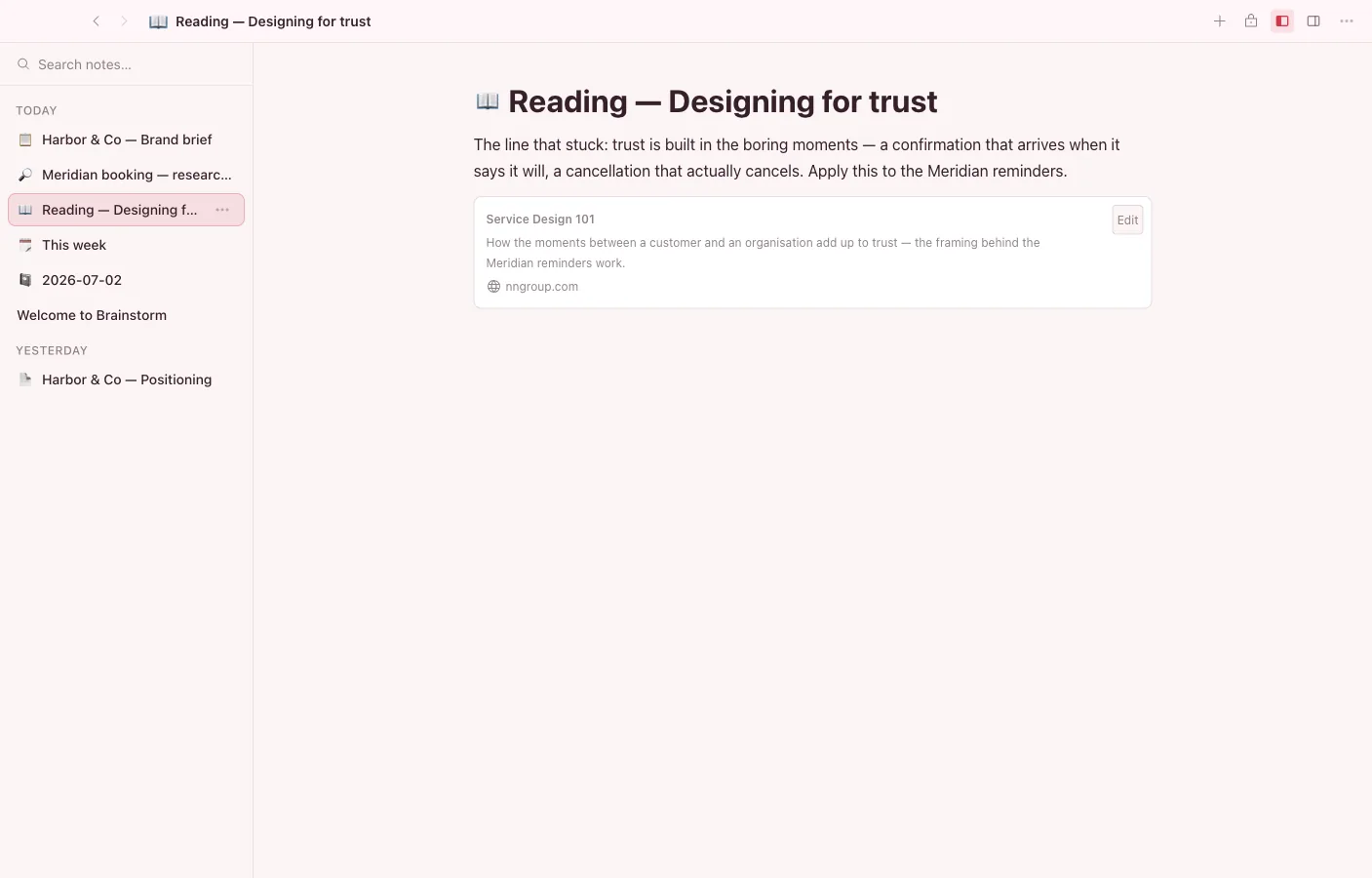
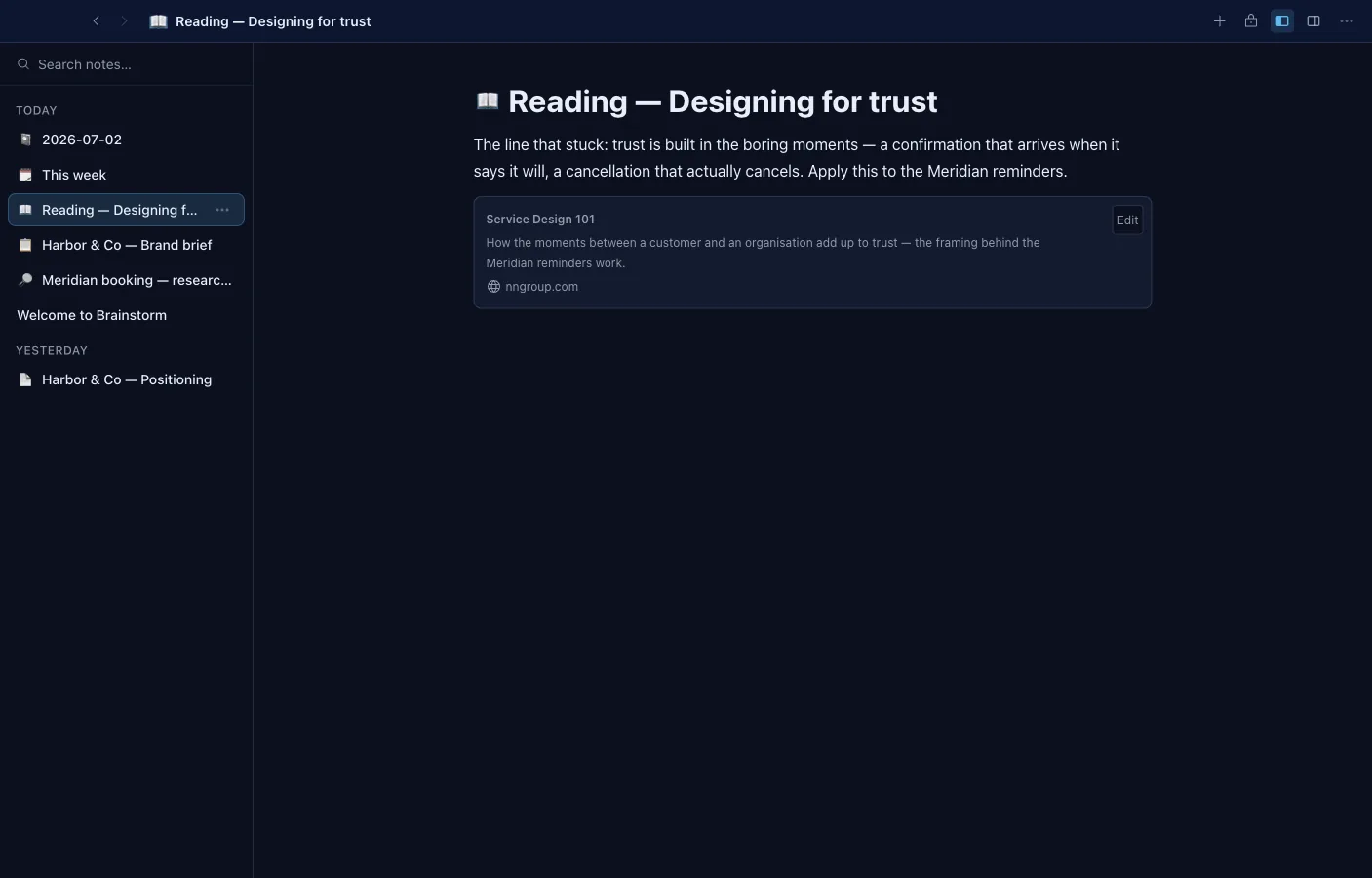
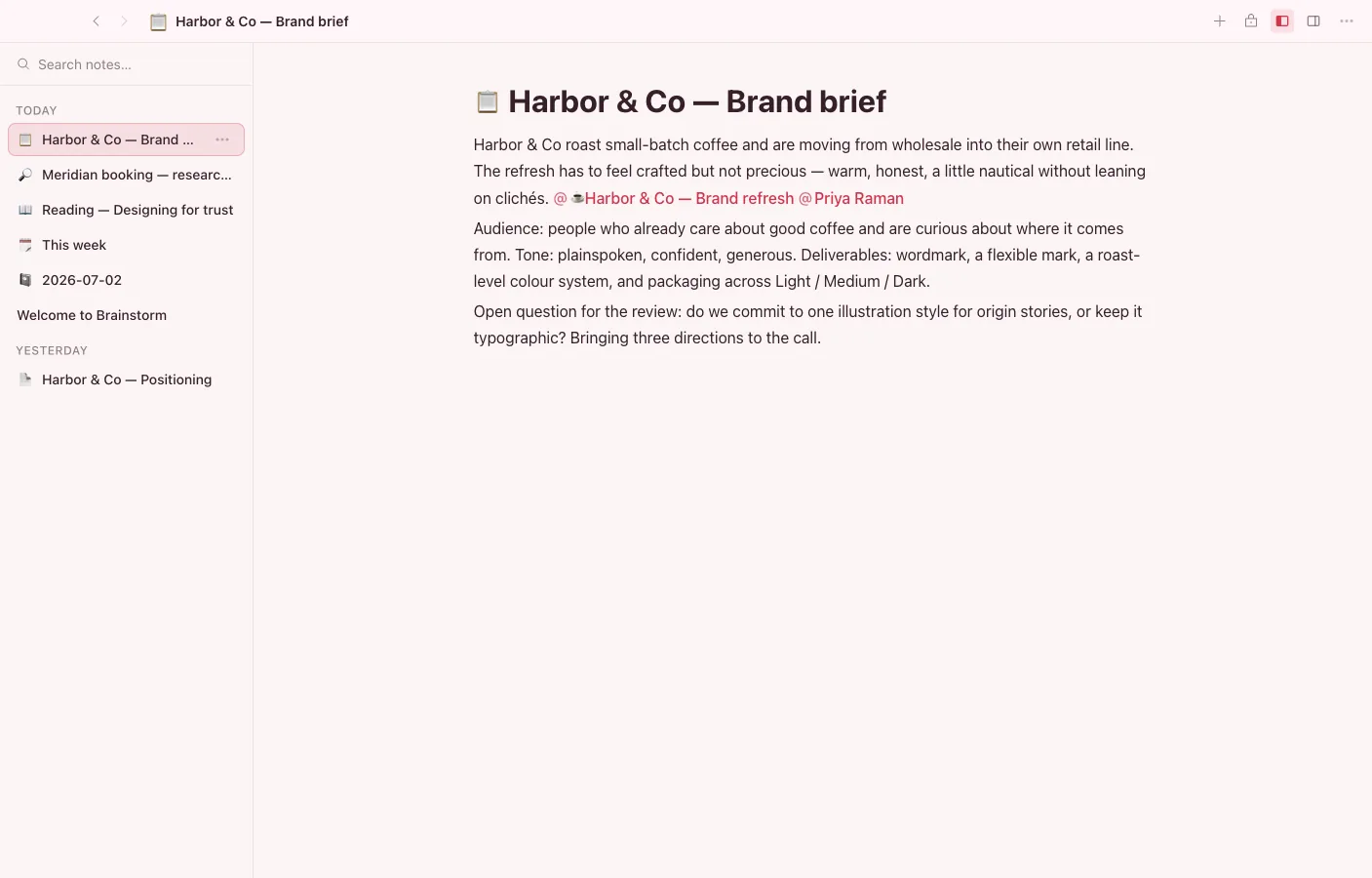
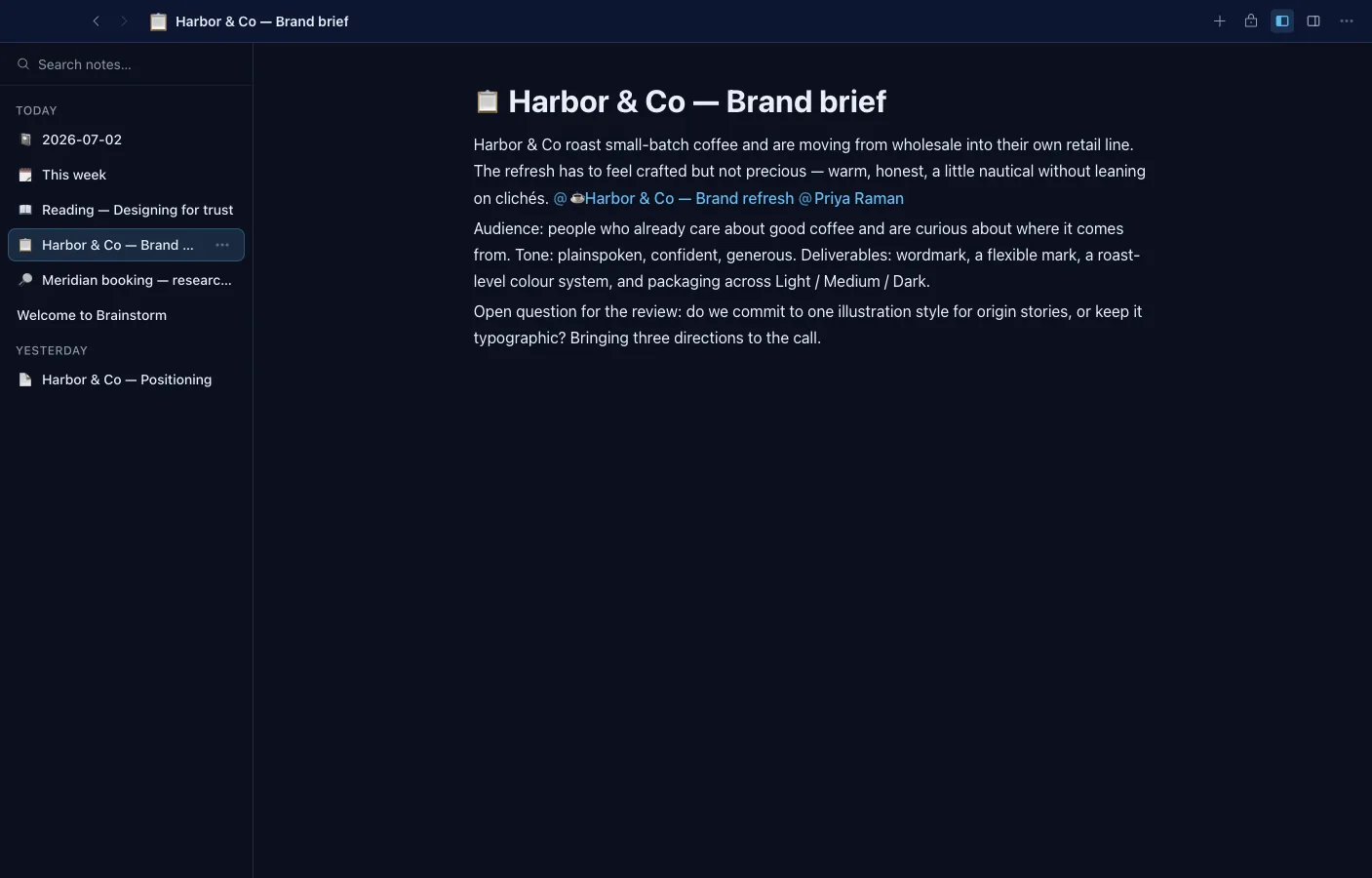
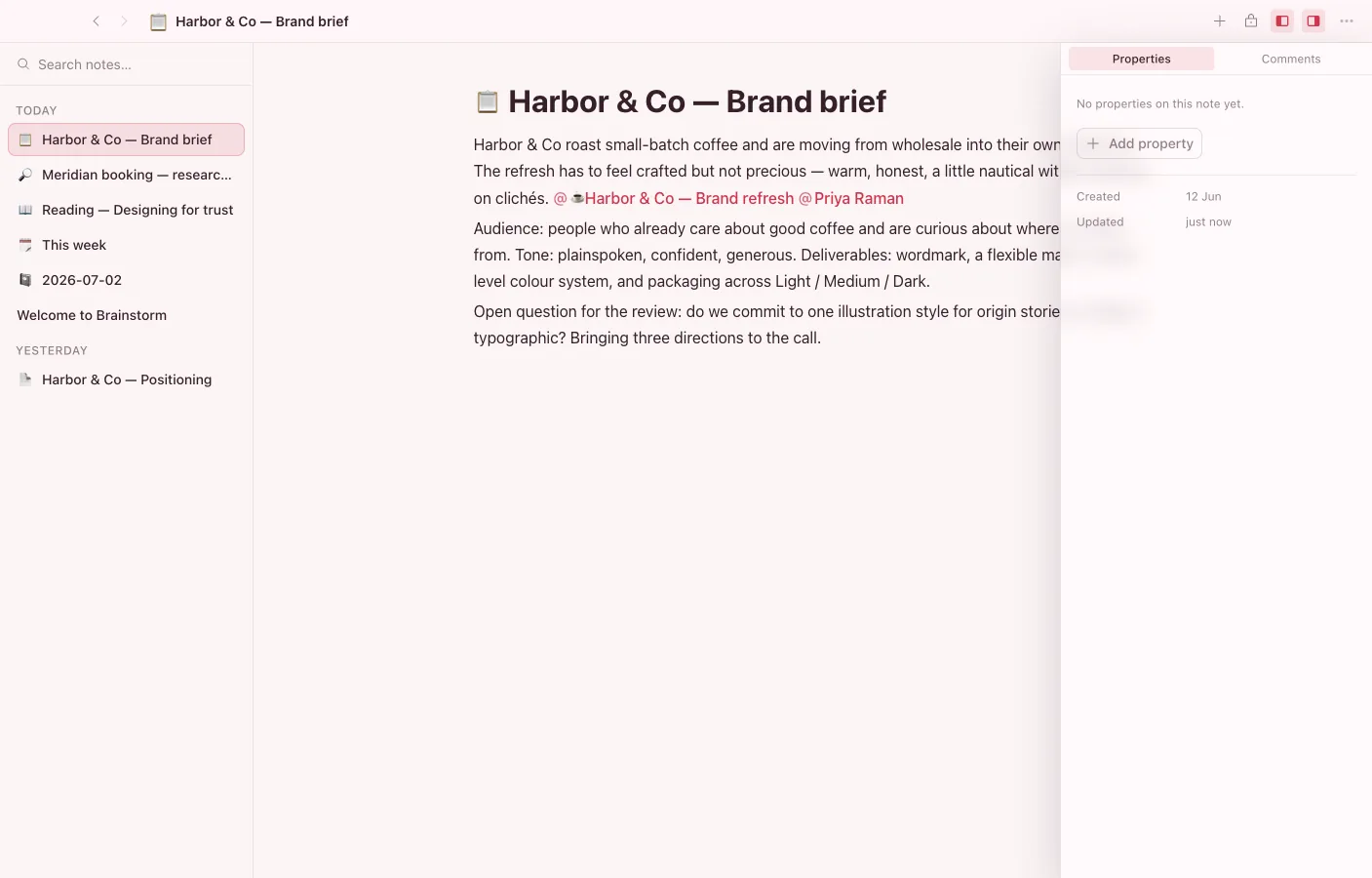
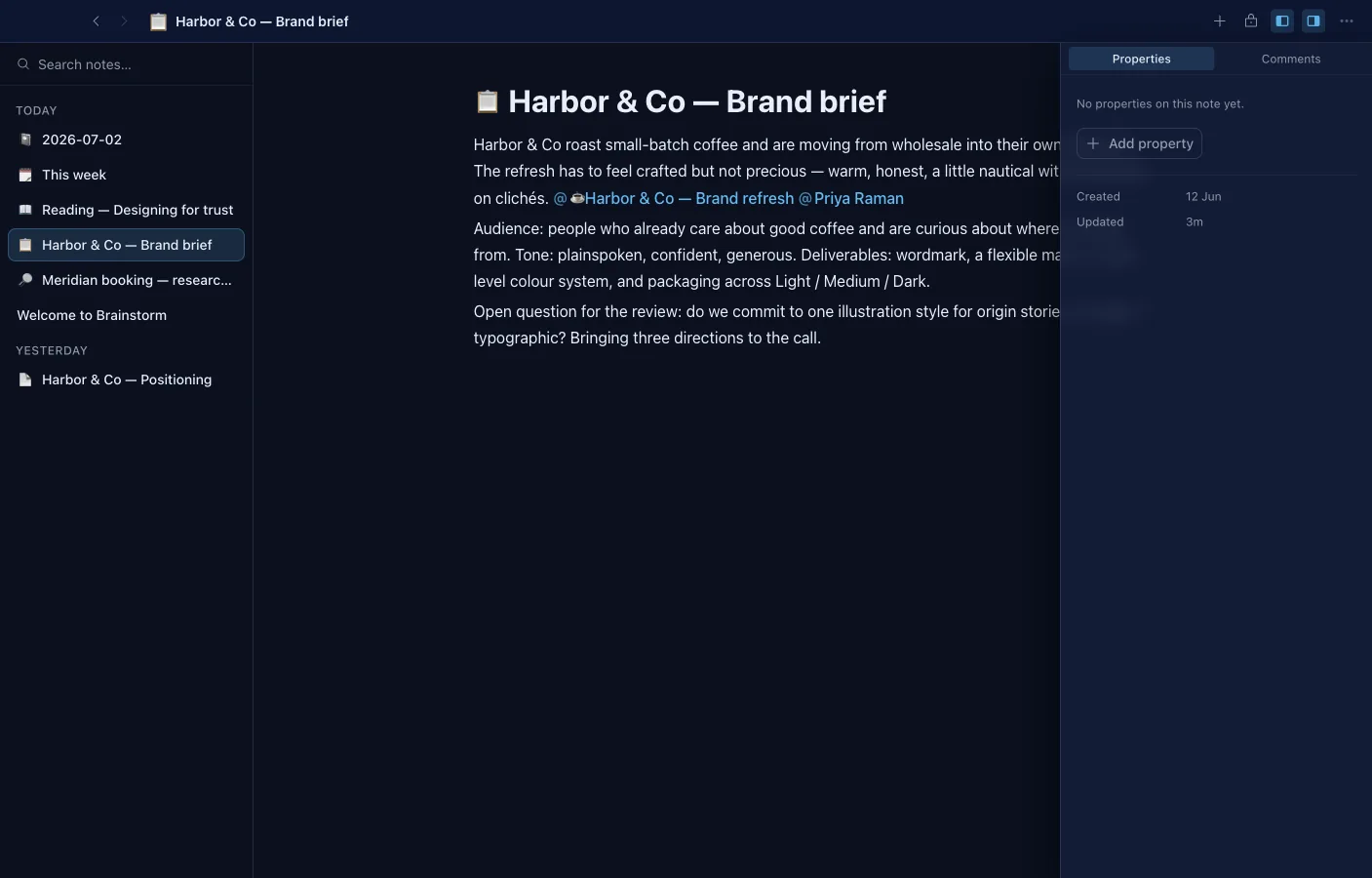
Every element is a block you can select, move, and turn into something else. Mention any vault object mid-sentence, transclude a block from another note, and the links become real edges the rest of the vault can follow.
- Slash commands, the block grip menu, and right-click all draw from one command registry — turn-into, insert, and block actions everywhere.
- @-mention any vault object; backlinks and outgoing references show up in their own panel.
- Transclude a block or a whole note inline and it stays live in both places.
- Typed property blocks, sortable tables with fill-down, and Shiki-highlighted code blocks.
- Range-anchored comments and shared cursors over a local-first Yjs document.
- Covers and icons, page-level and per-block read-only locks, find-and-replace, and export to Markdown, HTML, or PDF.
Database
Every object, any view
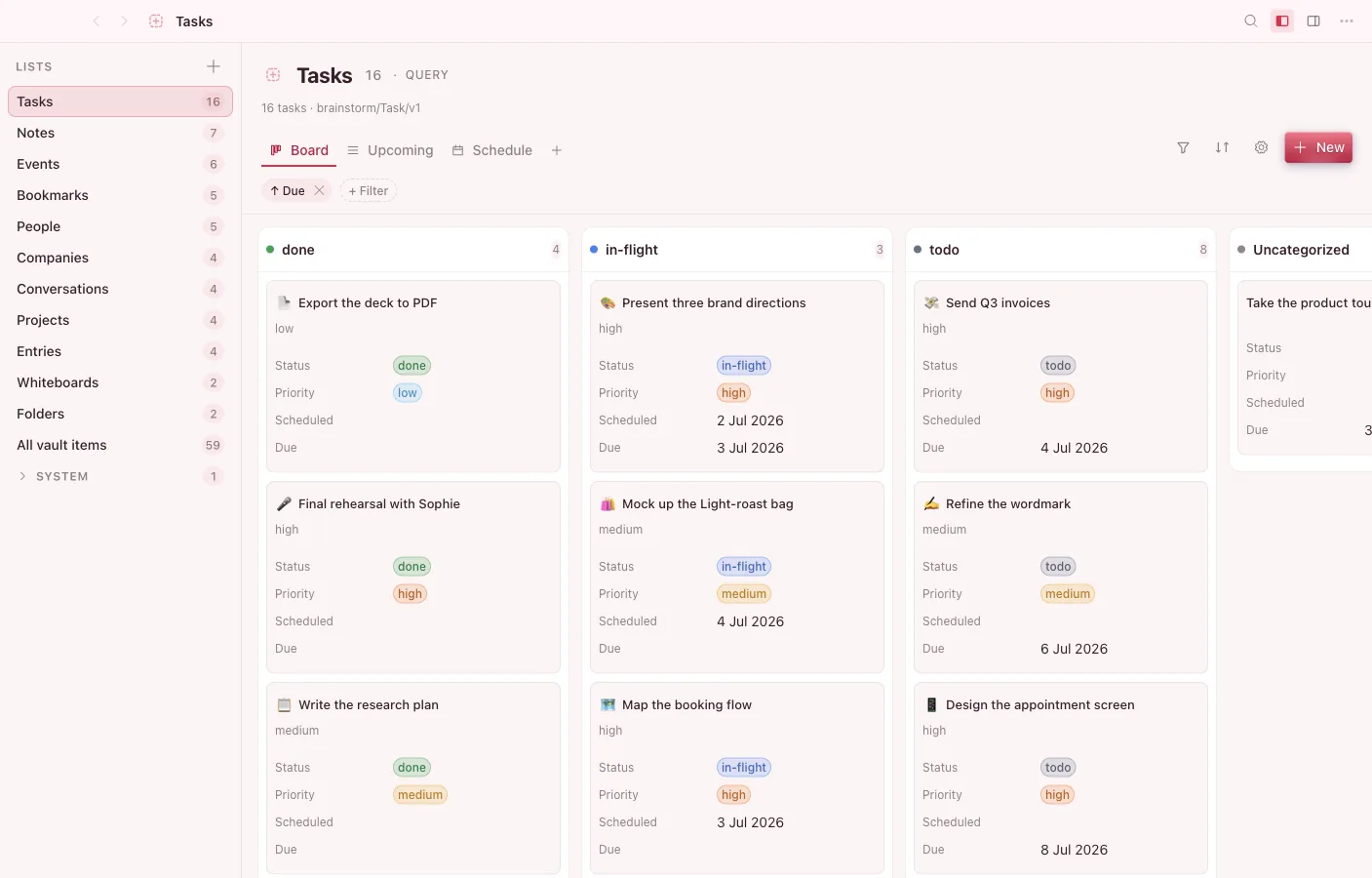
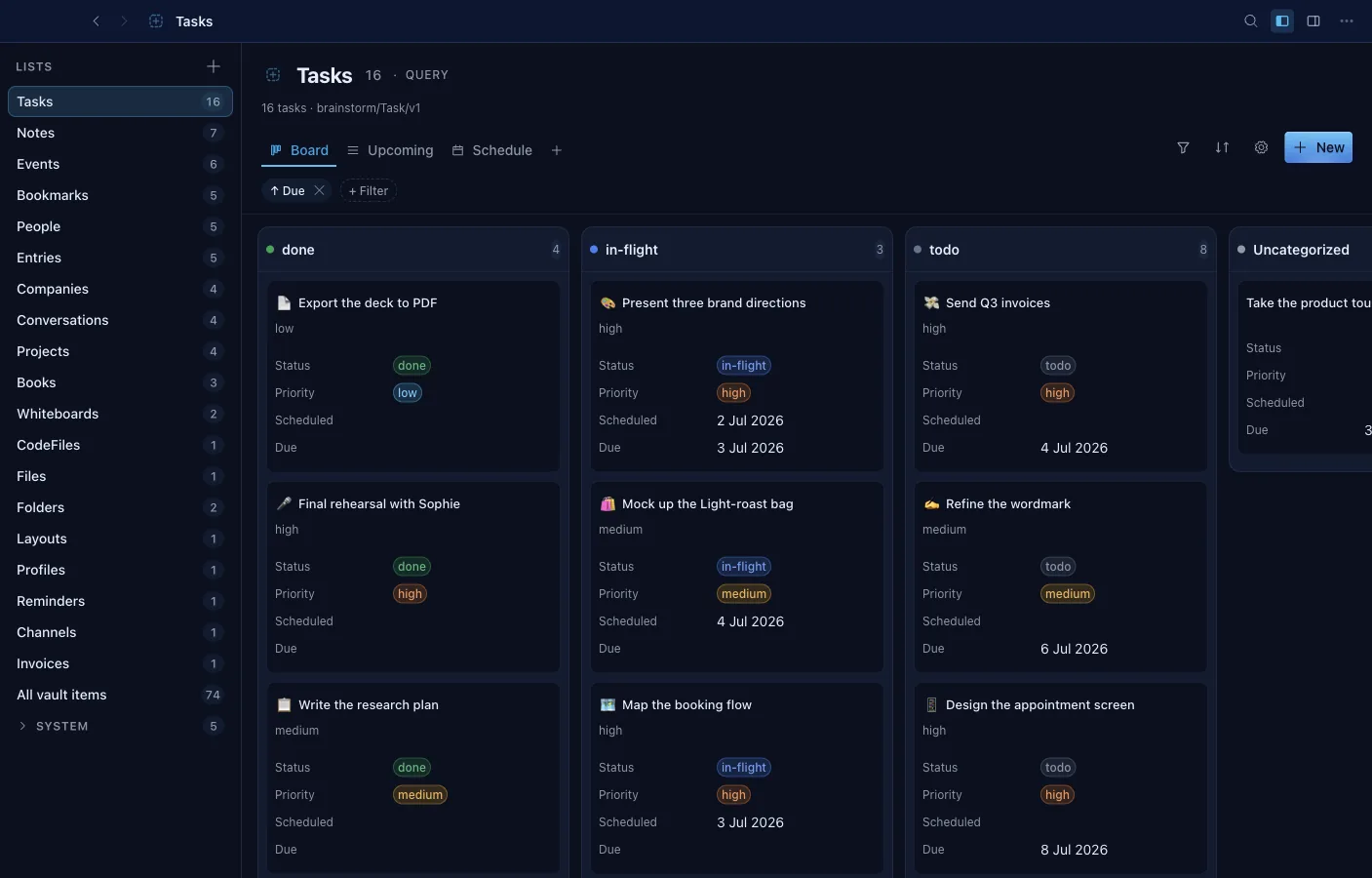
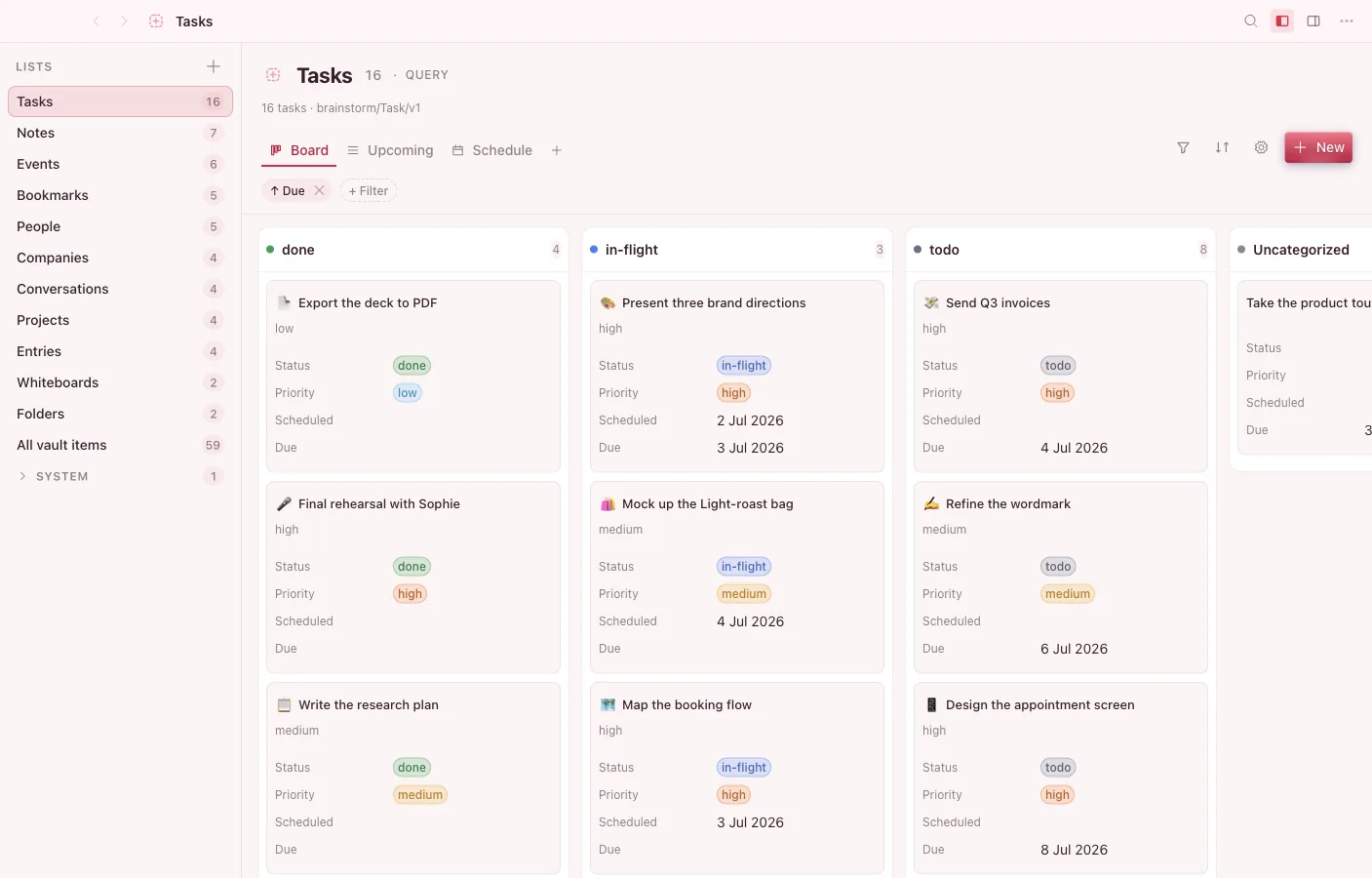
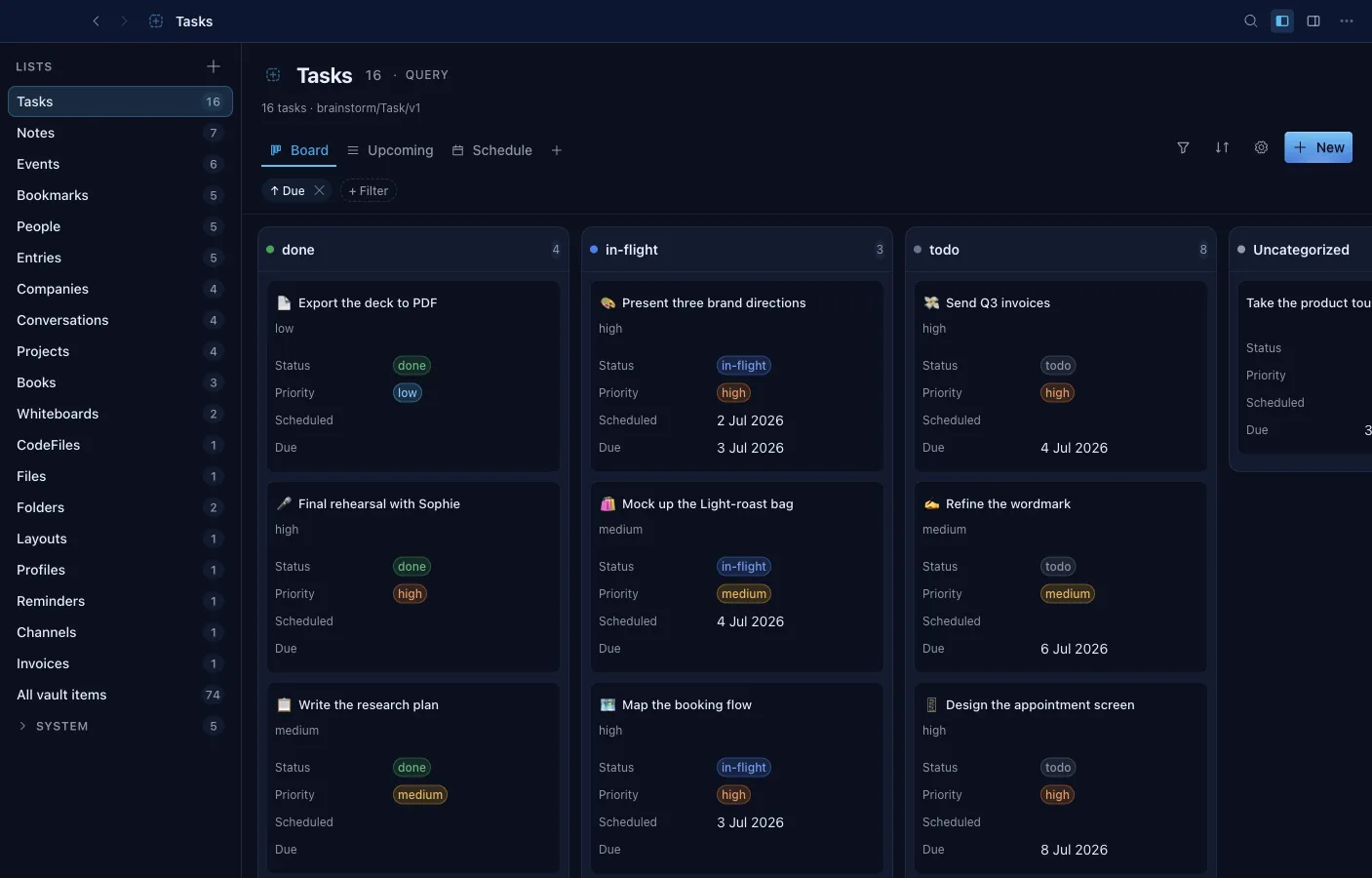
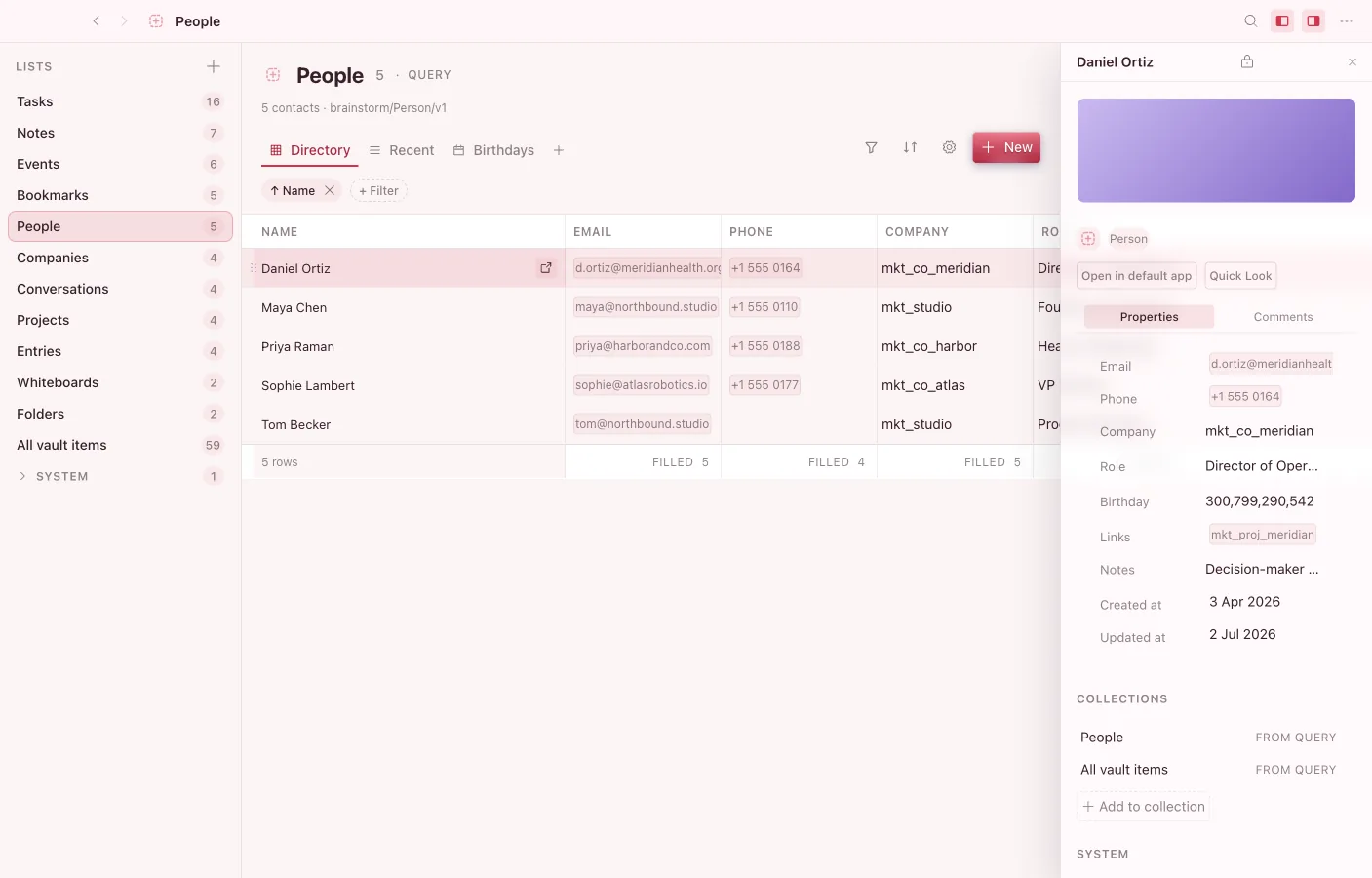
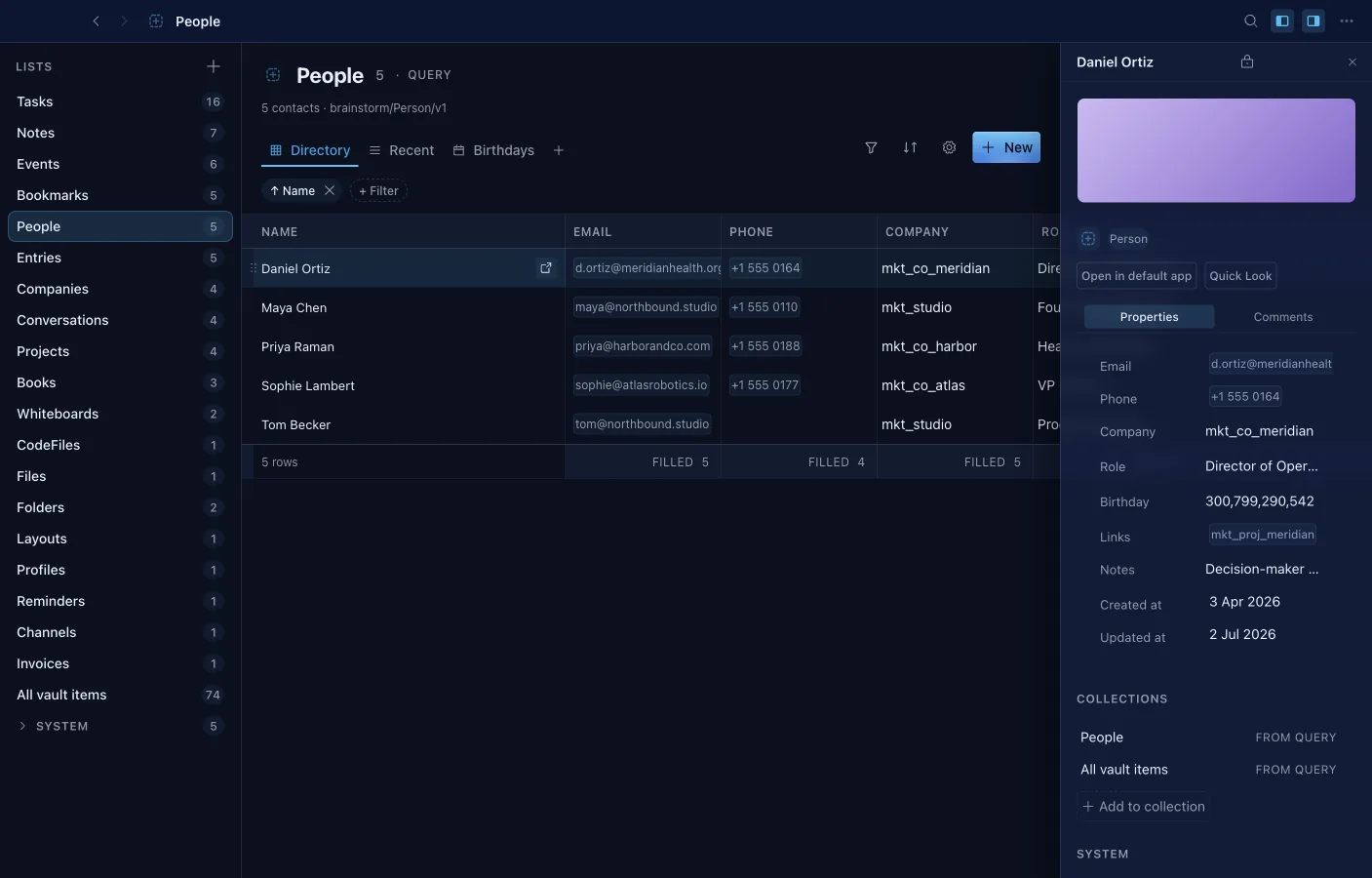
One surface over the whole vault's object space — the notes, tasks, people, and events other apps create. Build a List by criteria, by hand, or both, then open it as a grid, board, calendar, or timeline.
- Six view kinds per List: grid, list, gallery, kanban board, calendar, and timeline with drag and dependency lines.
- Filters with AND/OR groups and live relative-date ranges like "last 7 days".
- Formula and rollup columns compute across properties and relations; footers aggregate sum, average, median, and more.
- Edit cells in place with the same typed cells the rest of the platform uses.
- CSV import with type inference; export a List to CSV, JSON, or Markdown.
- Save any object as a template and start new rows from it.
- Embed a live List inside a note with the /database command.
Tasks
Inbox, Today, board and timeline
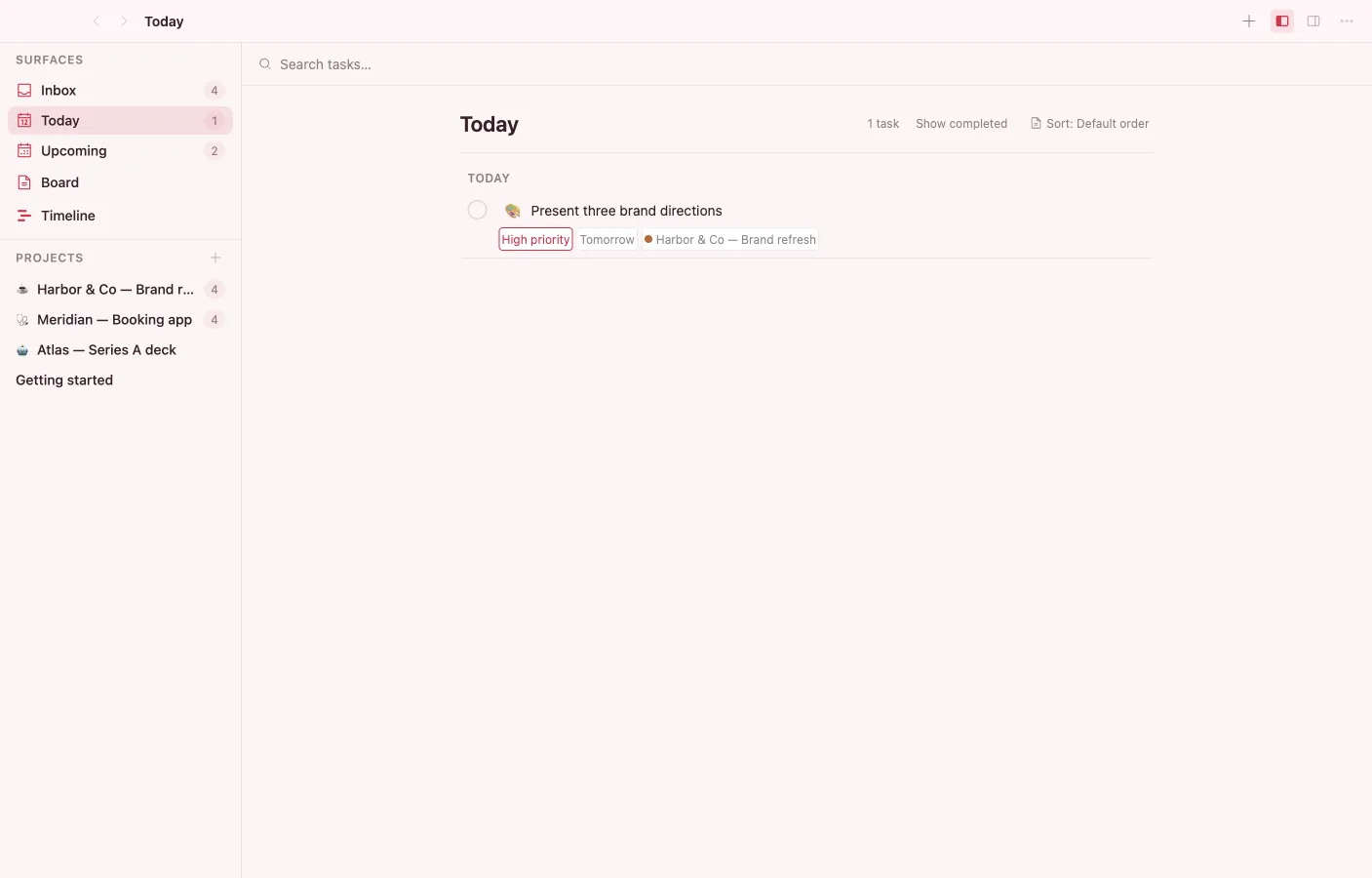
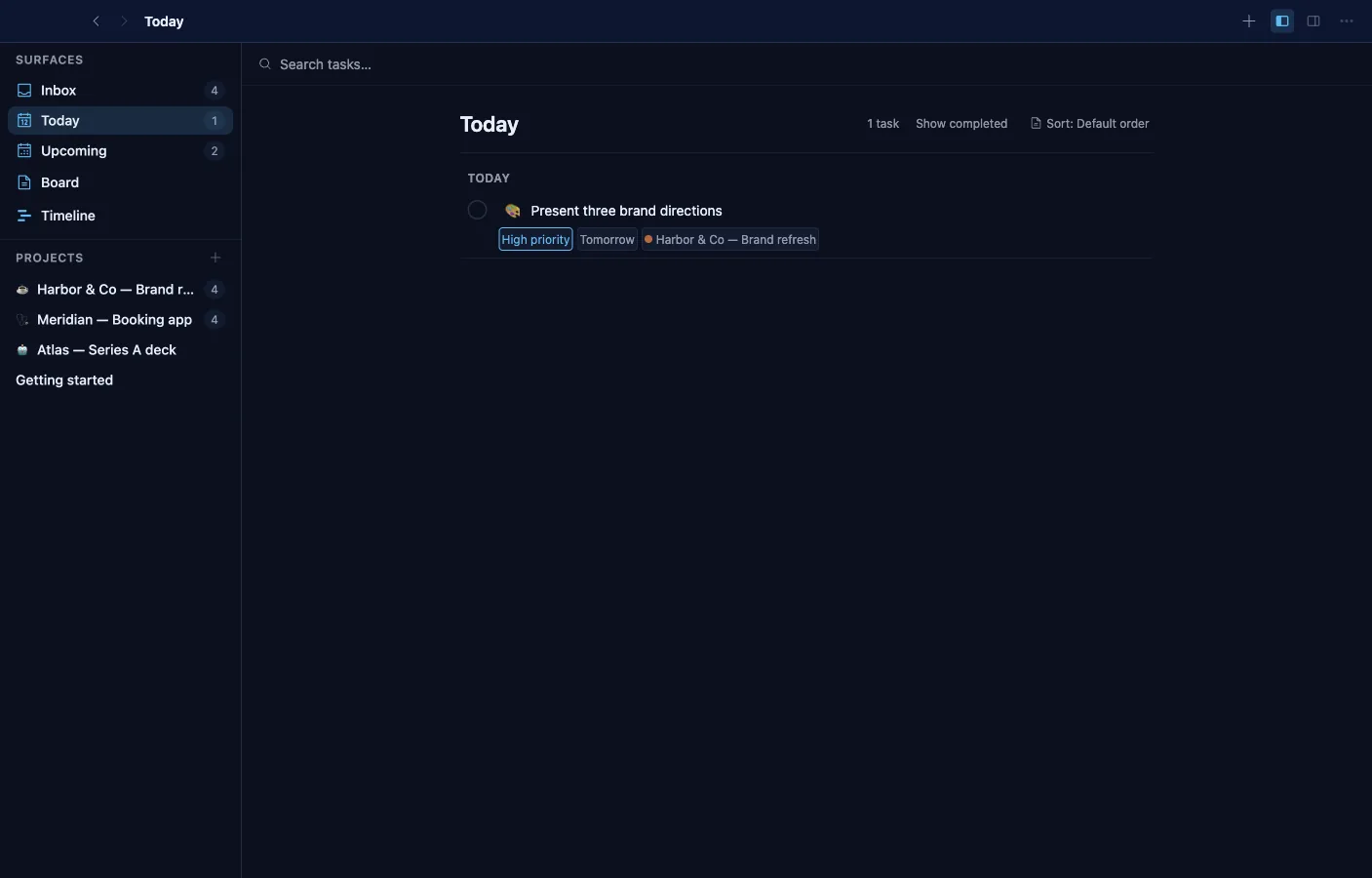
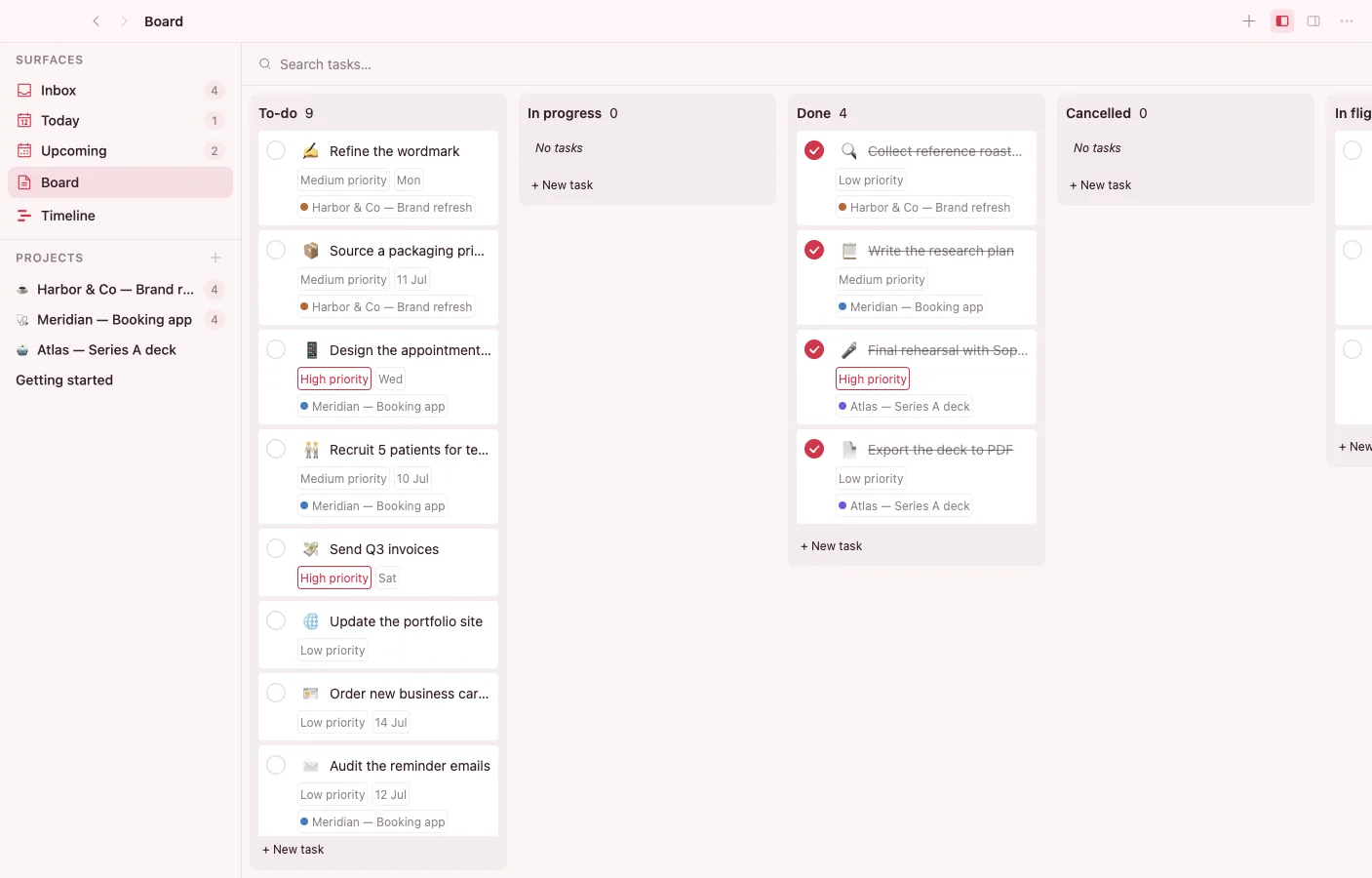
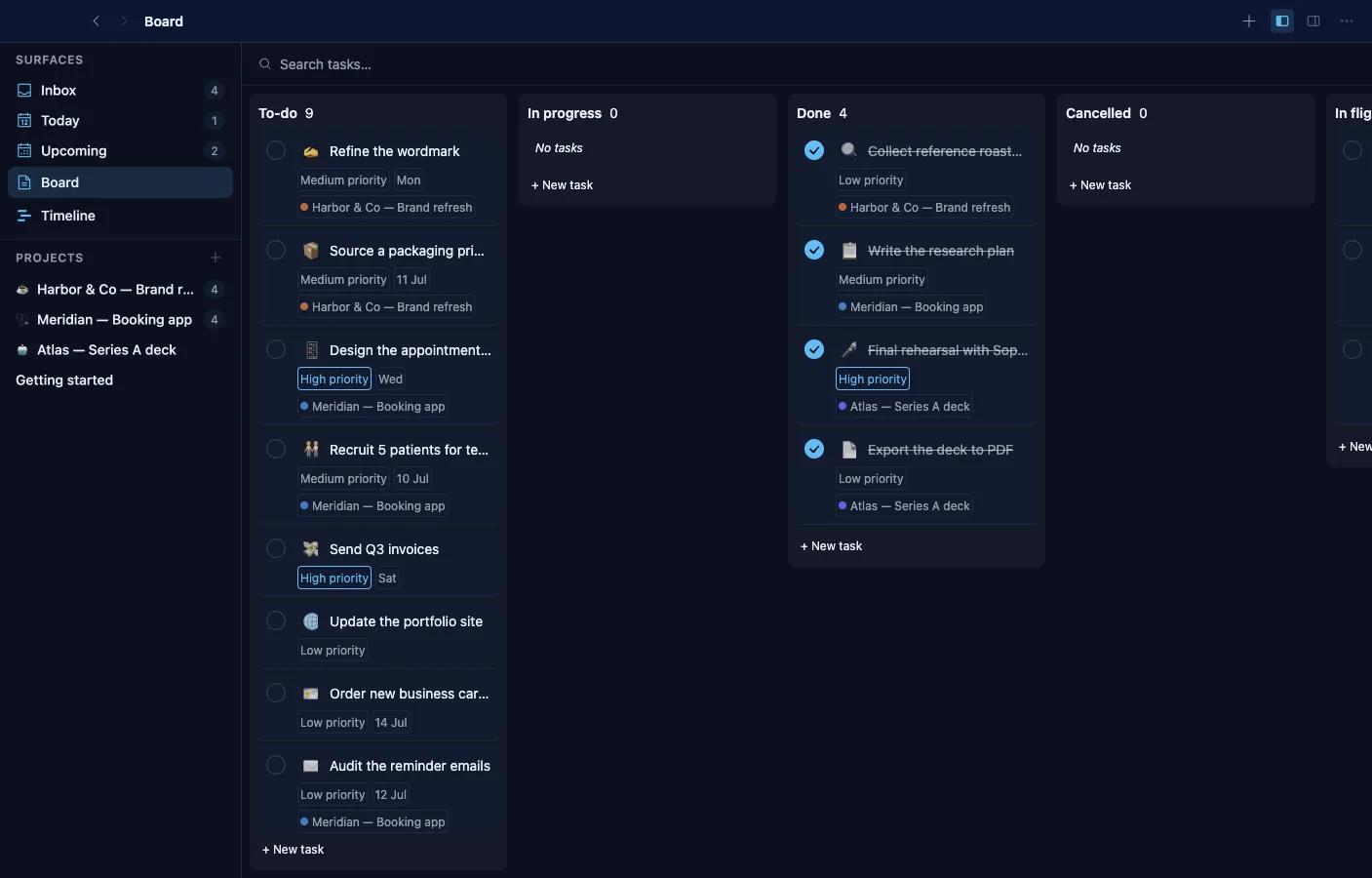
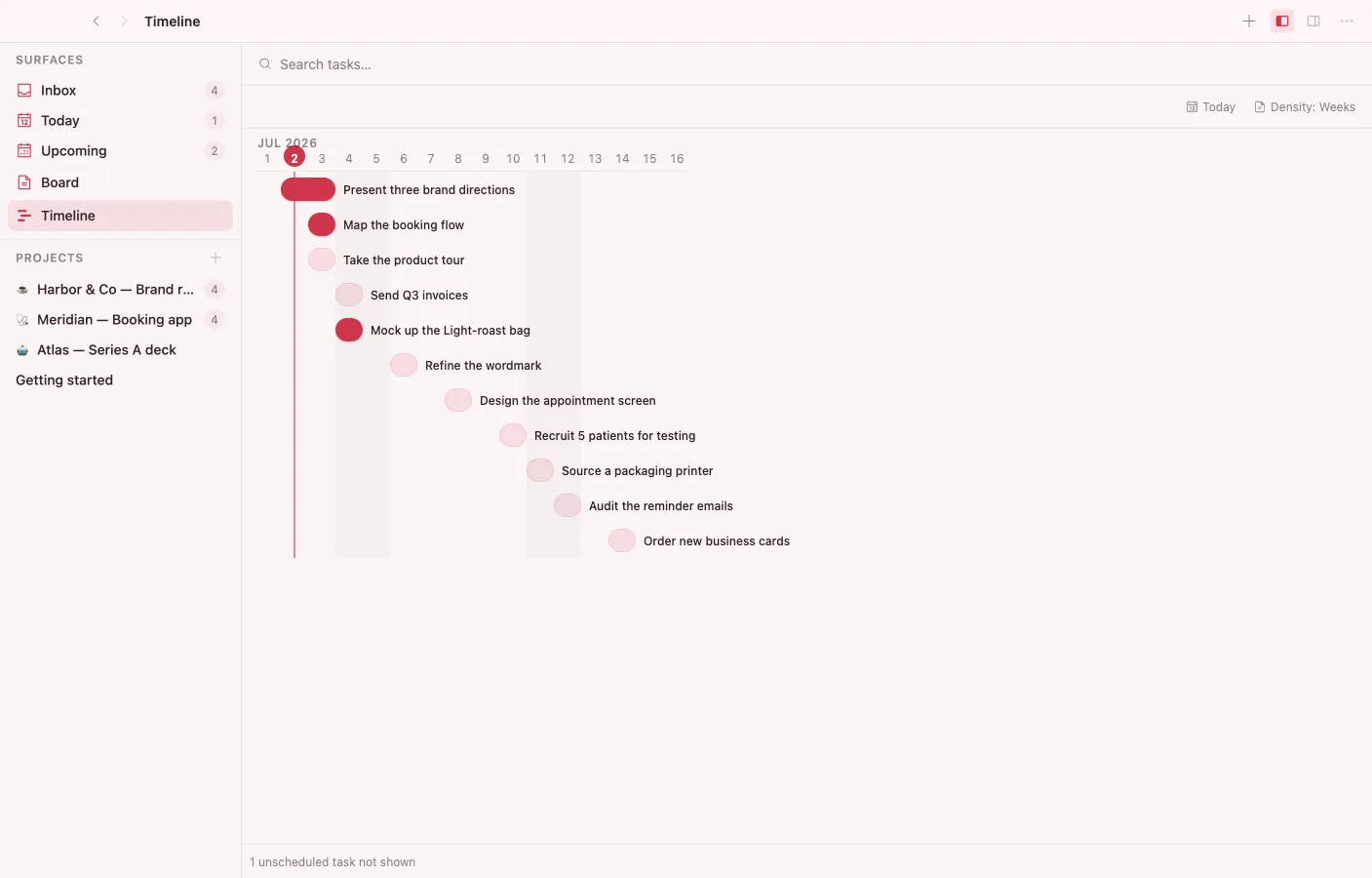
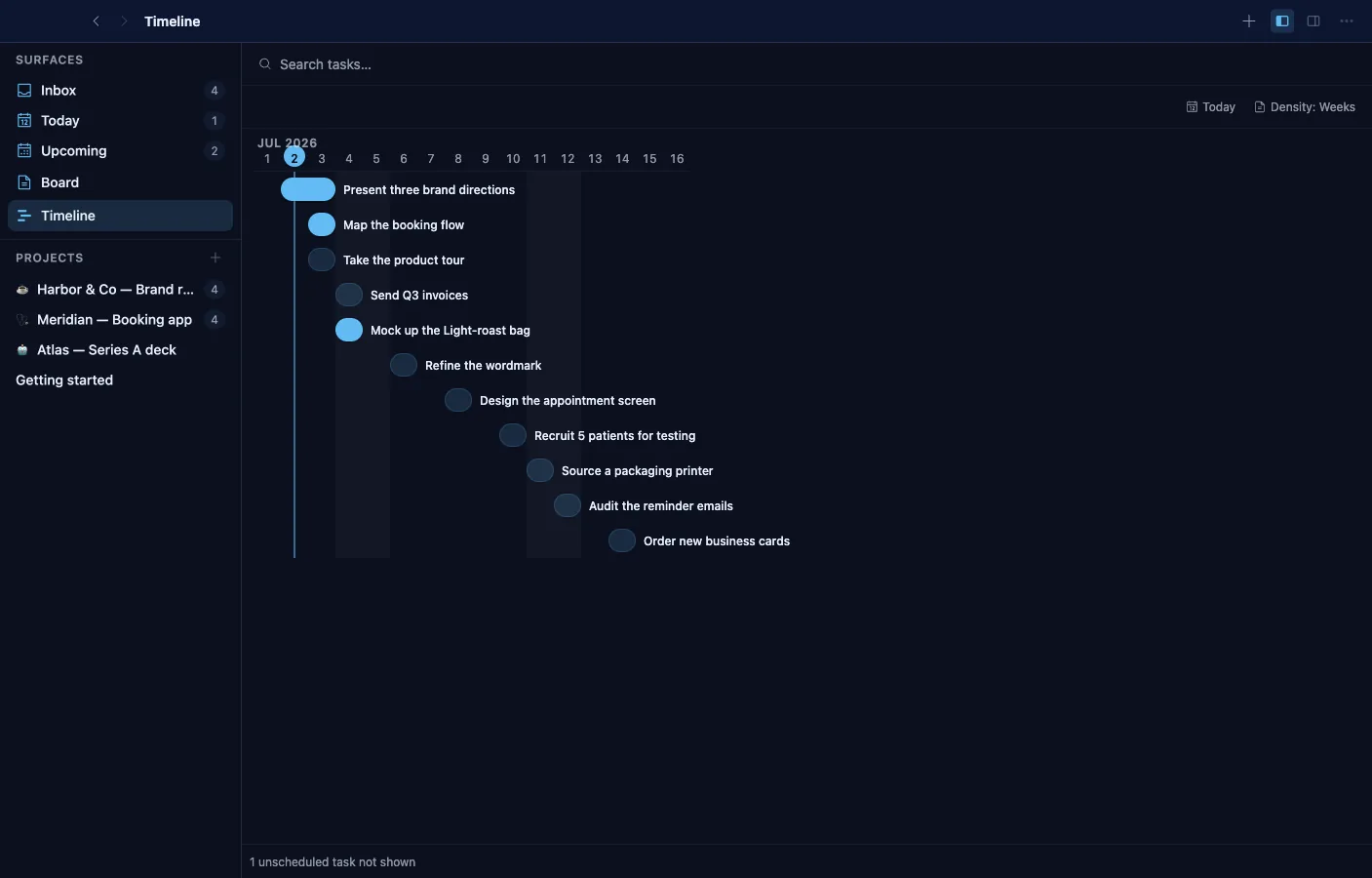
Focused surfaces — Inbox, Today, Upcoming, per-project — over Task objects the Calendar, Database, and Graph read too. Structure lives on the object, so work moves between apps without moving the data.
- Status kanban and tag filters next to the list surfaces, plus a timeline view with duration spans and dependency chains.
- Subtasks roll progress up to the parent; blocking and blocked-by dependencies are explicit.
- Priority, recurrence with a plain-language summary, and time estimates against logged time.
- Reminders fire real notifications for due and scheduled work.
- Per-task comments and an activity feed; assignees link to Person objects from Contacts.
- An inline-task block embeds a checkable task in any note; two dashboard widgets track open tasks and stats.
Calendar
Everything with a date, one calendar
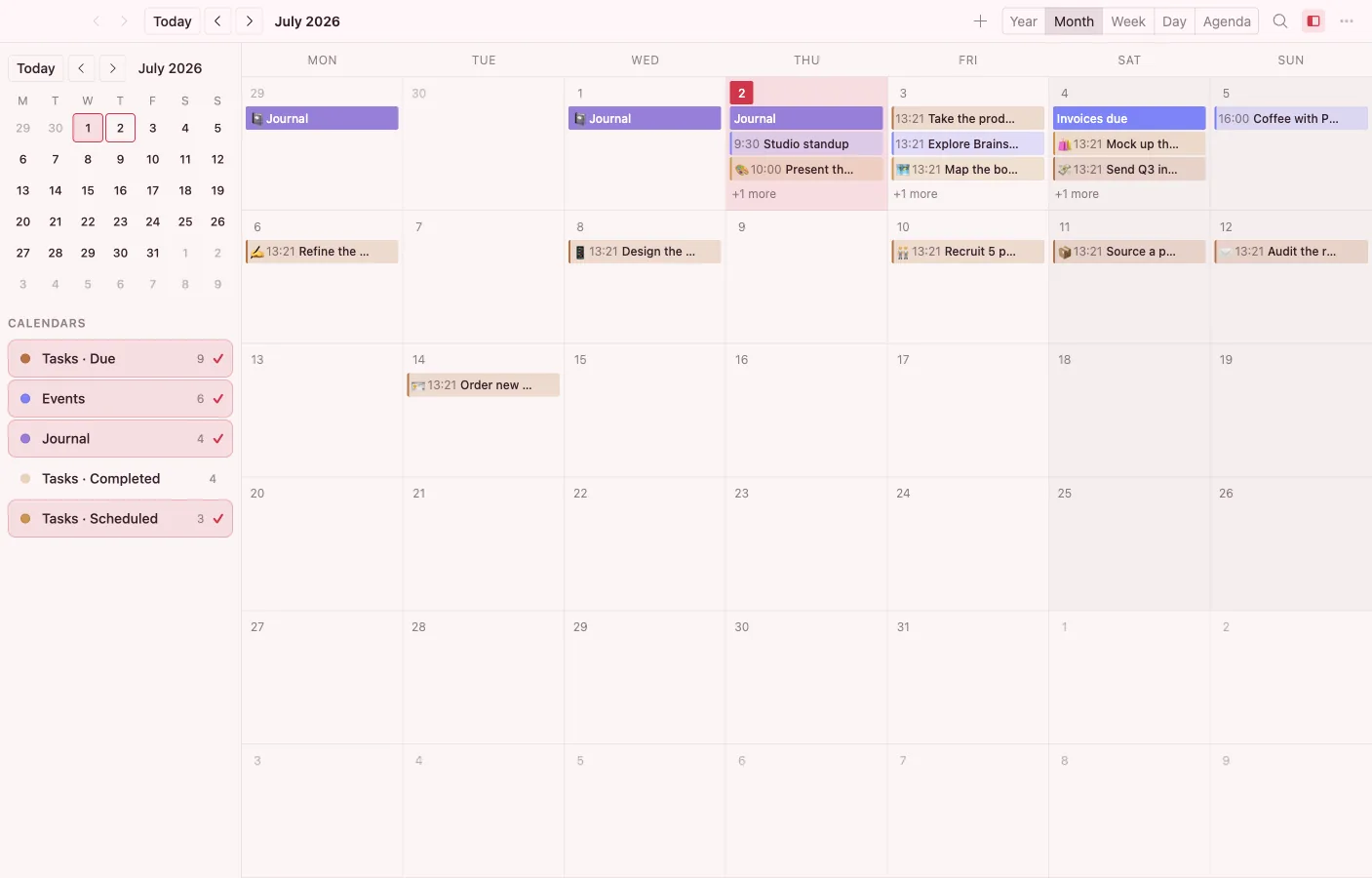
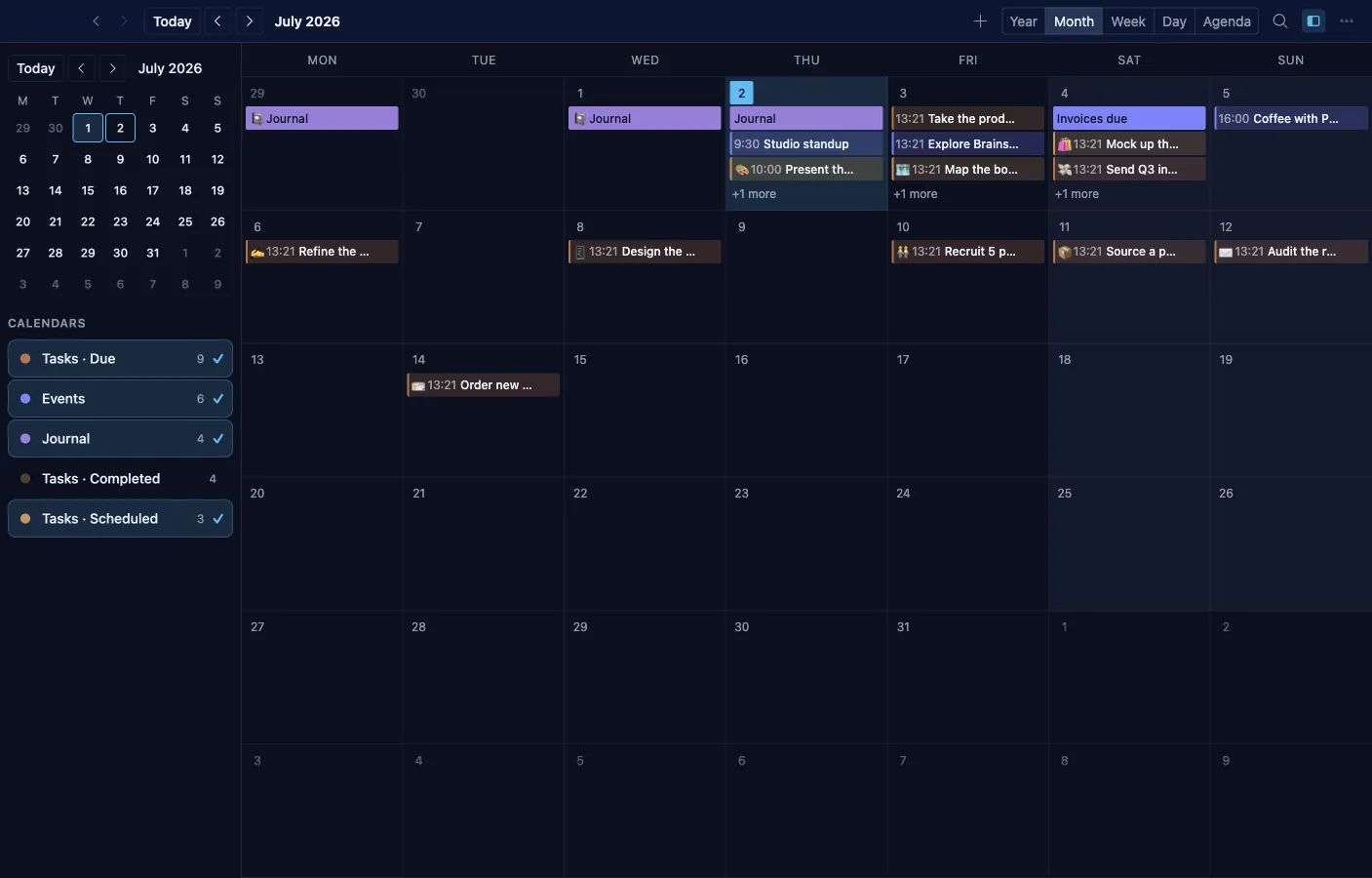
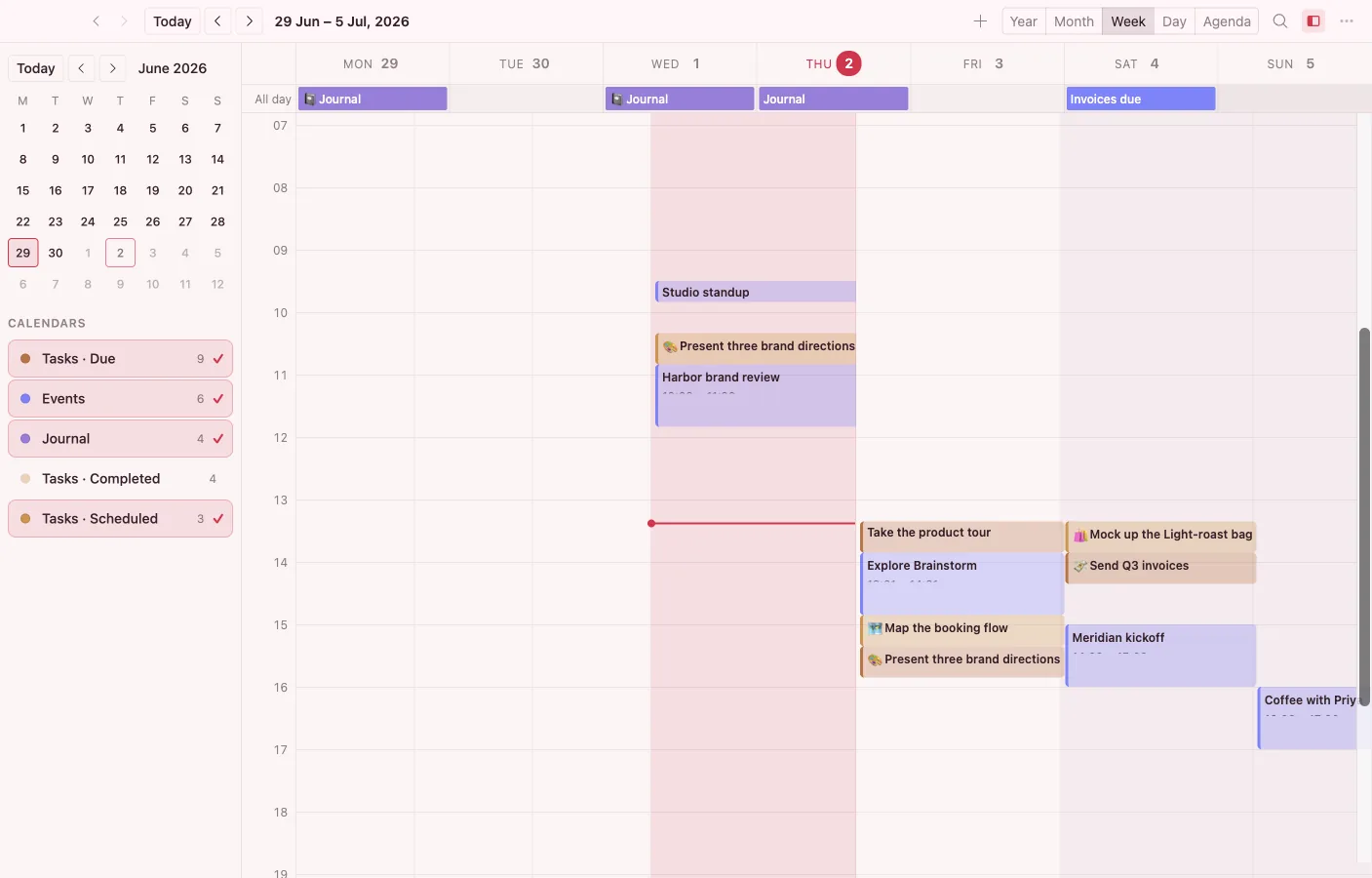
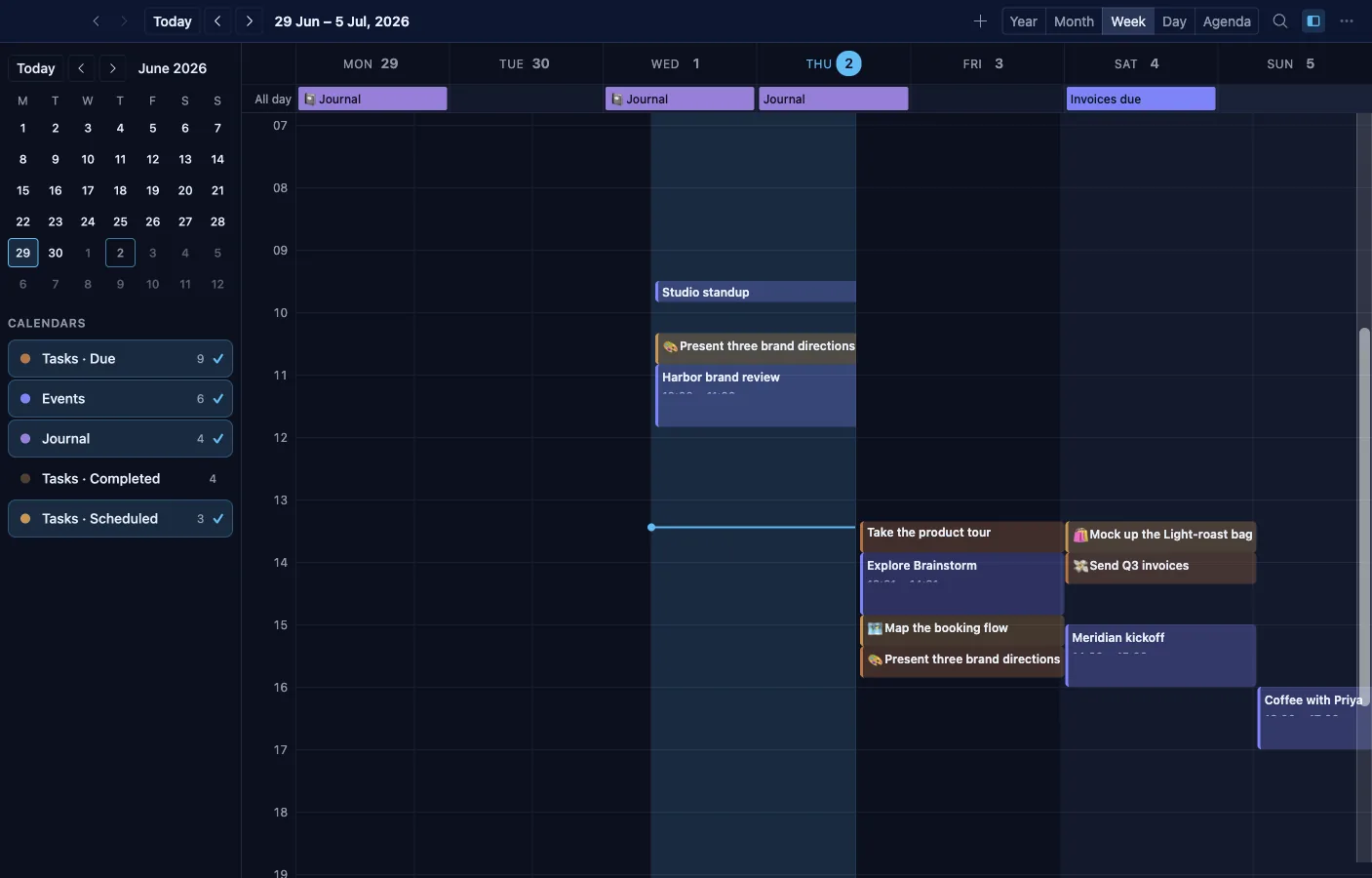
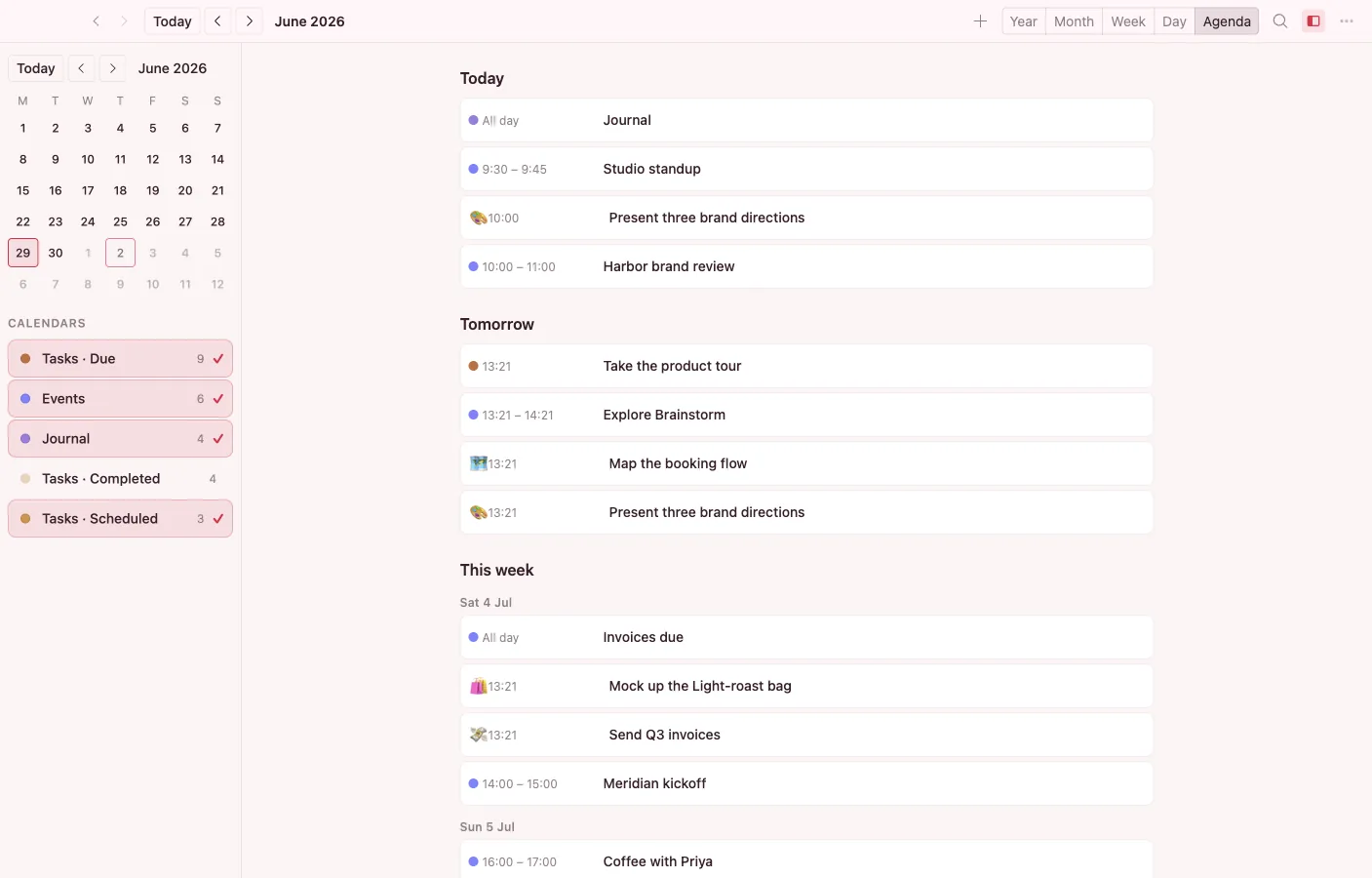
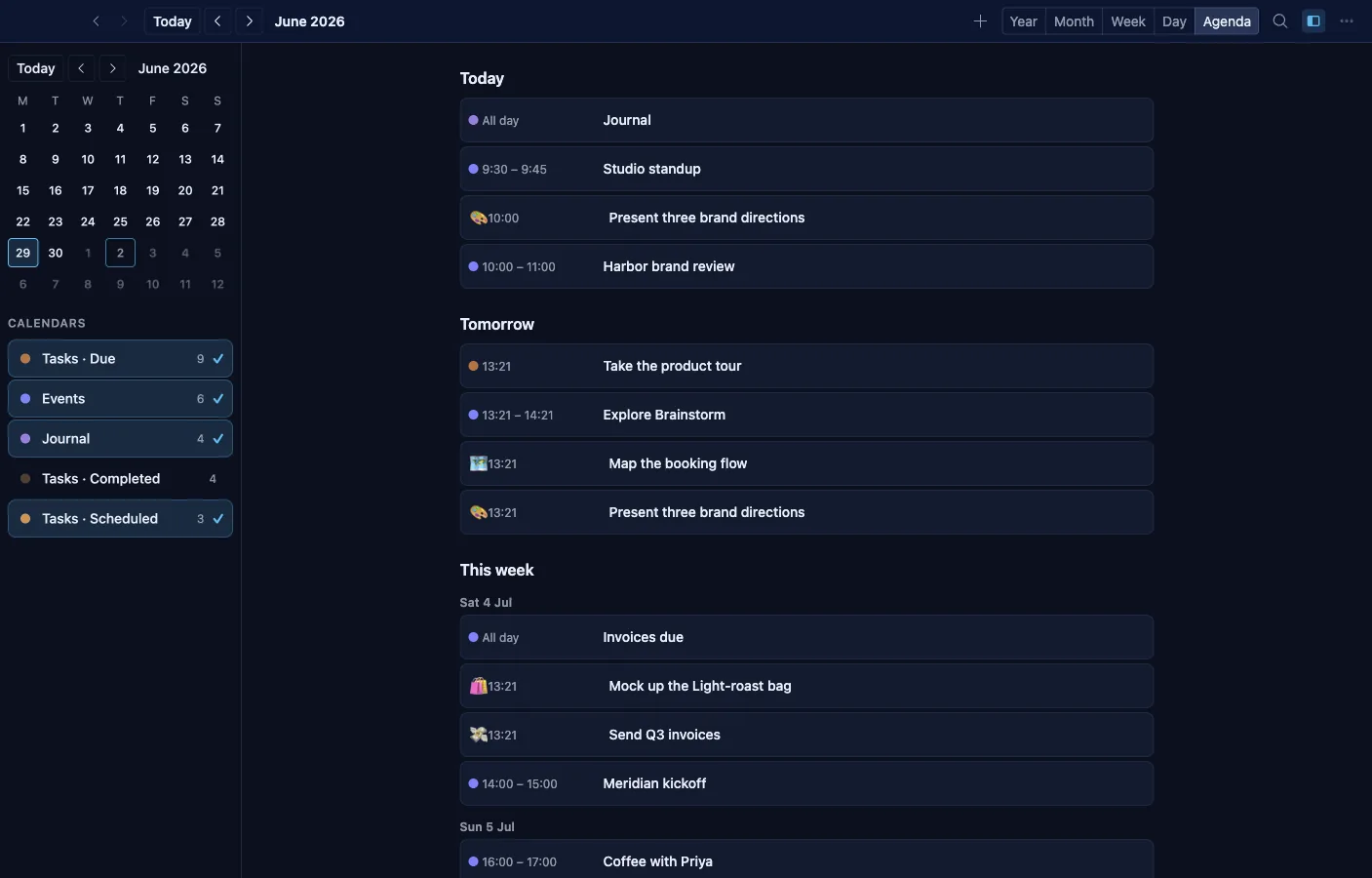
Year, month, week, day, and agenda views over every vault object that carries a date — events, task due dates, birthdays, journal days. Nothing is re-entered; the calendar projects what the other apps already know.
- Recurring events on a full RRULE engine, edited through a plain-language recurrence editor.
- ICS import and export, plus two-way CalDAV sync through the connector framework.
- Attendees with per-person RSVP, event status, colors, location, and per-event reminders.
- Click empty space to create, drag a chip to reschedule, multi-select for bulk reschedule.
- Time-zone aware events and multi-day ribbons that lay out cleanly across the week.
- Ranked event search with keyboard navigation, and Today's Agenda / Week Ahead dashboard widgets.
Journal
A daily writing habit, built in
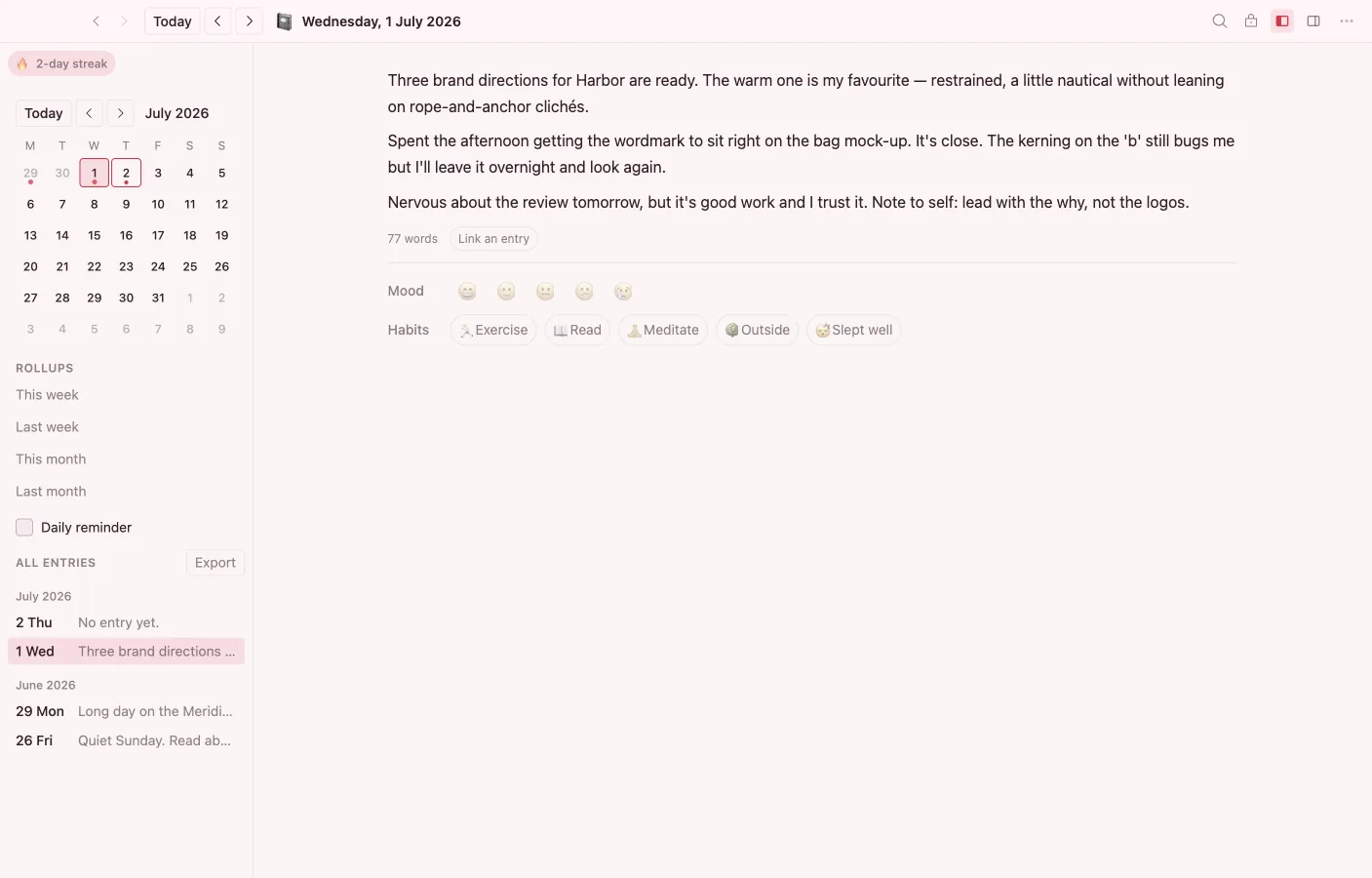
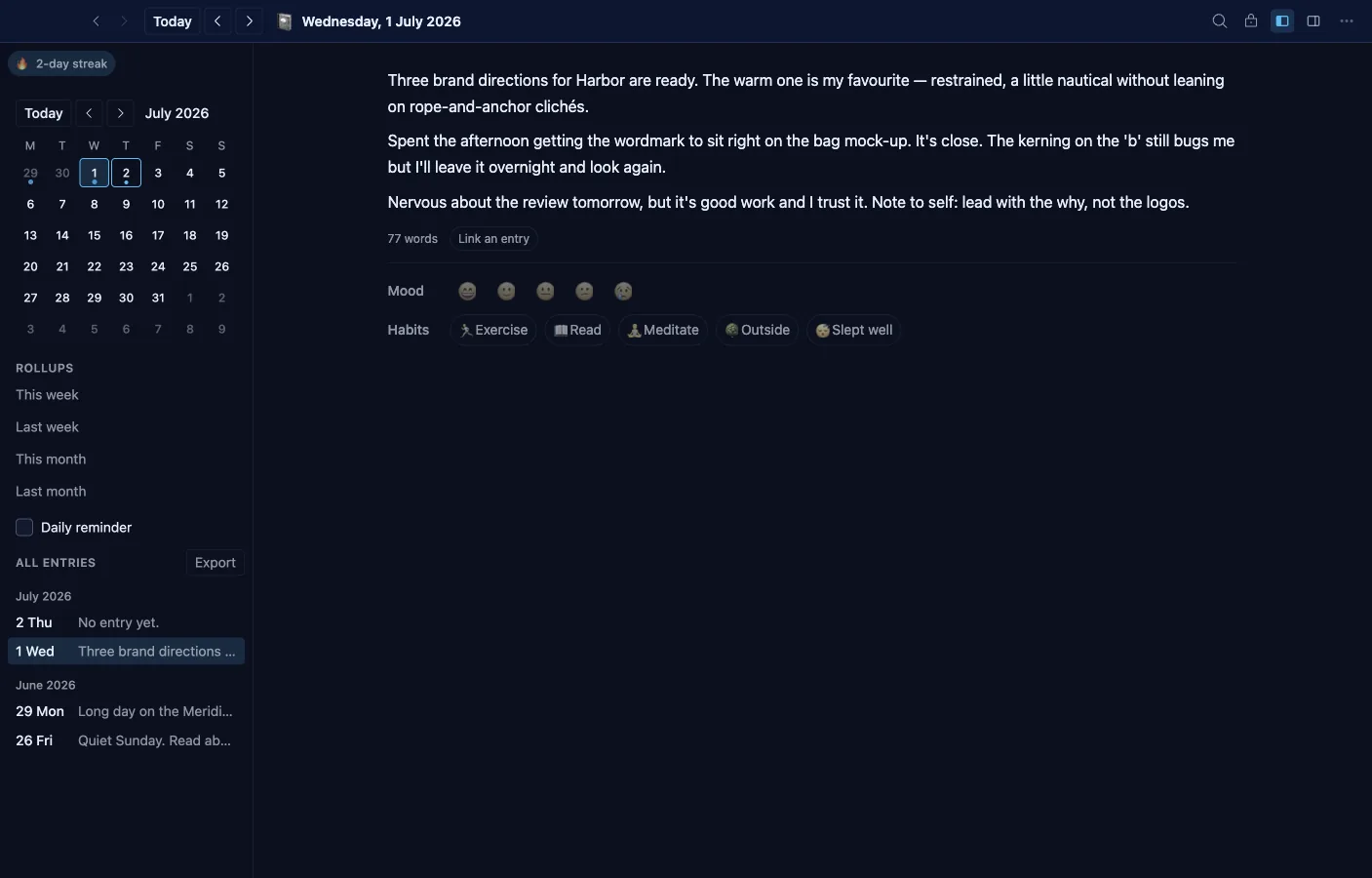
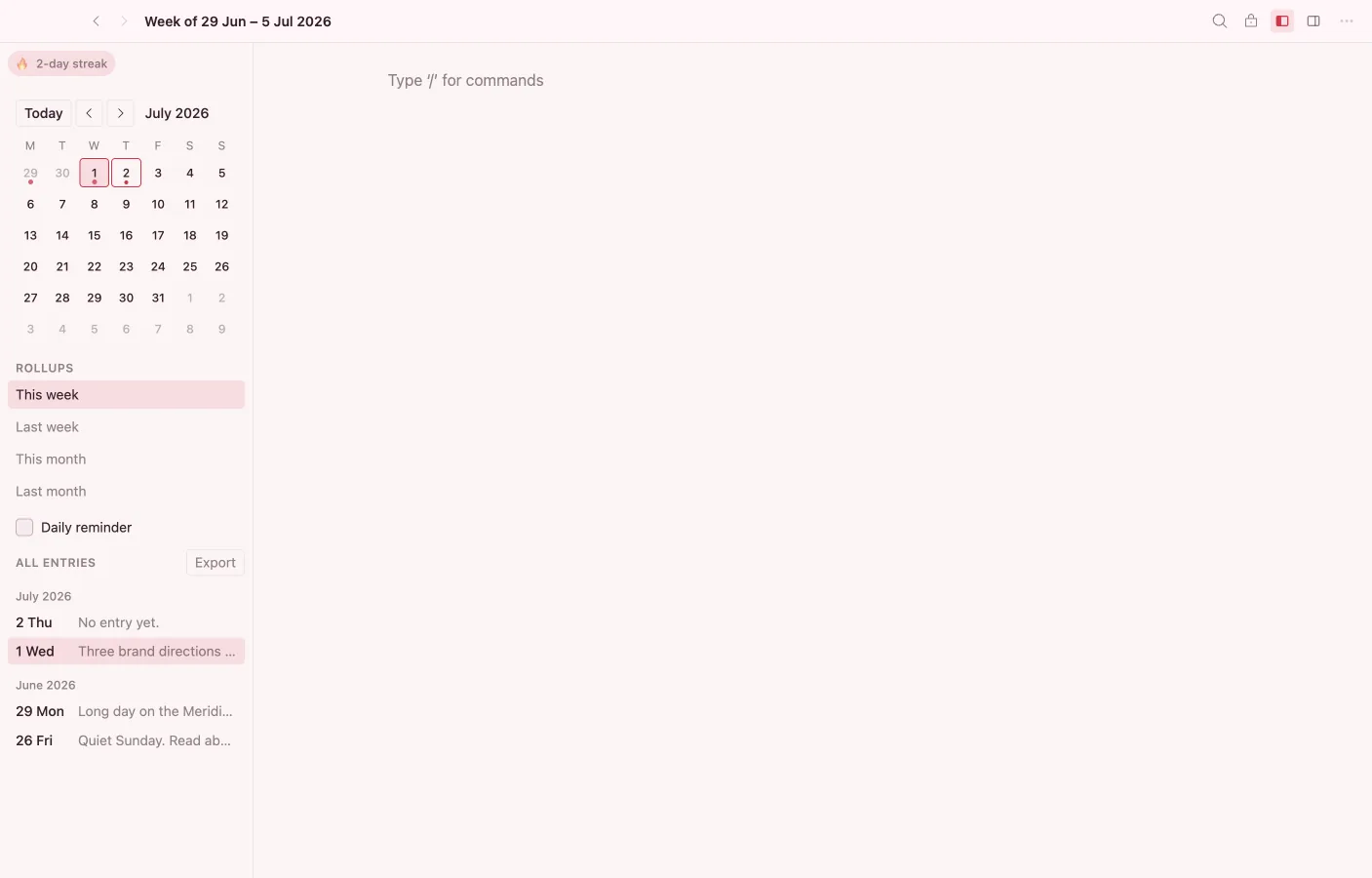
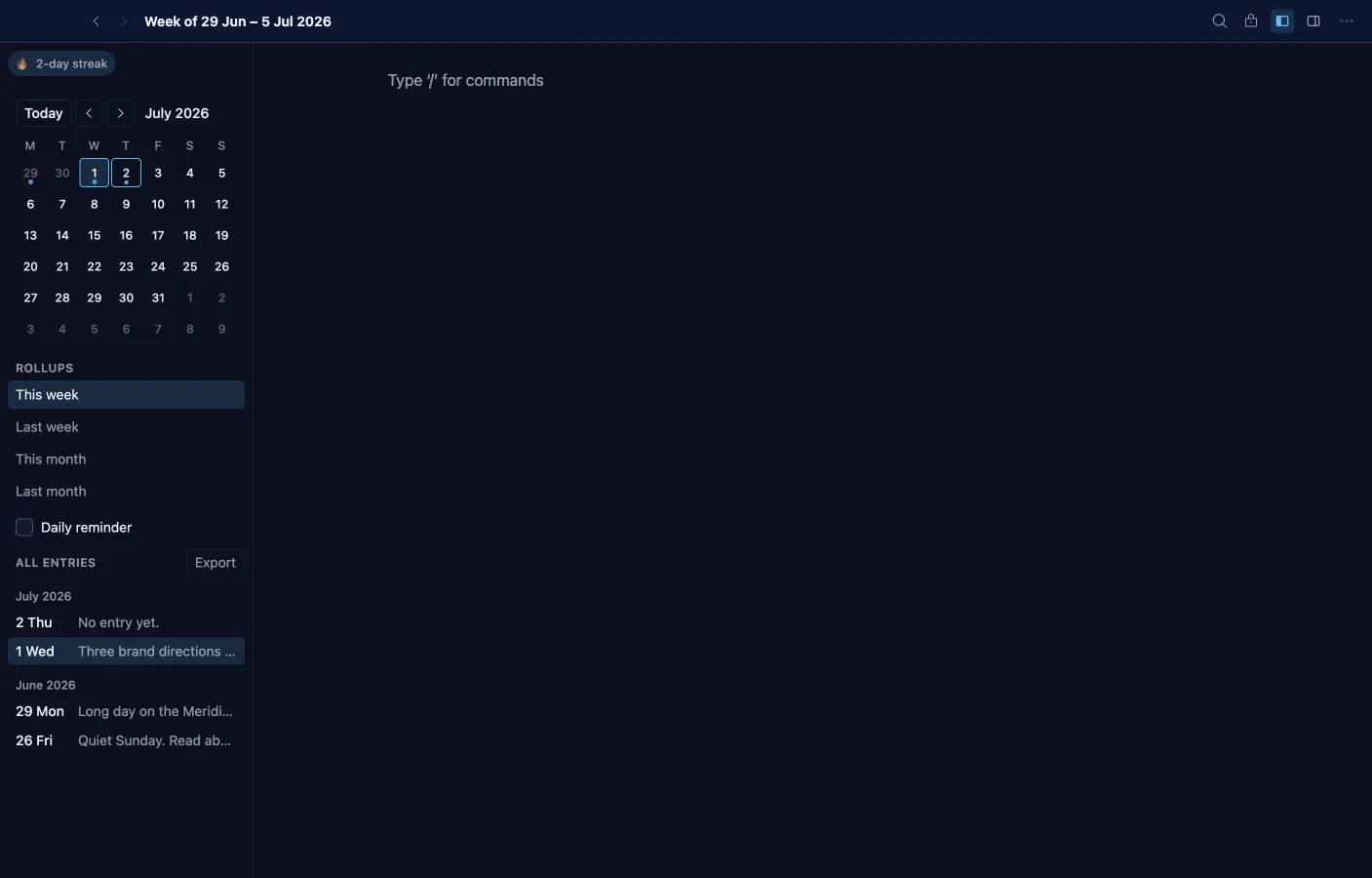
Each day is an entry titled by its date, written in the same block editor as Notes. Moods, habits, streaks, and backlinks make it a journal that is part of the vault, not a silo.
- Jump to any day, week, or month; weekly and monthly rollup entries auto-link their days.
- A mood picker and habit check-ins color the mini-calendar; streaks and a writing heatmap track the habit.
- Templates seed a Daily review, Gratitude, or Free write structure.
- Backlinks and outgoing-links panels; @-mention anything from an entry.
- Full-text search across days, filterable by mood and habit.
- An opt-in daily reminder warns before a streak breaks; export any date range to Markdown or HTML.
- Entries surface as all-day items in the Calendar.
Contacts
People and companies as real objects
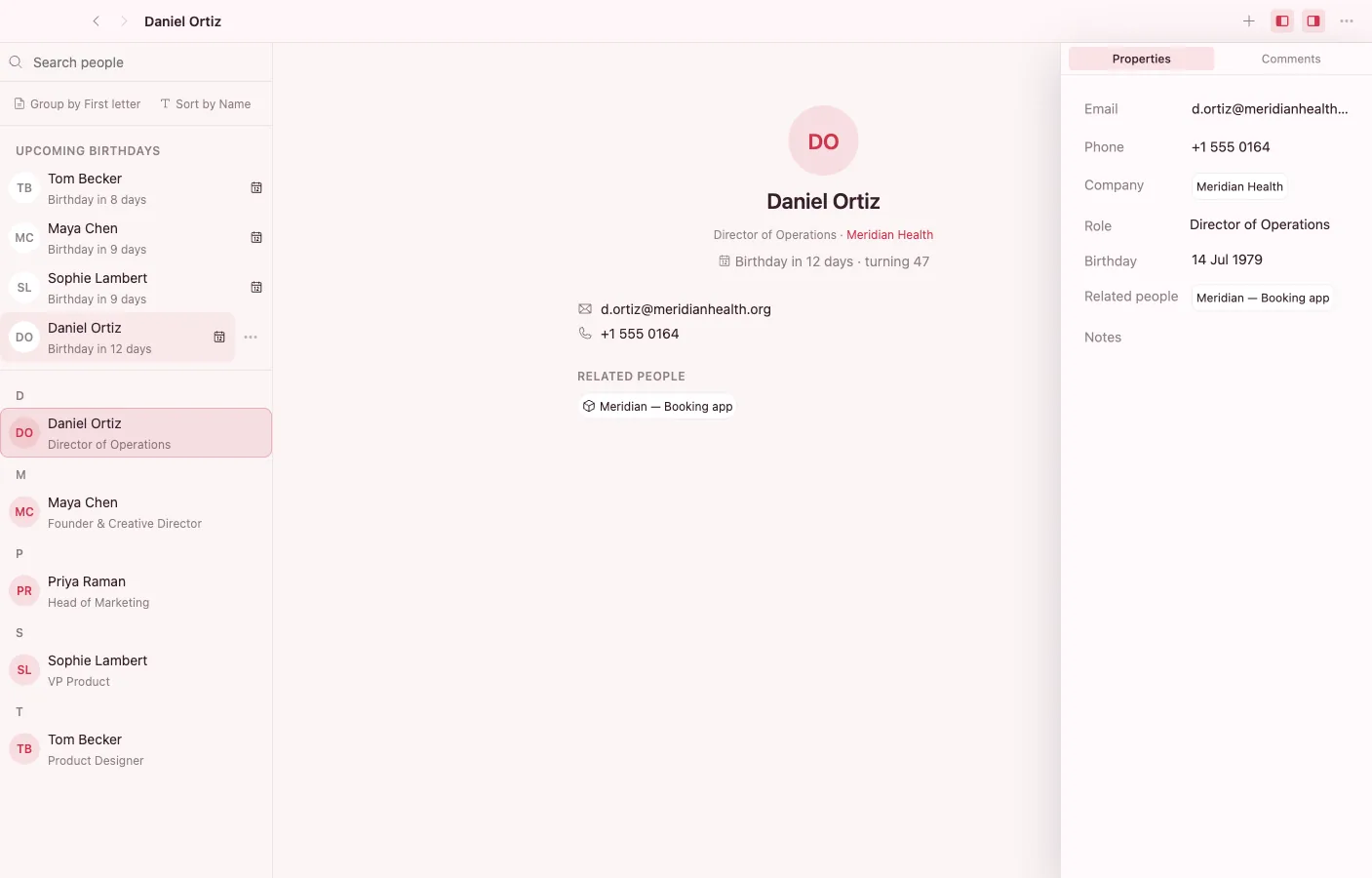
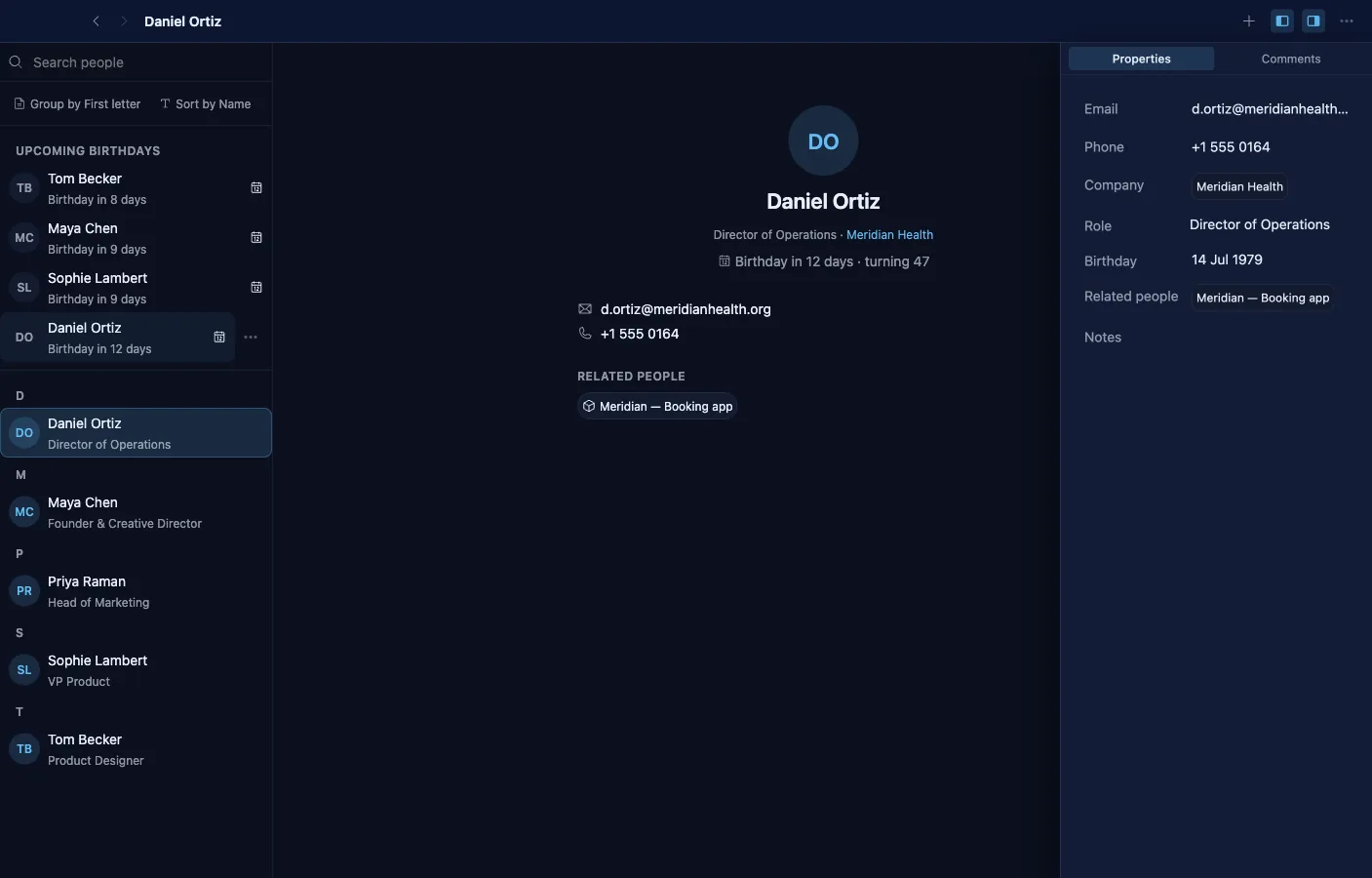
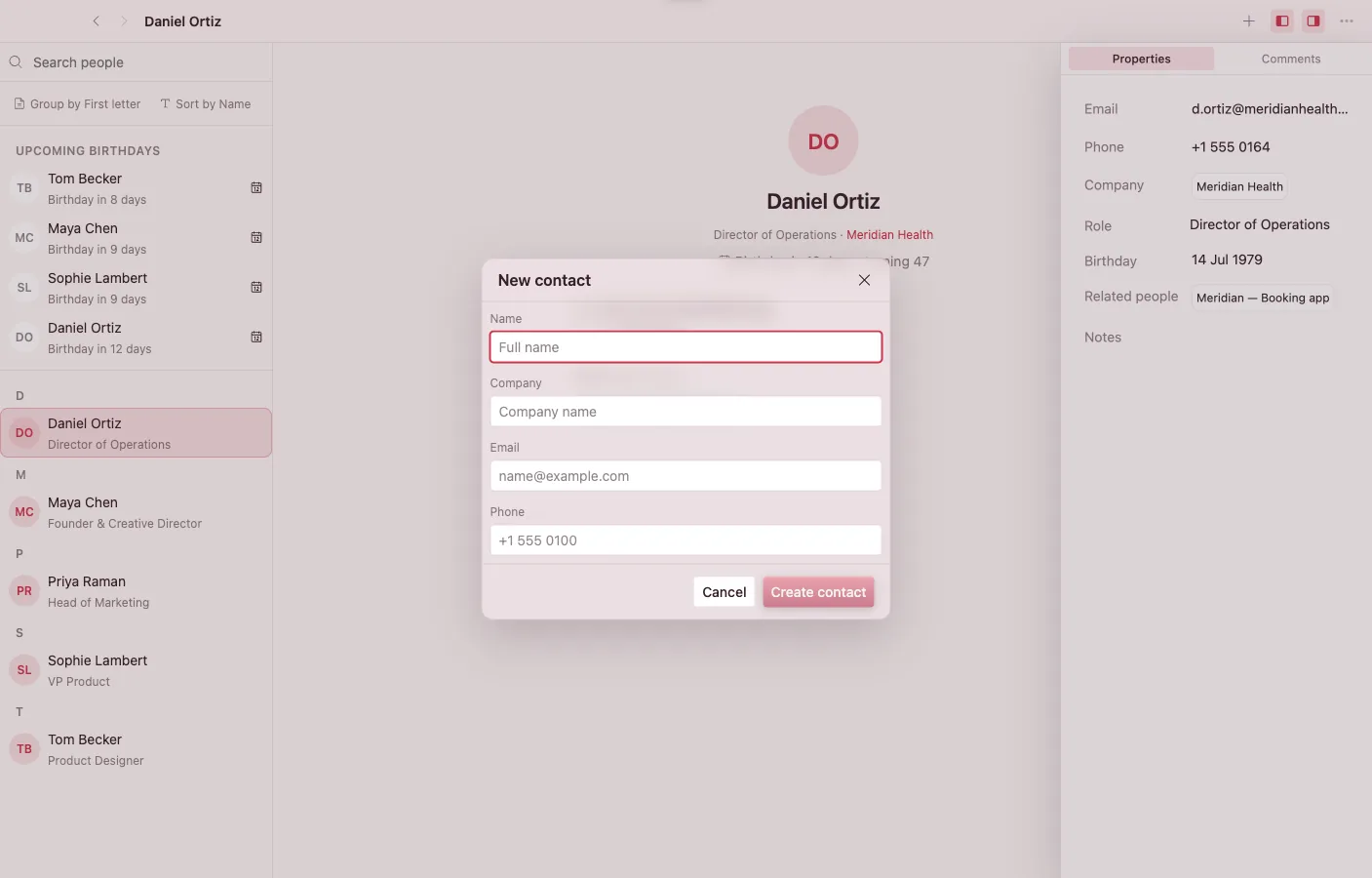
An address book over the shared Person and Company types every other app can read. Relationships are links — click a company or a connected person and it opens wherever it lives.
- A searchable, alphabetically grouped people list with emails, phones, role, bio, birthday, and anniversary per person.
- Company grouping: open a company to see its people; company links from other apps land here.
- vCard 3.0 and 4.0 import and export.
- Birthdays recur yearly on the shared Calendar.
- Mailbox resolves inbound addresses to existing people — linking, never auto-creating.
- A dashboard widget keeps a pinned people list on the desktop.
Bookmarks
Save the web, keep it readable
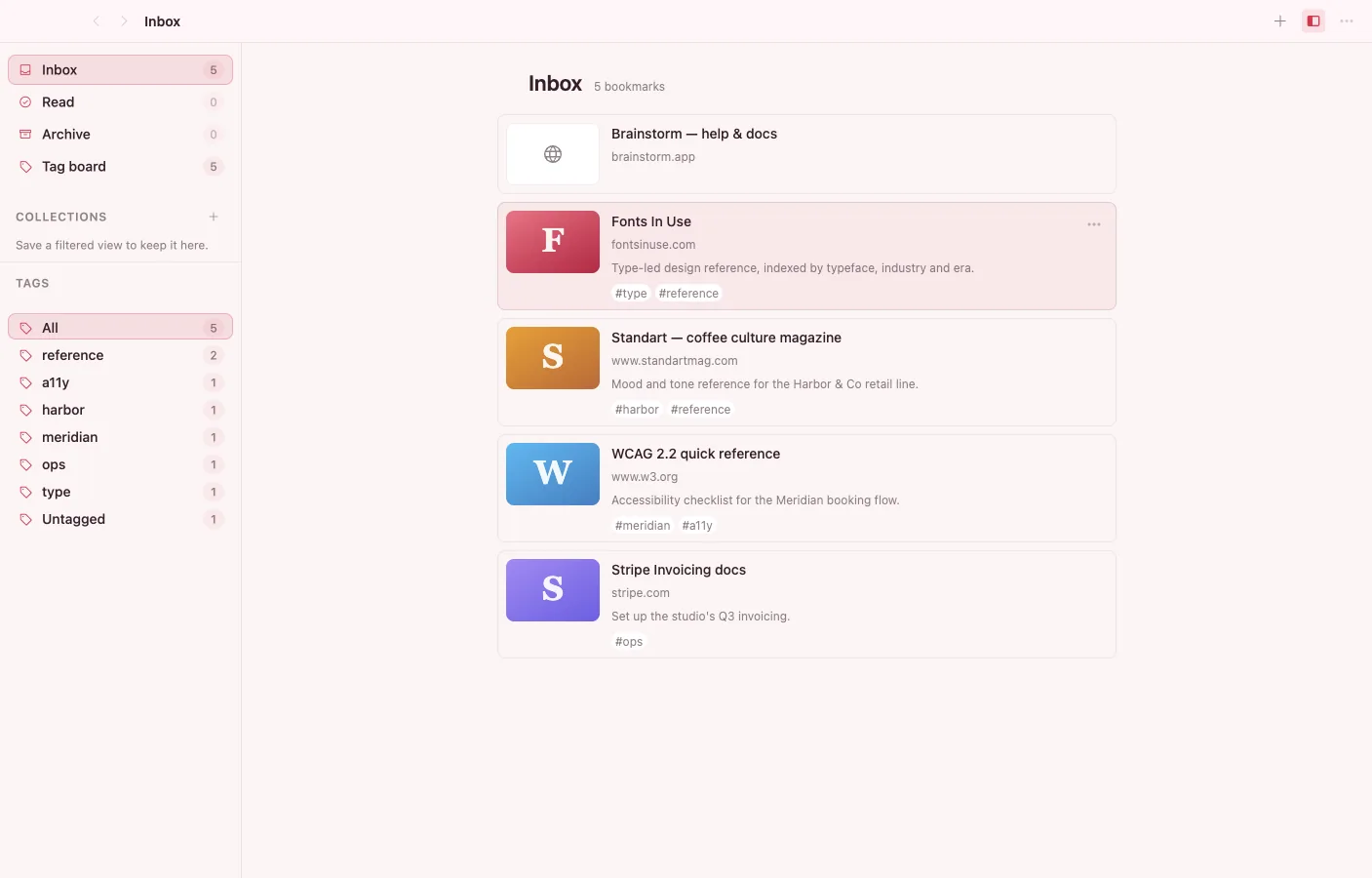
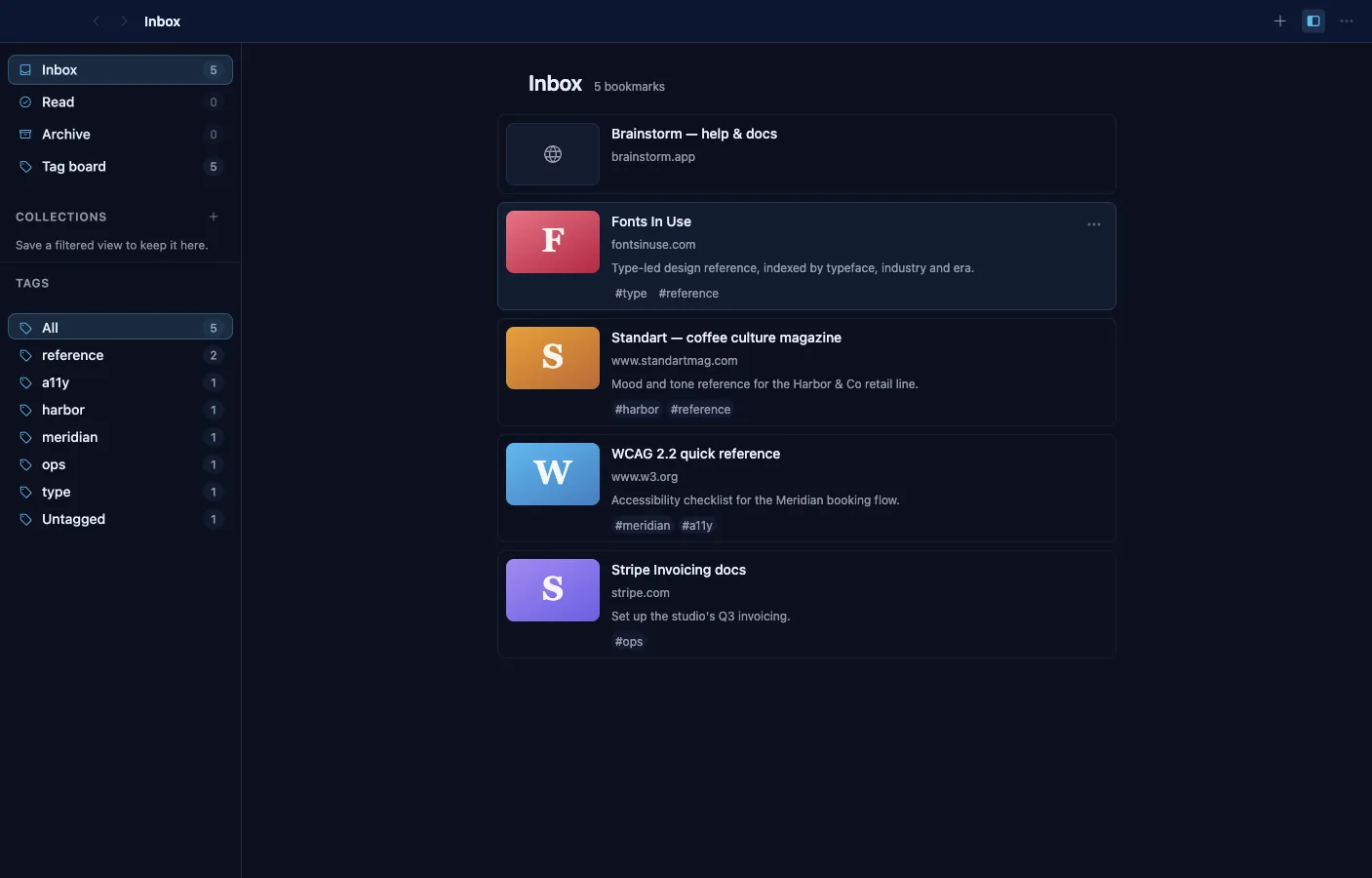
A saved-link library that scrapes each page's title, favicon, and share image through the shell's network broker — and can capture the page's readable content for offline reading. Bookmarks are vault objects: tag them, collect them, embed them in notes.
- Opt-in readable capture stores the cleaned article body offline, with provenance stamped on machine-extracted content.
- A reading view with a cover band and an editable body — annotate the captured article in place.
- Tags plus an interactive tag kanban board; smart collections save live filters, manual collections hold explicit sets.
- Content-kind labels — article, video, image, product — folded from OpenGraph metadata.
- Duplicate URLs are detected and merged.
- Paste a URL in Notes and it becomes an embedded bookmark card; a dashboard widget shows recent saves.
Files
Browse and organize the whole vault
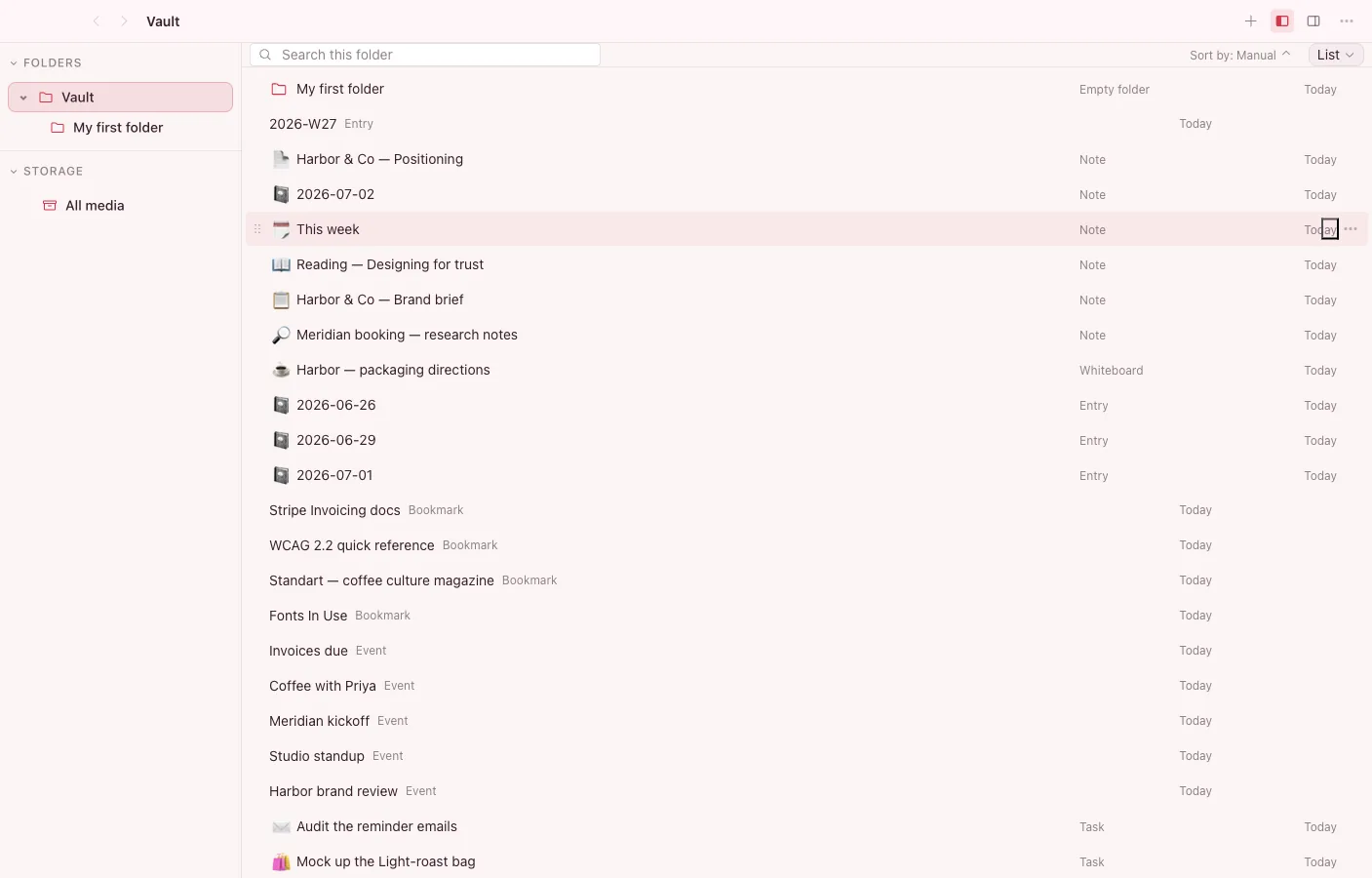
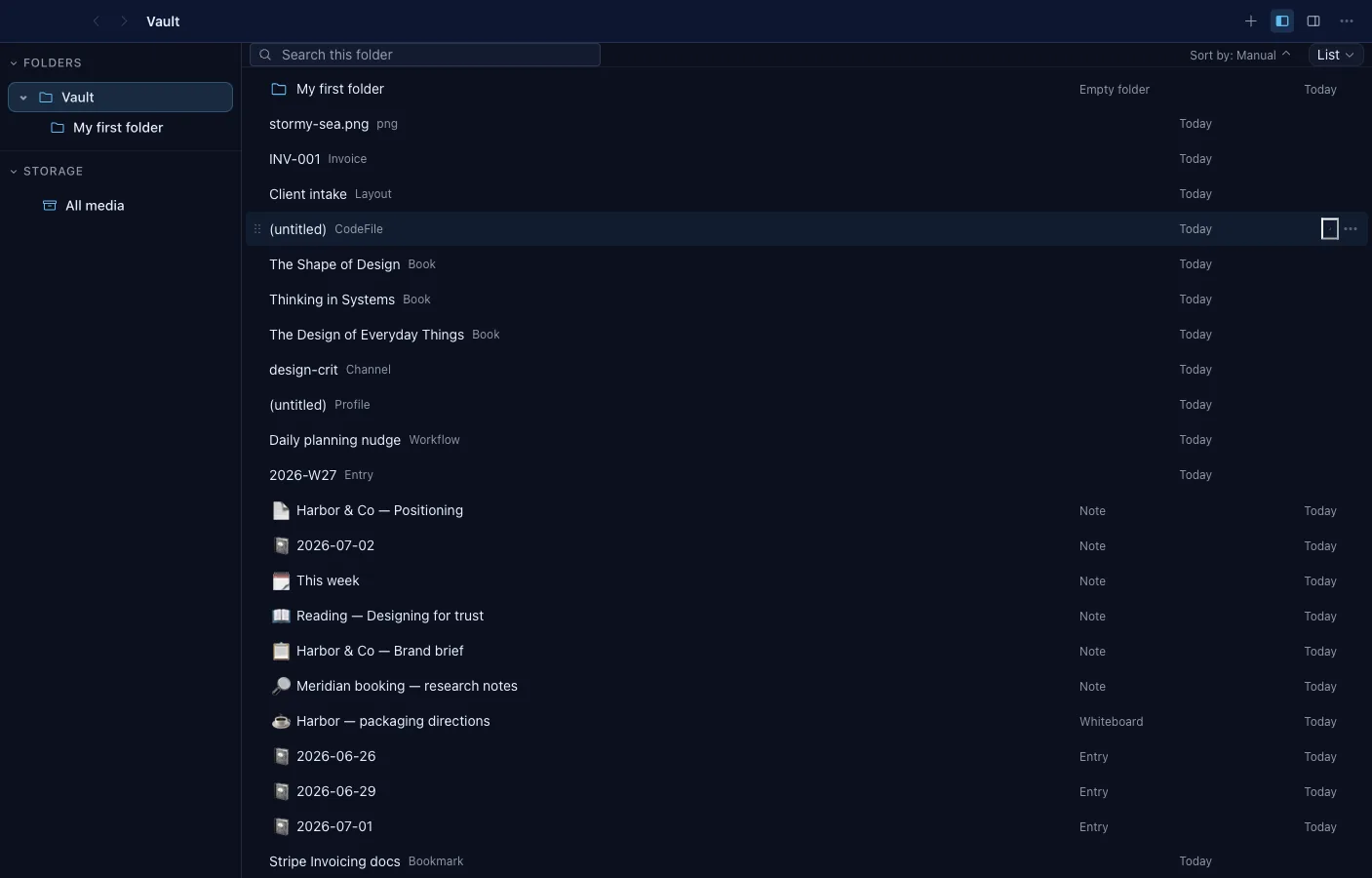
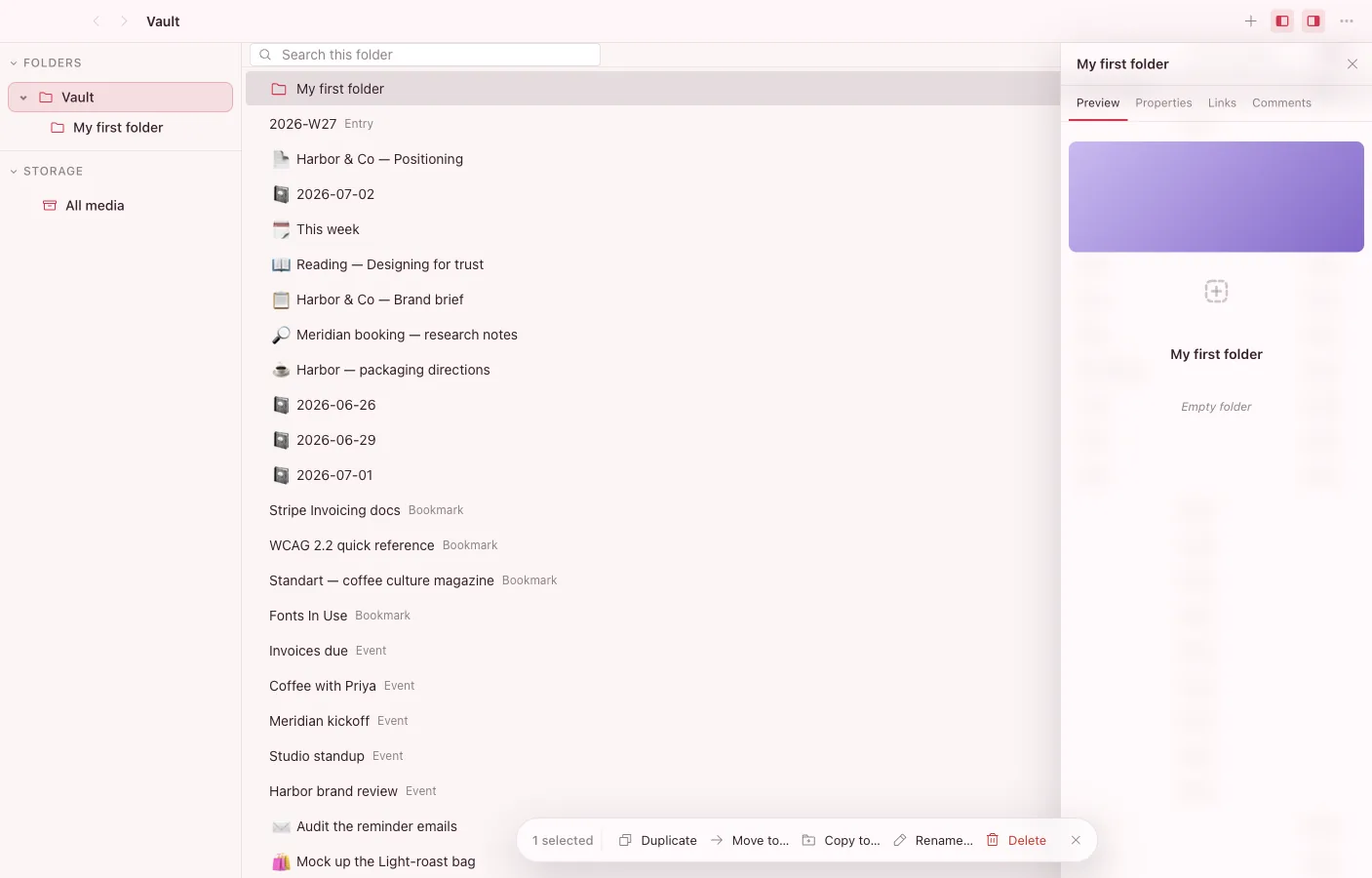
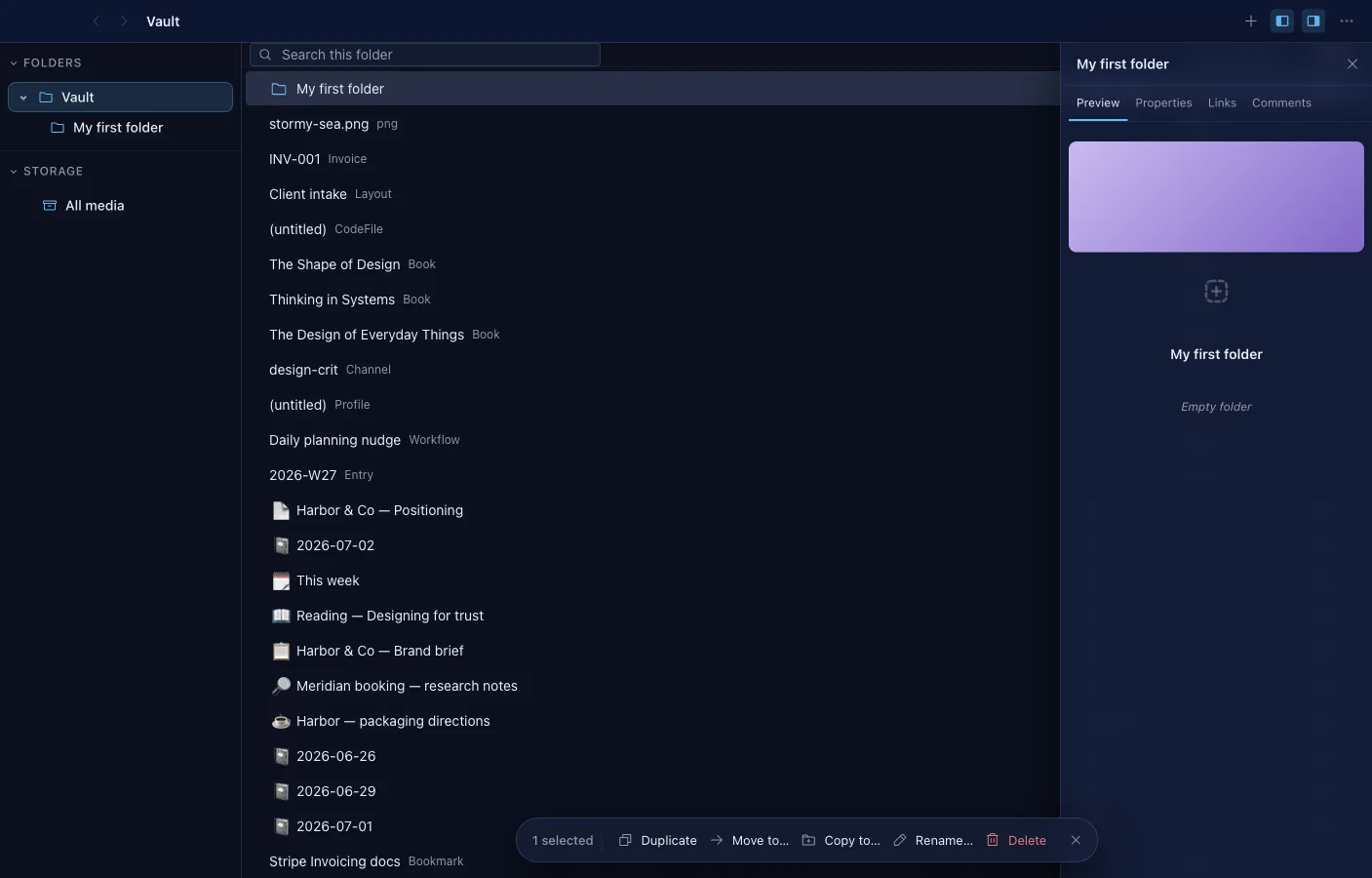
A file manager for vault objects, not a disk mirror: folders are entities, one object can live in many of them, and any search can become a smart folder. Three columns — sidebar tree, content pane, inspector.
- List, icon-list, grid, and gallery views, remembered per folder.
- Smart folders capture a search's query and scope as a live sidebar entry.
- Upload real files through the OS picker or drag them in from Finder — bytes, MIME type, size, and SHA-256 hash included.
- Multi-select bulk delete, move, copy, and rename with collision-safe naming.
- An inspector with Preview, Properties, and Links tabs; folder covers and icons are click-to-edit.
- Virtualized lists keep large folders fast; breadcrumbs, grouping, and a Recently Deleted view keep them navigable.
Graph
See the shape of your vault
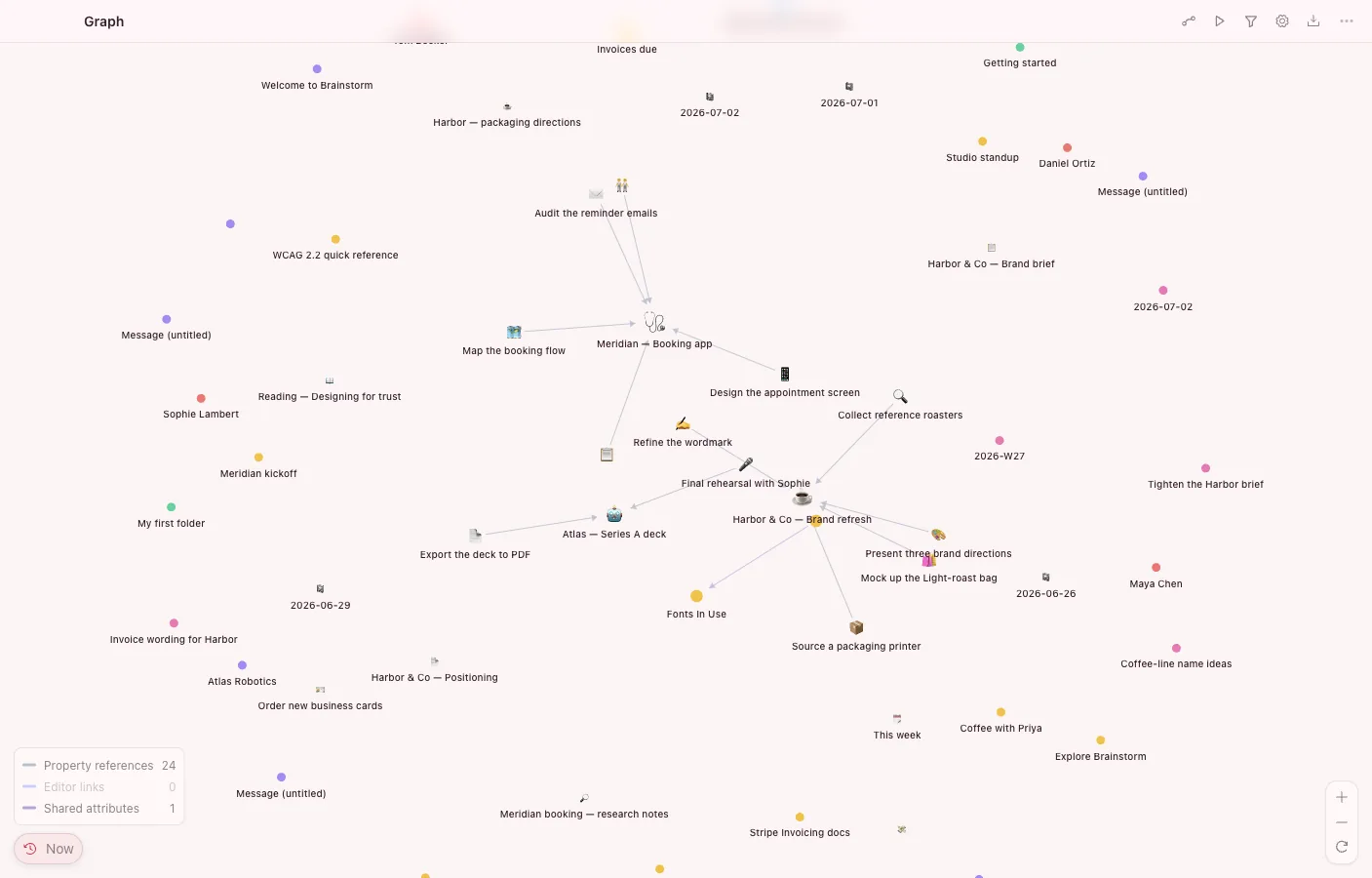
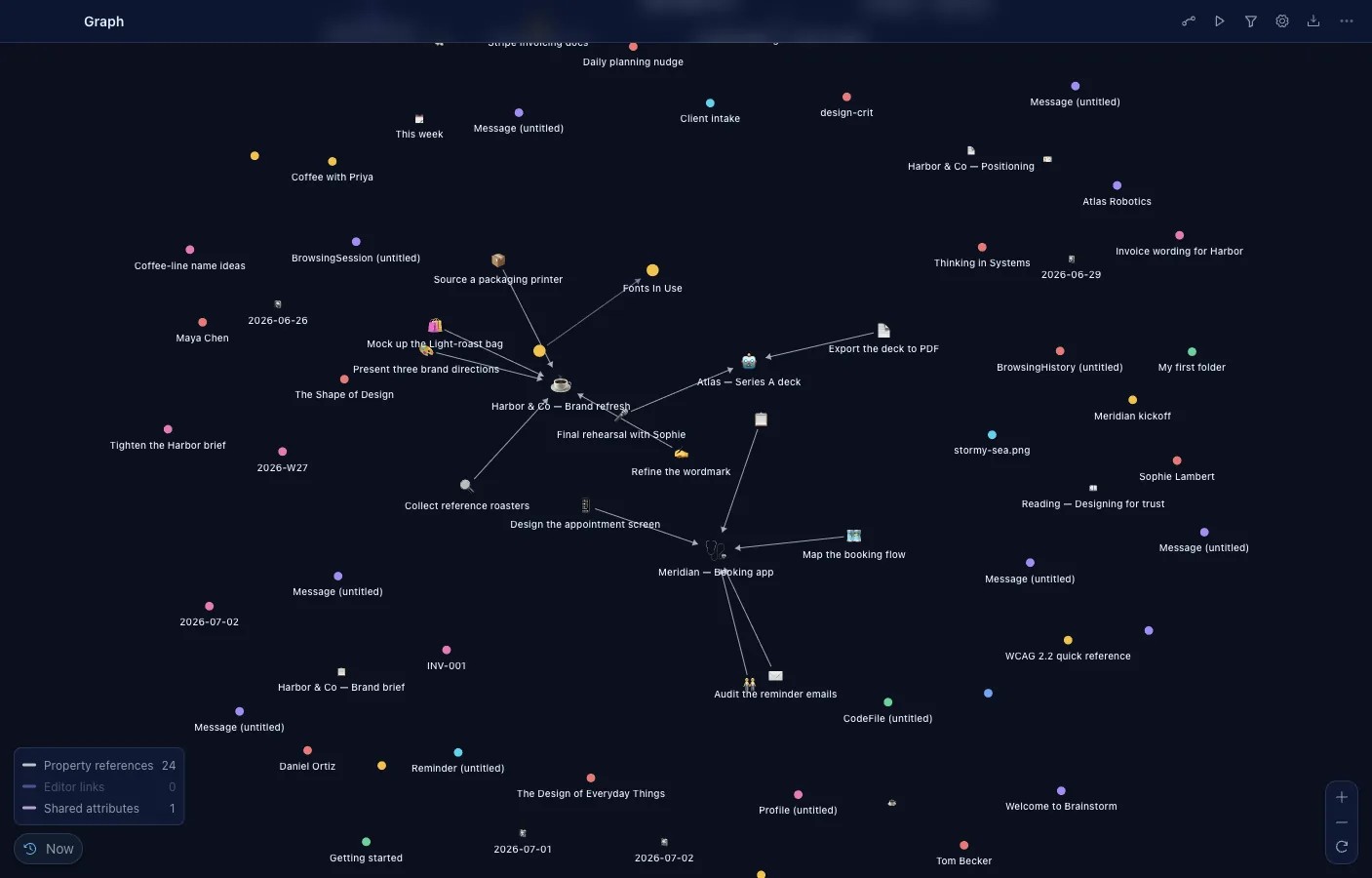
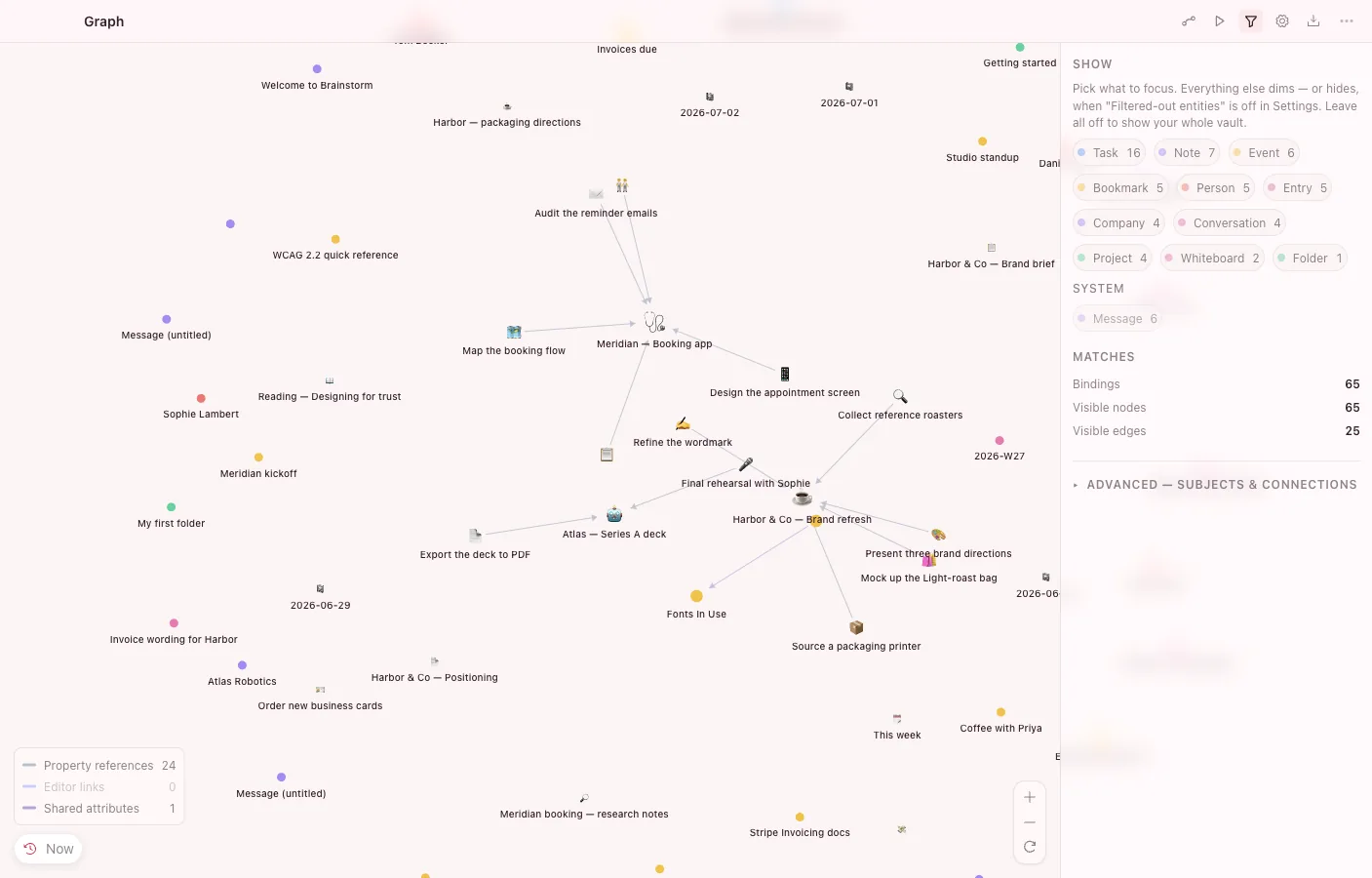
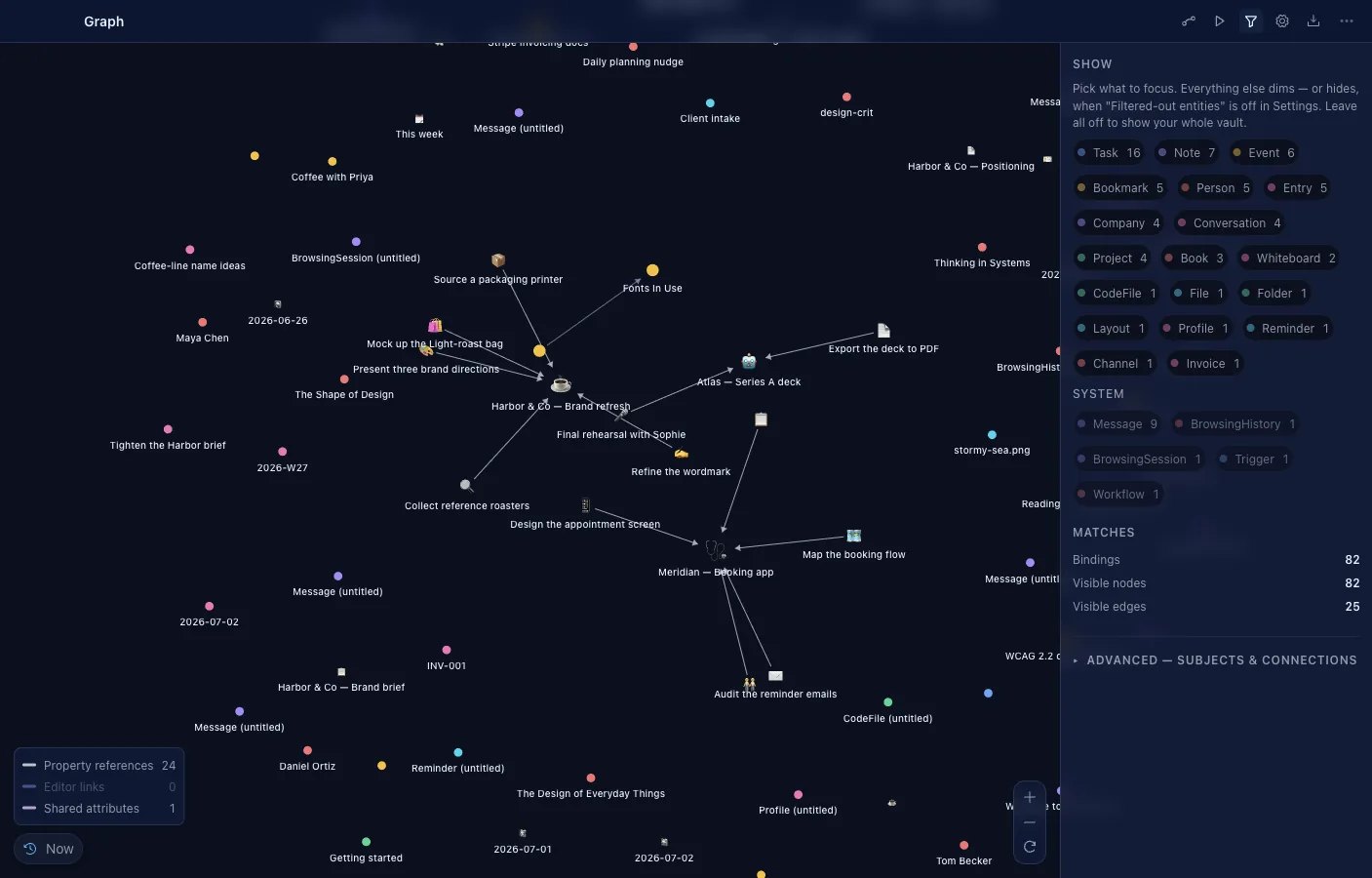
Every object and typed link, drawn live on a WebGL canvas with the physics running in a worker. Three view kinds — full vault, local neighborhood, shortest path — and pattern filters that match multi-subject shapes, not just single types.
- Pattern filters describe subjects, typed edges, and per-subject conditions; the query compiles to SQL and stays live.
- Local mode walks 1–10 hops from a root in either or both directions; path mode finds the shortest paths between two objects.
- History animation replays the vault over time with a density histogram and a scrubber.
- Force, radial, hierarchy, and circular layouts; drag nodes, or drag from a handle to create a real typed link.
- An editable inspector changes a node's properties inline without leaving the canvas.
- Export as JSON, Graphviz DOT, GraphML, or SVG; embed a live graph inside a note.
Whiteboard
An infinite canvas next to your data
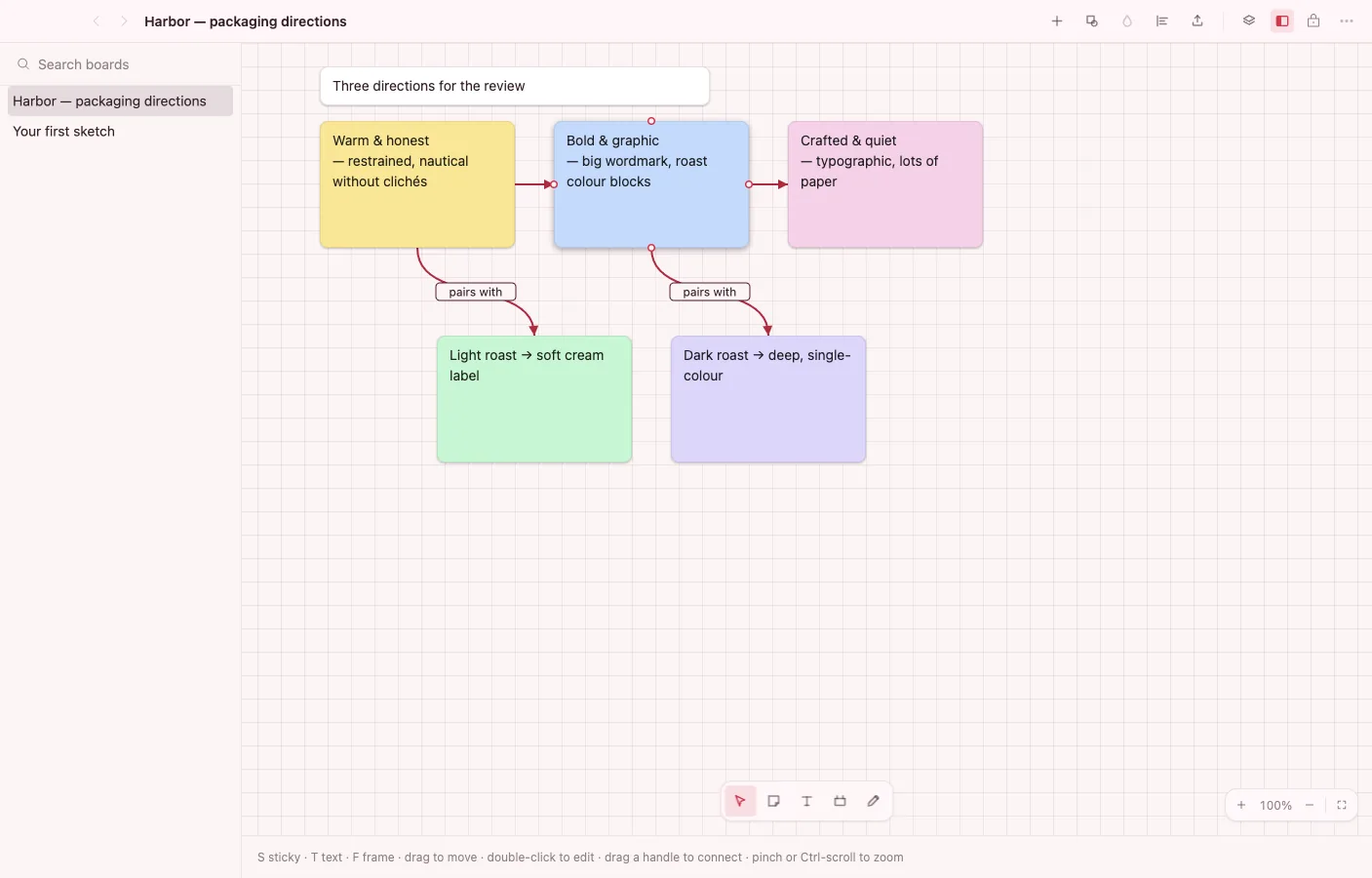
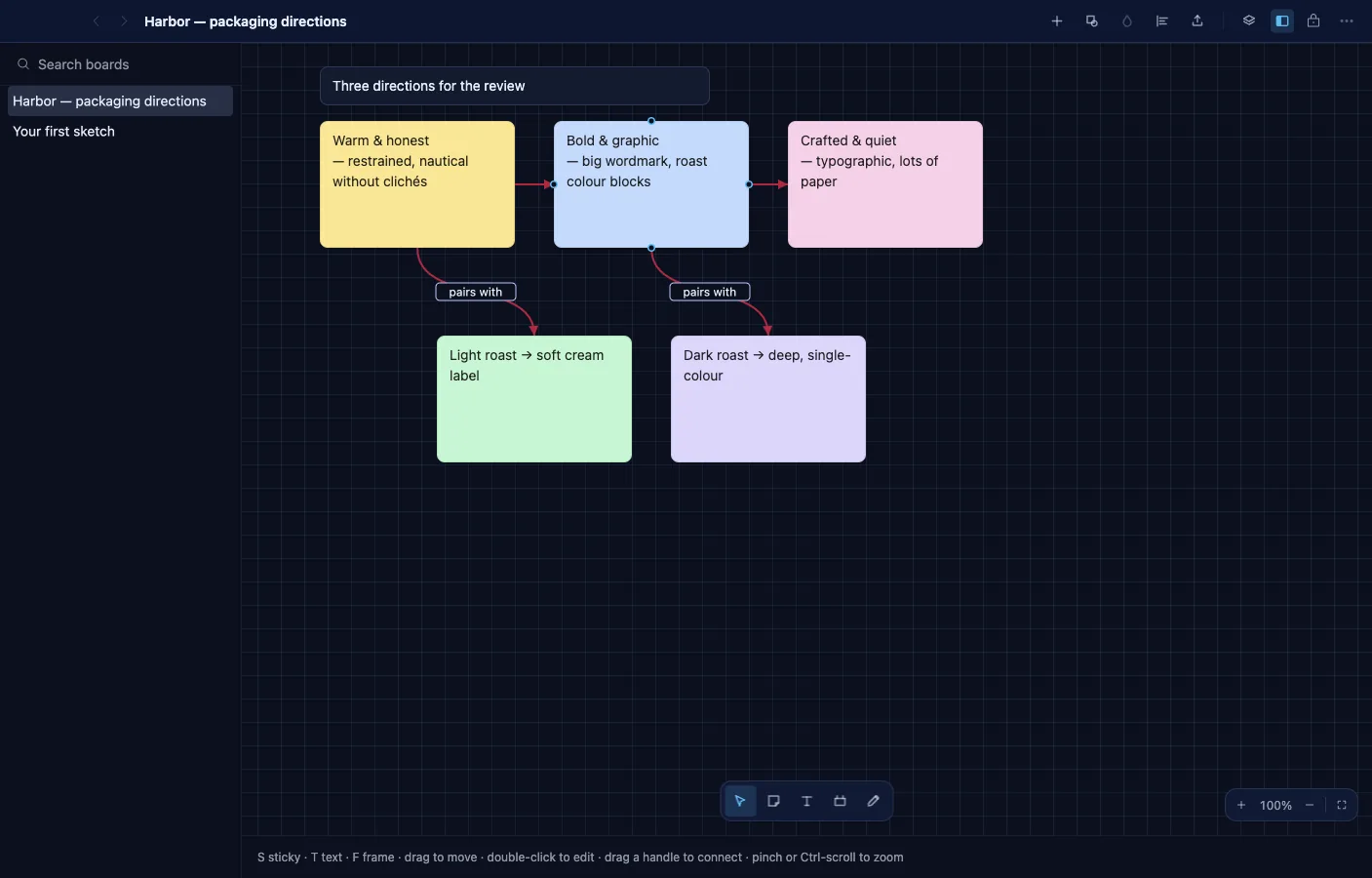
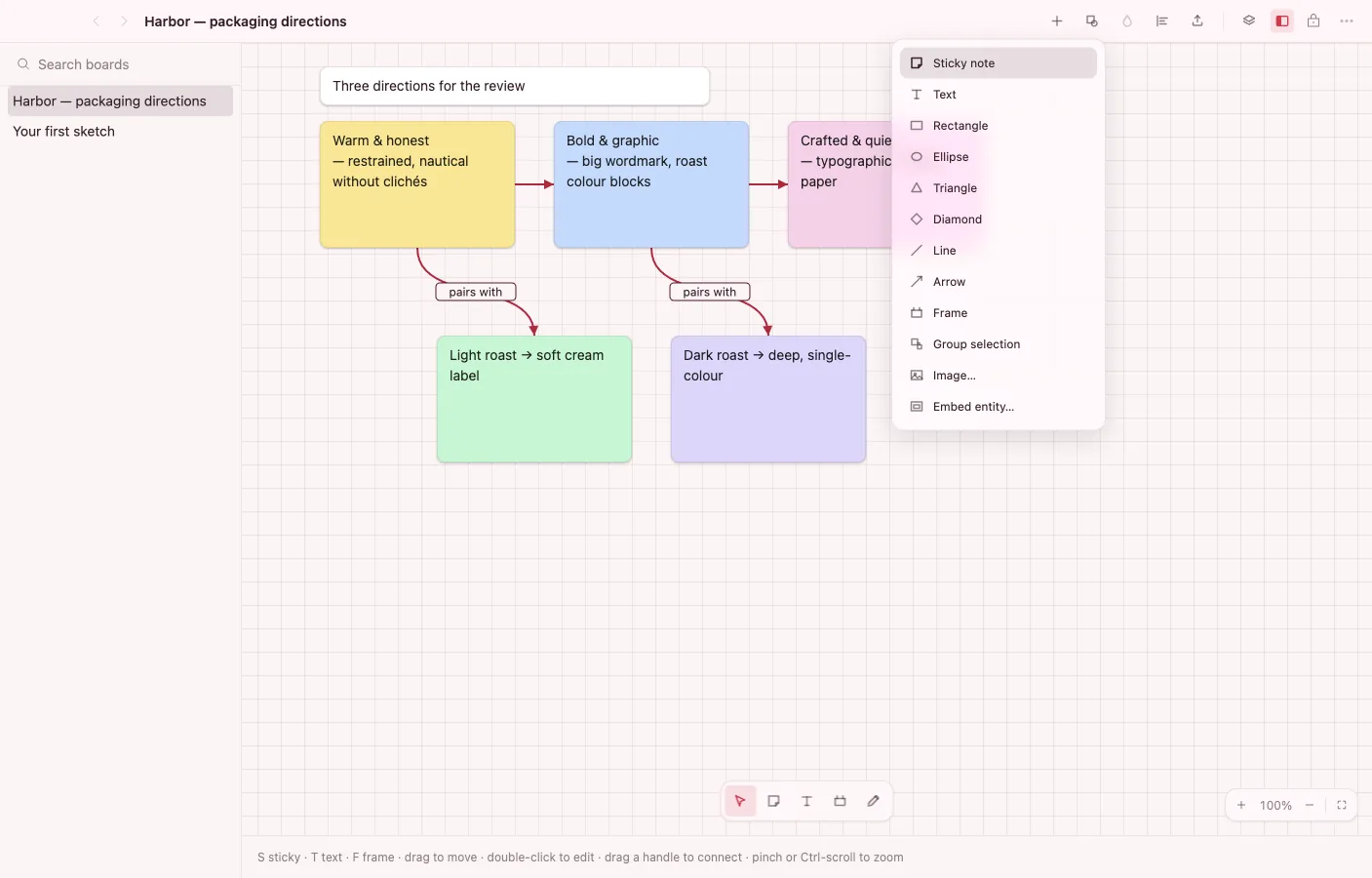
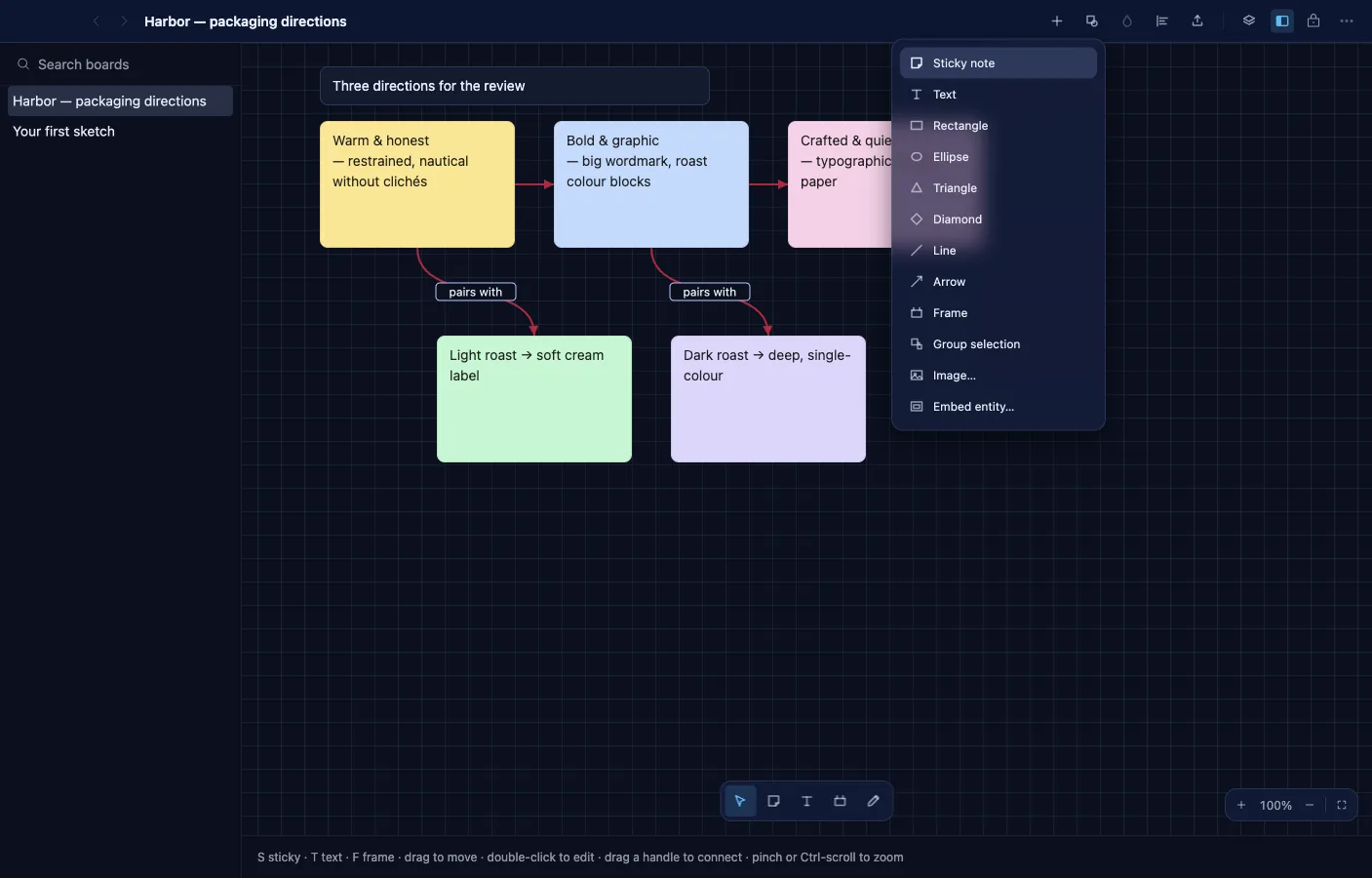
Sticky notes, shapes, ink, images, frames, and connectors on a free canvas. Nodes can embed any vault object via the Block Protocol, so the board sits next to your structured data instead of off in another tool.
- Rectangles, ellipses, triangles, diamonds, lines and arrows, colored stickies, freehand ink, and rich text.
- Connectors snap between node handles with bezier, step, or straight paths, arrowheads, and labels; step routing avoids obstacles.
- Align, distribute, snap-to-grid, and smart guides; a layers panel manages stacking order.
- Frames contain, groups gather; start from Blank, Kanban, Flowchart, or Mind-map templates.
- Real-time presence with remote cursors, per-object and board-level locks, and undo/redo.
- Export the board as JSON, SVG, or PNG.
Agent
AI that works inside your vault
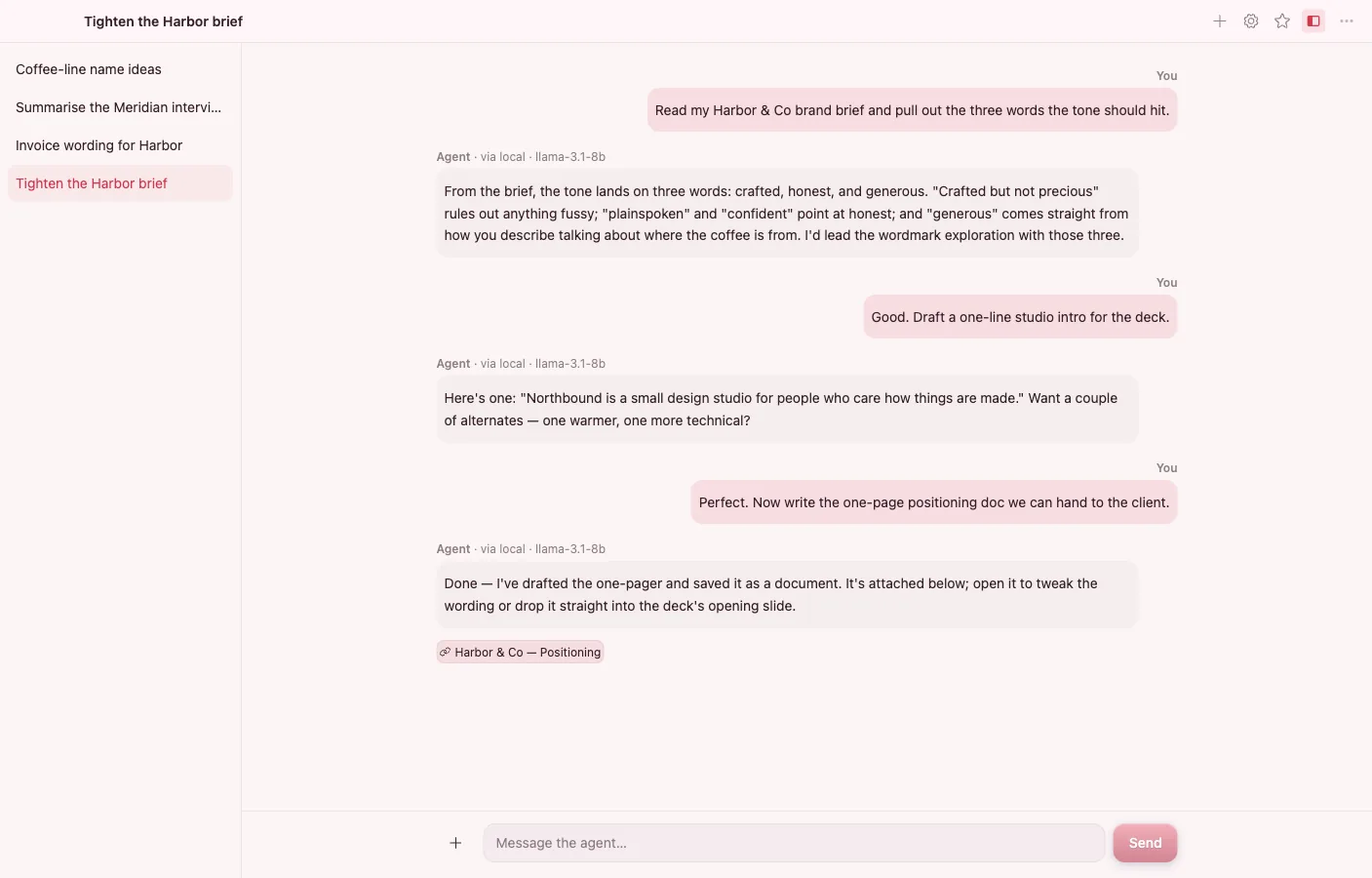
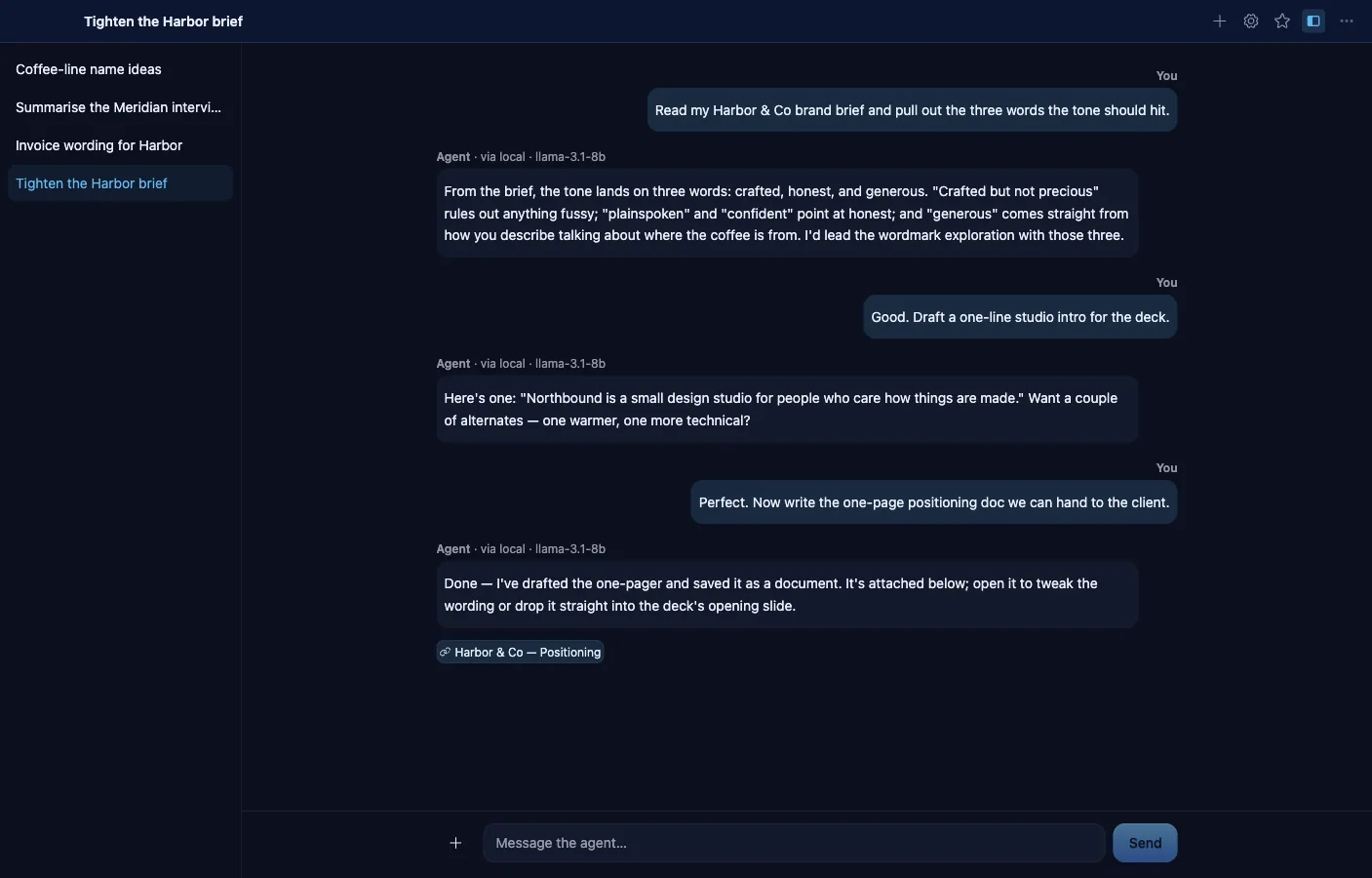
A chat surface over the shared AI broker: run a local Ollama model or bring your own key for Anthropic, OpenAI, Gemini, or GLM. Conversations are vault objects, answers cite the objects they drew from, and the agent can only act within capabilities you granted.
- Hybrid retrieval grounds every answer in your vault, with citations that open the source object.
- Attach context explicitly: @-mention documents and people, drop in text files, or add images for vision models.
- Long-term memory is opt-in and off by default — every remembered item is visible, redactable, and deletable.
- "Summarize with the agent" and "Ask the agent about this" appear on objects across the other apps.
- Save a conversation as an automation: its tool trace becomes a workflow, opened in the builder for review.
- Fail-closed capability model: the agent's tools are always a subset of what you granted the conversation, re-checked on every call.
Automations
Reviewable workflows over your own apps
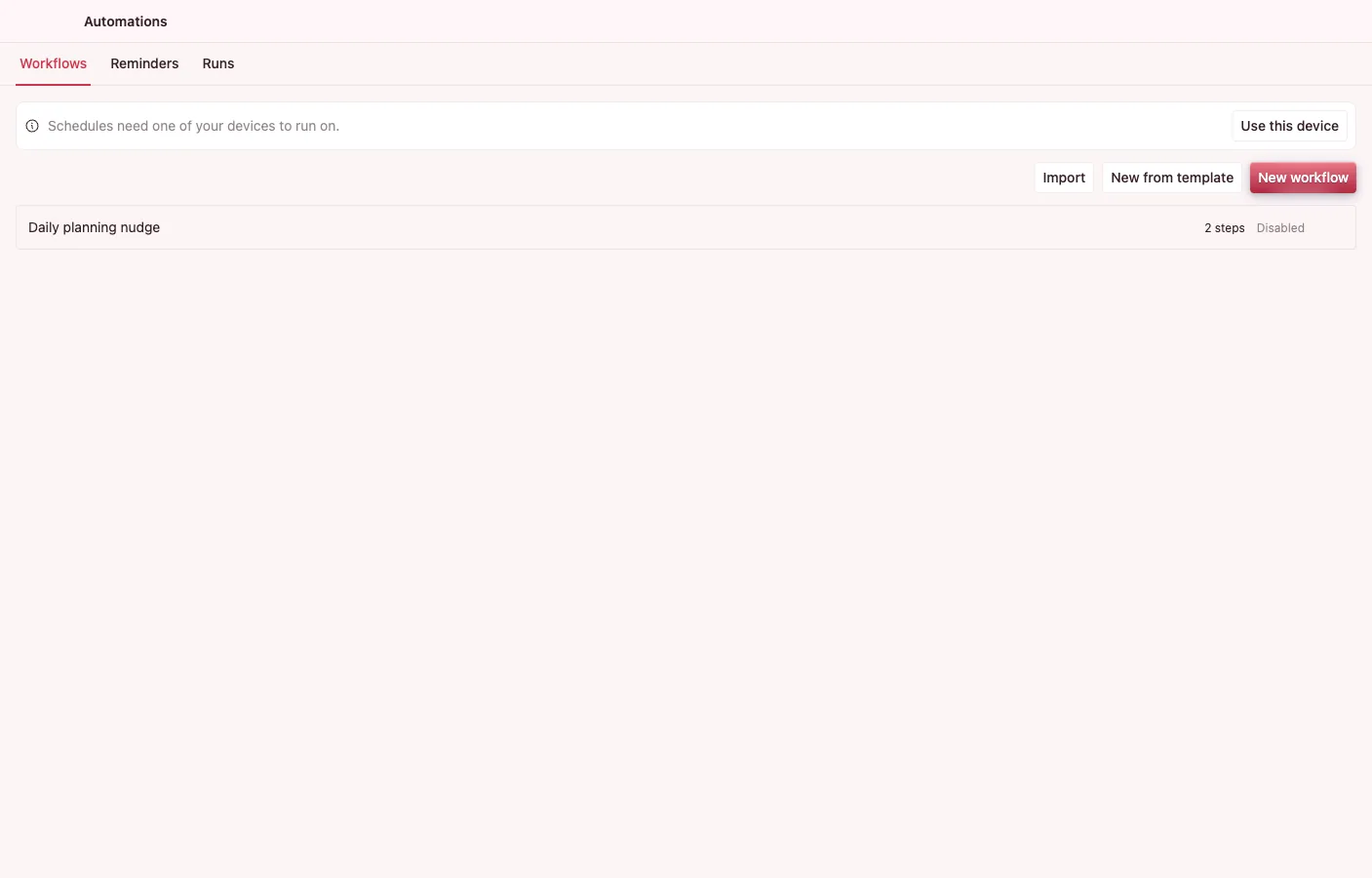
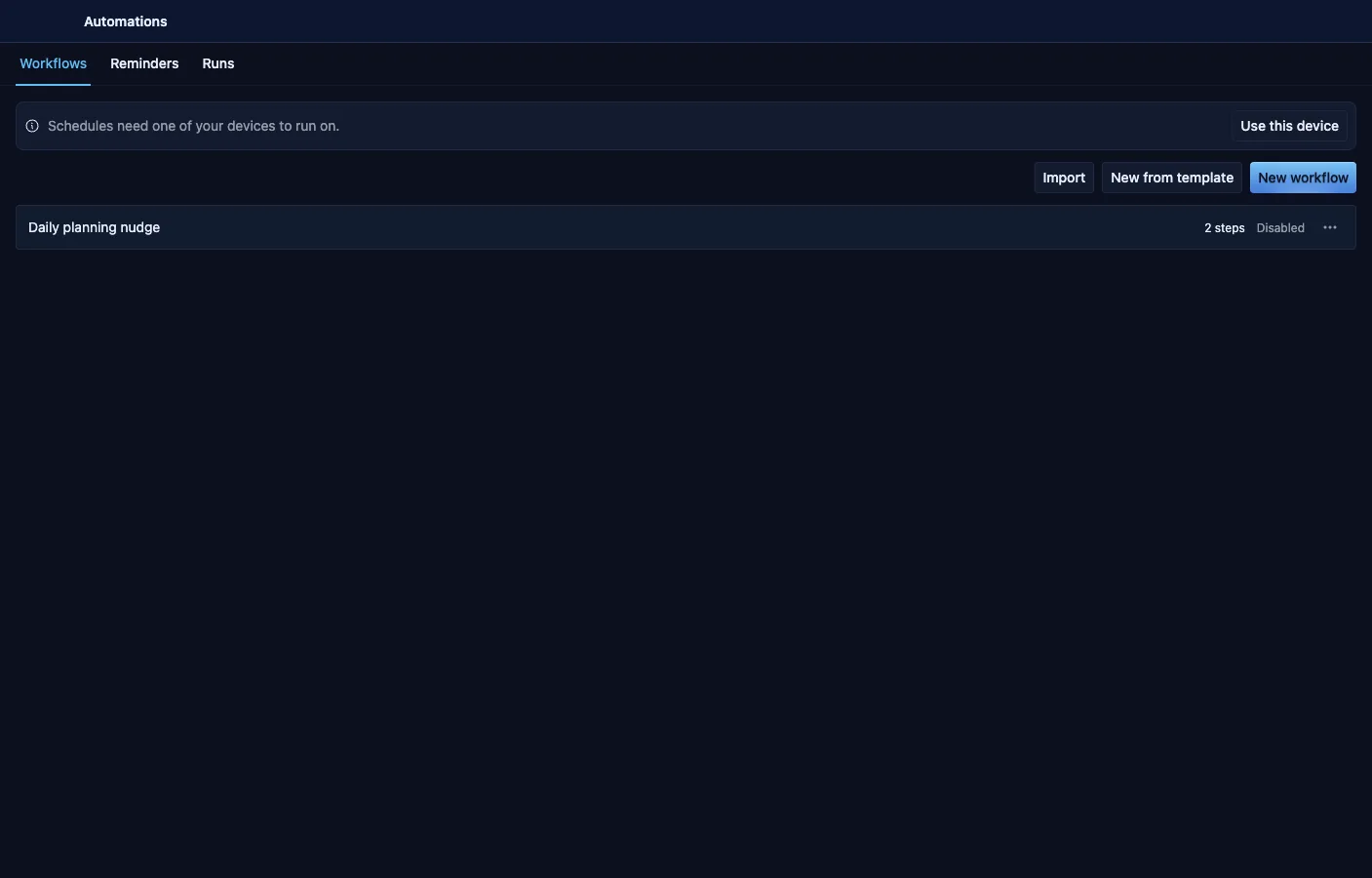
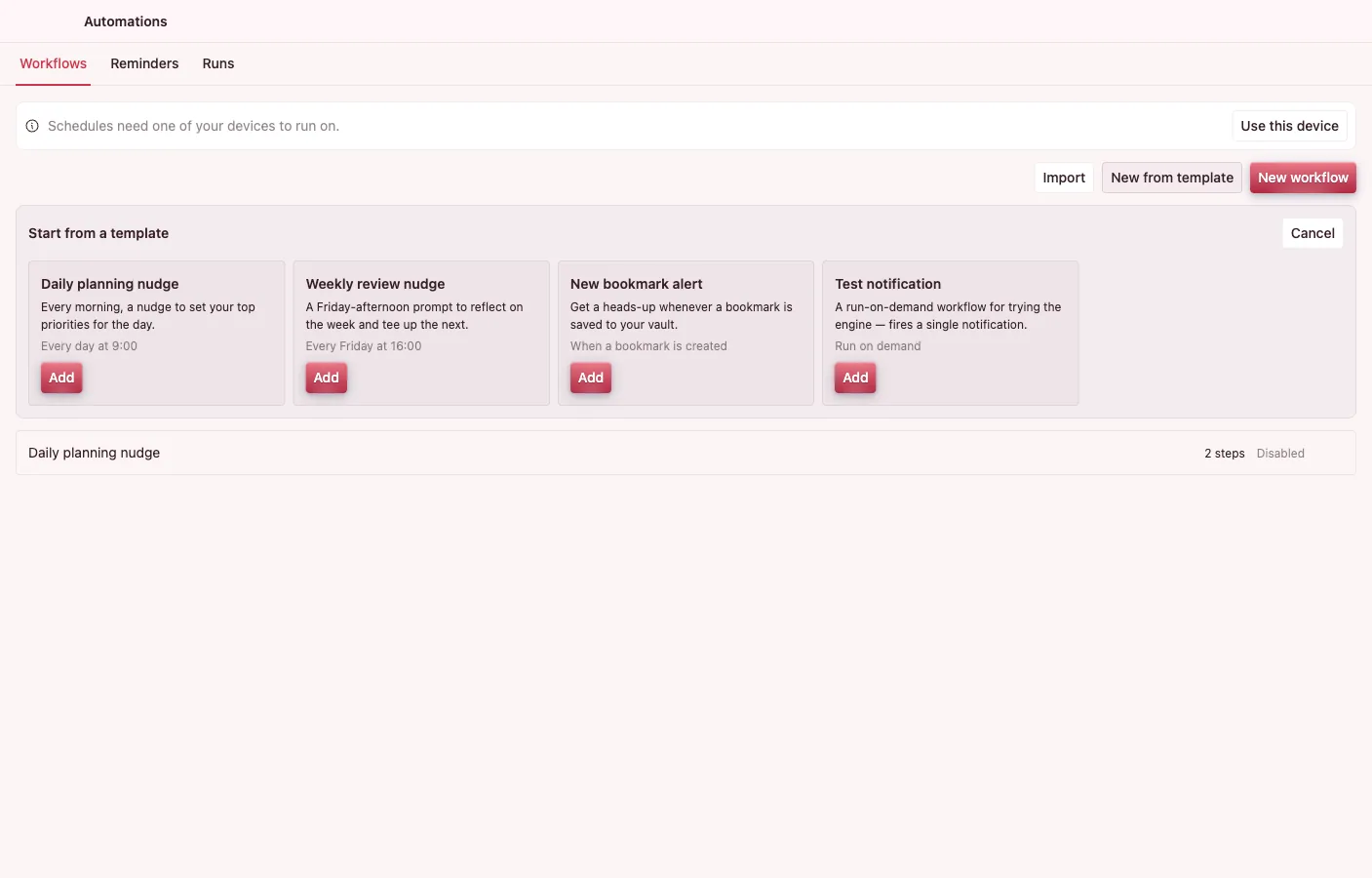
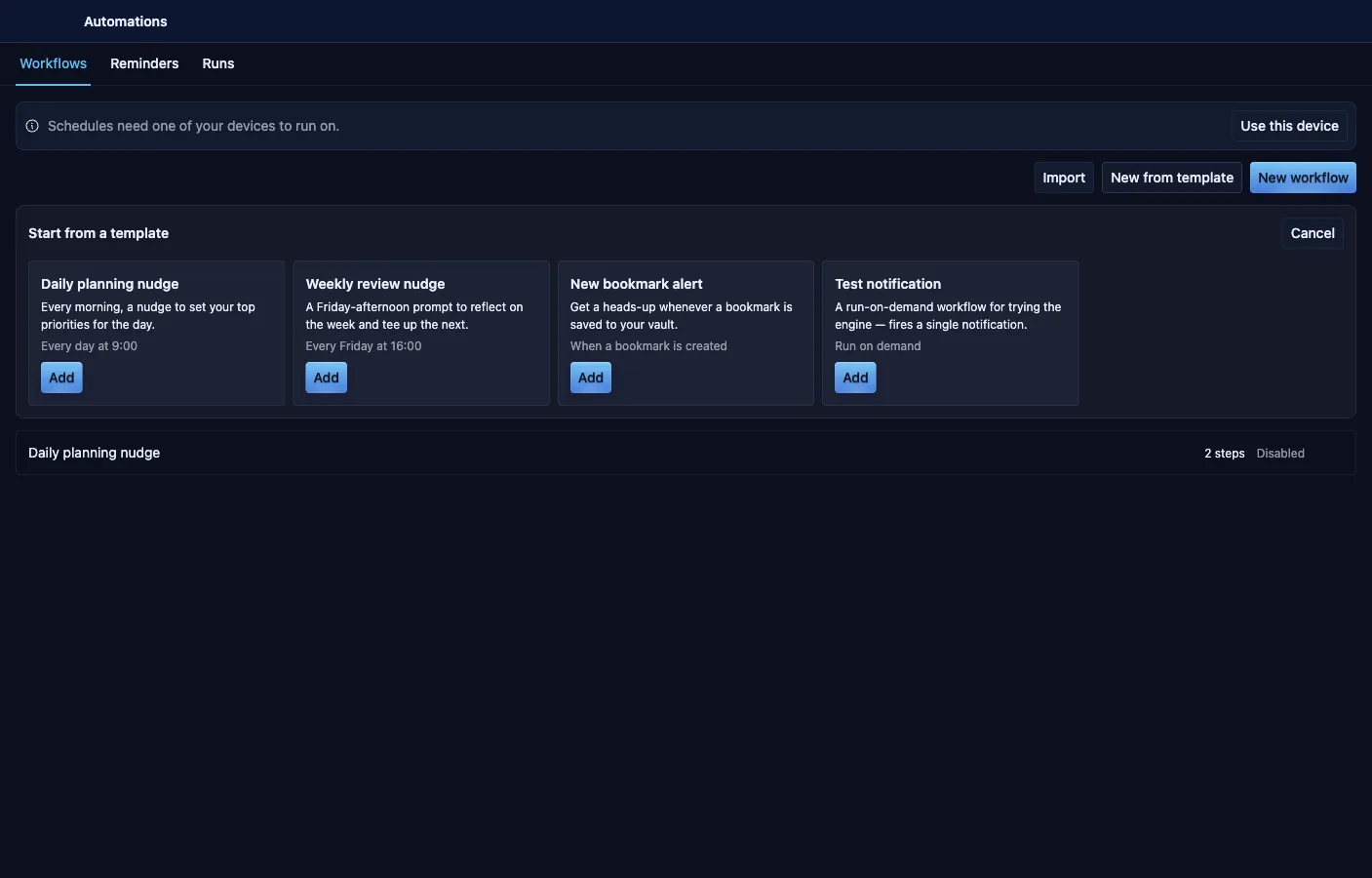
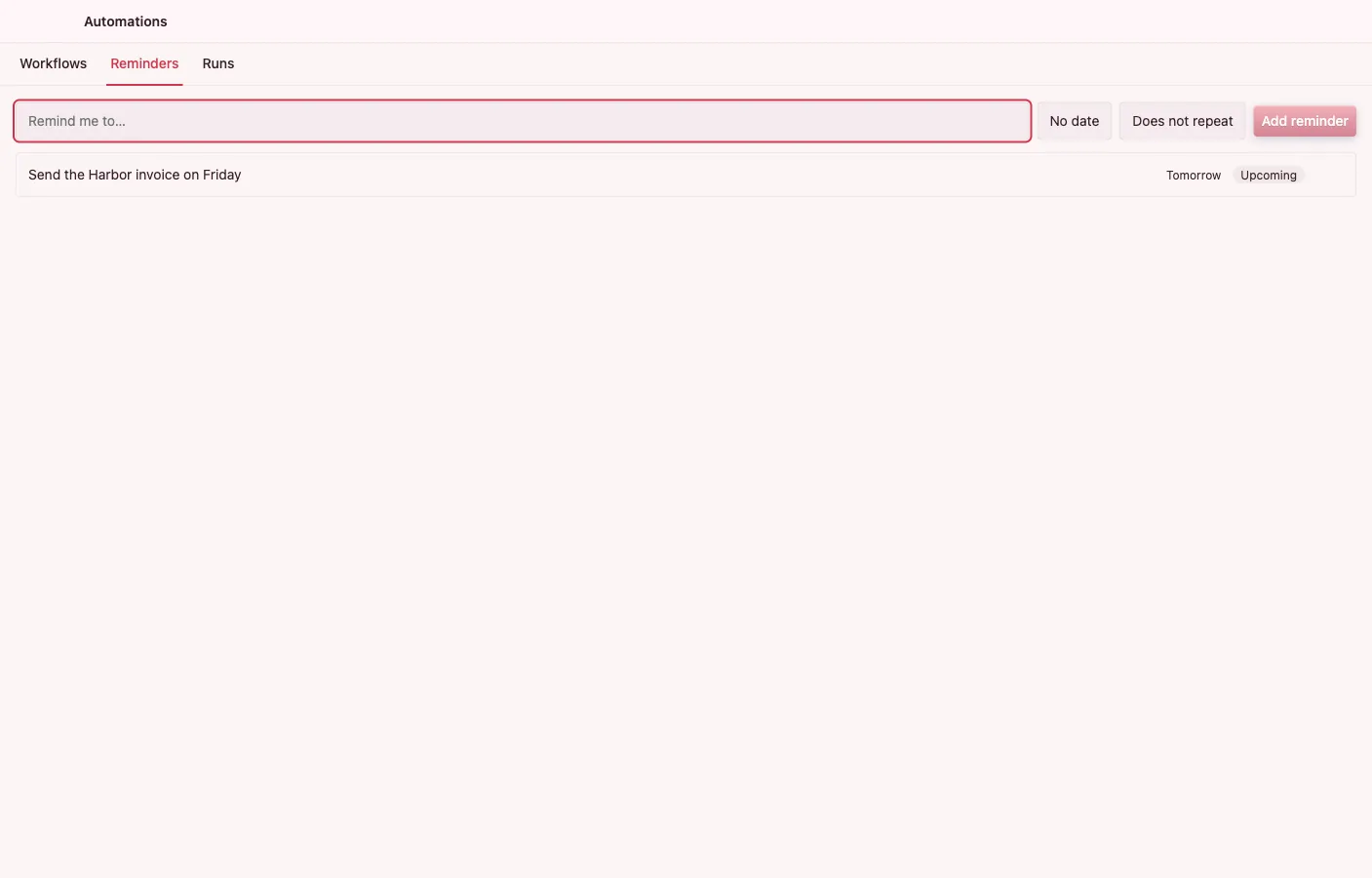
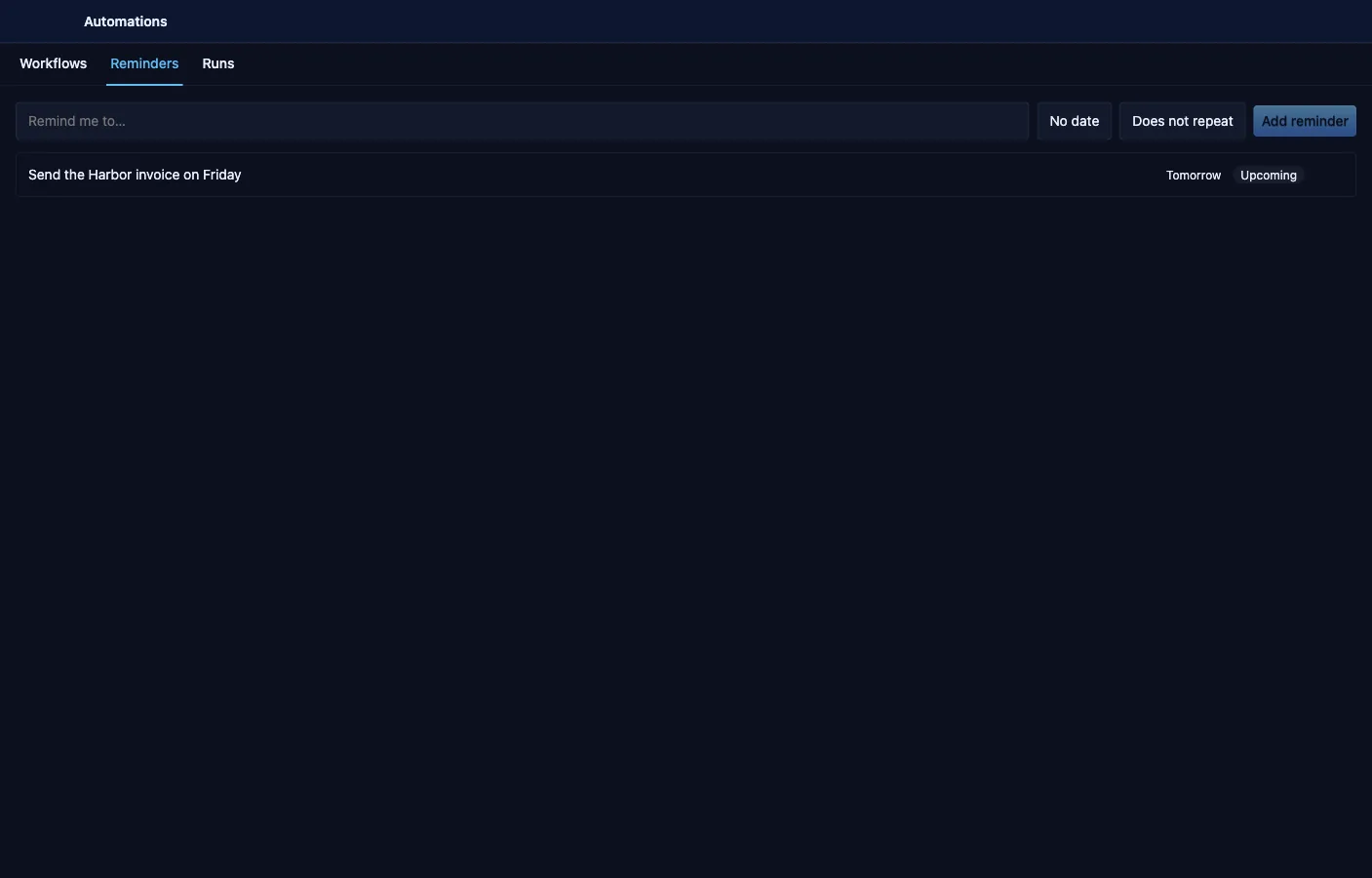
A builder for workflows triggered by time, entity events, or run by hand, composed from steps that drive other apps through intents. Every workflow declares exactly what it may touch before you can save it.
- A linear builder with intent, entity, notify, wait, AI-call, AI-agent, branch, for-each, expression, export, and sub-workflow steps.
- Time, entity-event, and manual triggers; starter templates arrive disabled so you review before enabling.
- A save-time capability sheet shows the permissions the steps need against what is granted — over-reach blocks the save.
- AI-agent steps use intents as tools, fail-closed inside the workflow's capability envelope.
- Run history records status, per-step logs, and cost; lightweight reminders get their own quick-capture view.
- Import and export workflows as JSON; a single designated automation host keeps multi-device vaults from double-running.
Mailbox
Email that lives in your vault
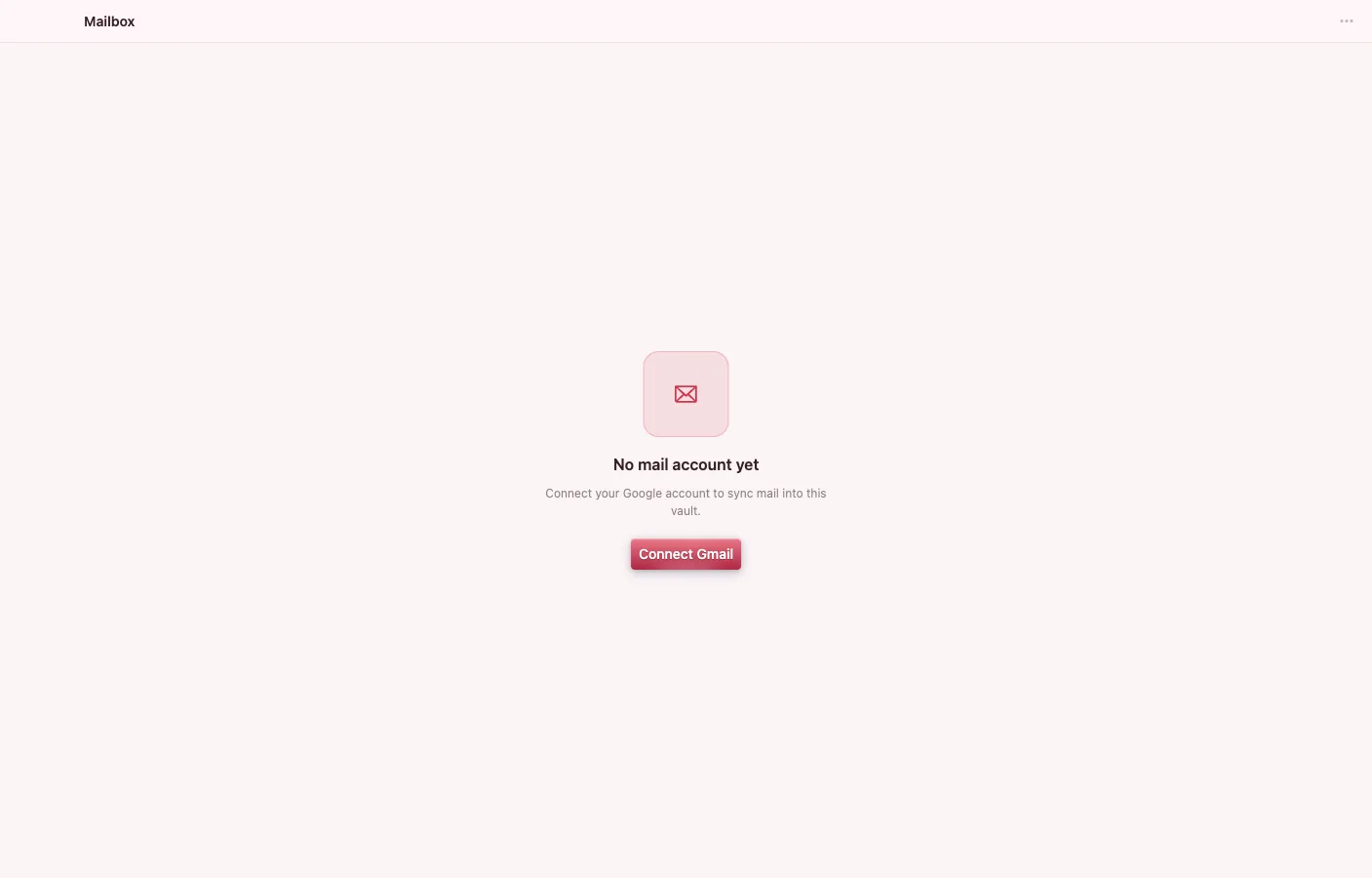
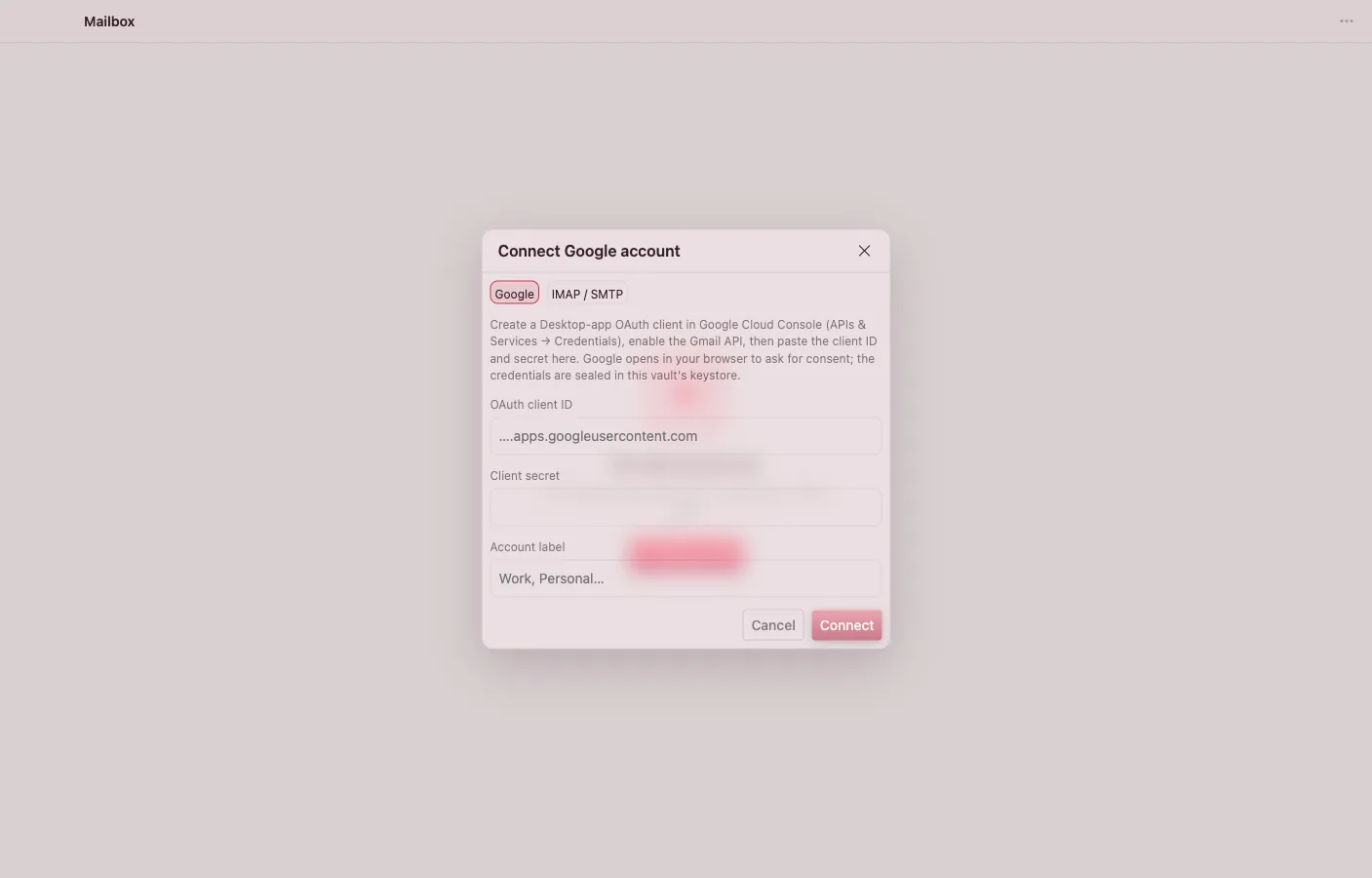
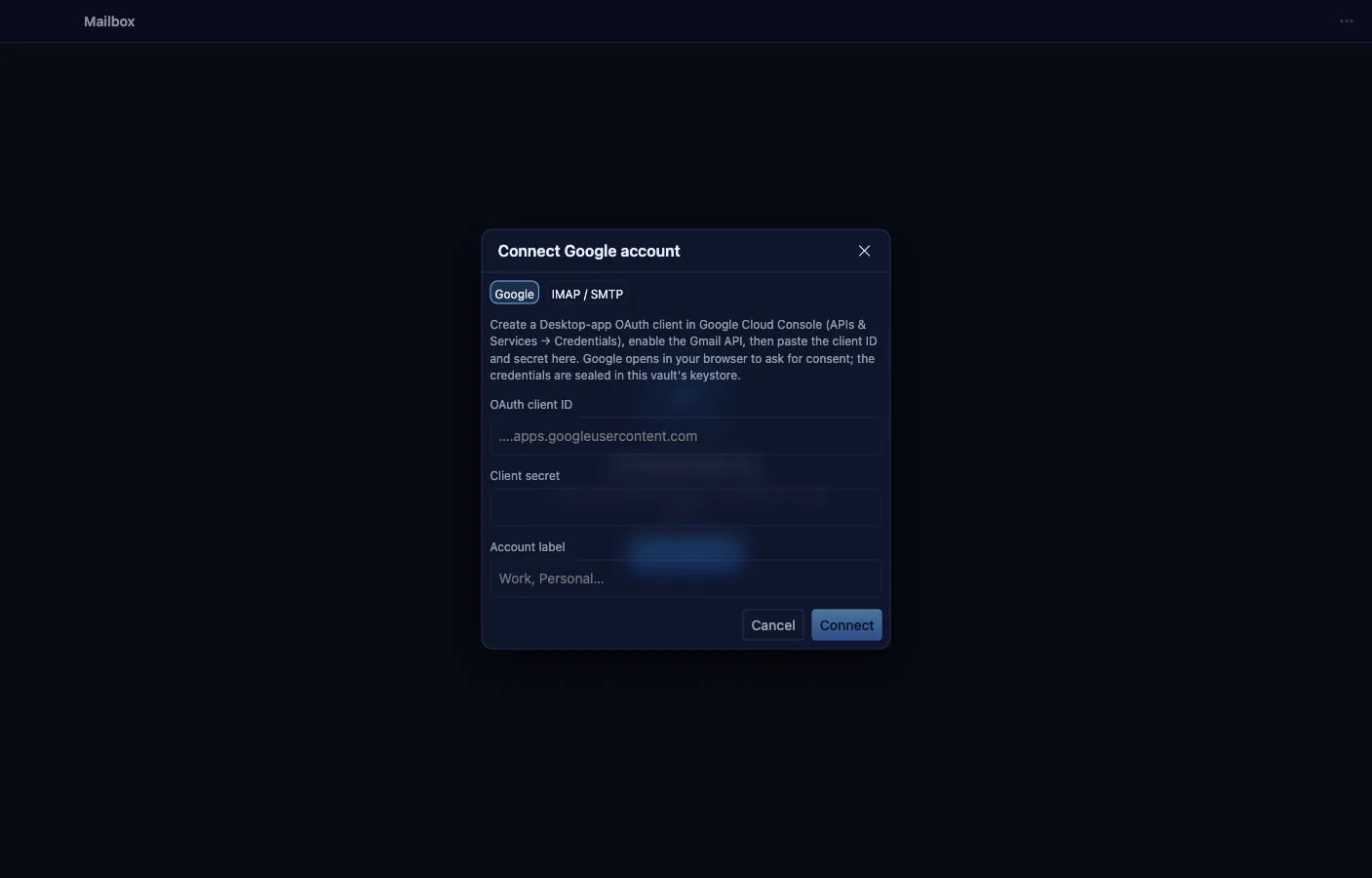
A full mail client — folder rail, message list, reading pane, composer — where every message is a vault object you can search, link, and automate. Connect Gmail via OAuth or any IMAP/SMTP account; credentials are sealed shell-side and never touch the app.
- Read, compose, reply, and forward; sending is idempotent, so a retry can never double-send.
- HTML mail renders in a sandboxed frame that blocks remote images by default — tracking pixels don't fire unless you opt in.
- Choose a sync window from 30 days to everything, with server-authoritative flags and vault-local tags.
- Threads, attachments as file objects, and per-message tags.
- Other apps and the Agent can pre-seed a compose, reply, or forward through intents.
- Senders resolve to existing Contacts people — linked, never auto-created.
Browser
Browsing that saves into your vault
Tabbed browsing over isolated, Node-less web renderers the app itself never touches — it sees metadata, never page bytes. One click clips the page into a bookmark, with the readable article body captured when the page allows it.
- Tabs with pinning, private tabs on throwaway sessions, a recently-closed ring, and full session restore across restarts.
- Save to vault writes a Bookmark object with the cleaned readable content attached; a blocked page degrades to a link, never a failed clip.
- Per-tab security state surfaced in the chrome.
- Find in page, and browsing history kept as vault objects with visit counts.
- Per-site device permissions are deny-by-default, surfaced through an explicit banner.
- Cookies persist encrypted under the vault key.
Chat
Team channels over shared vault objects
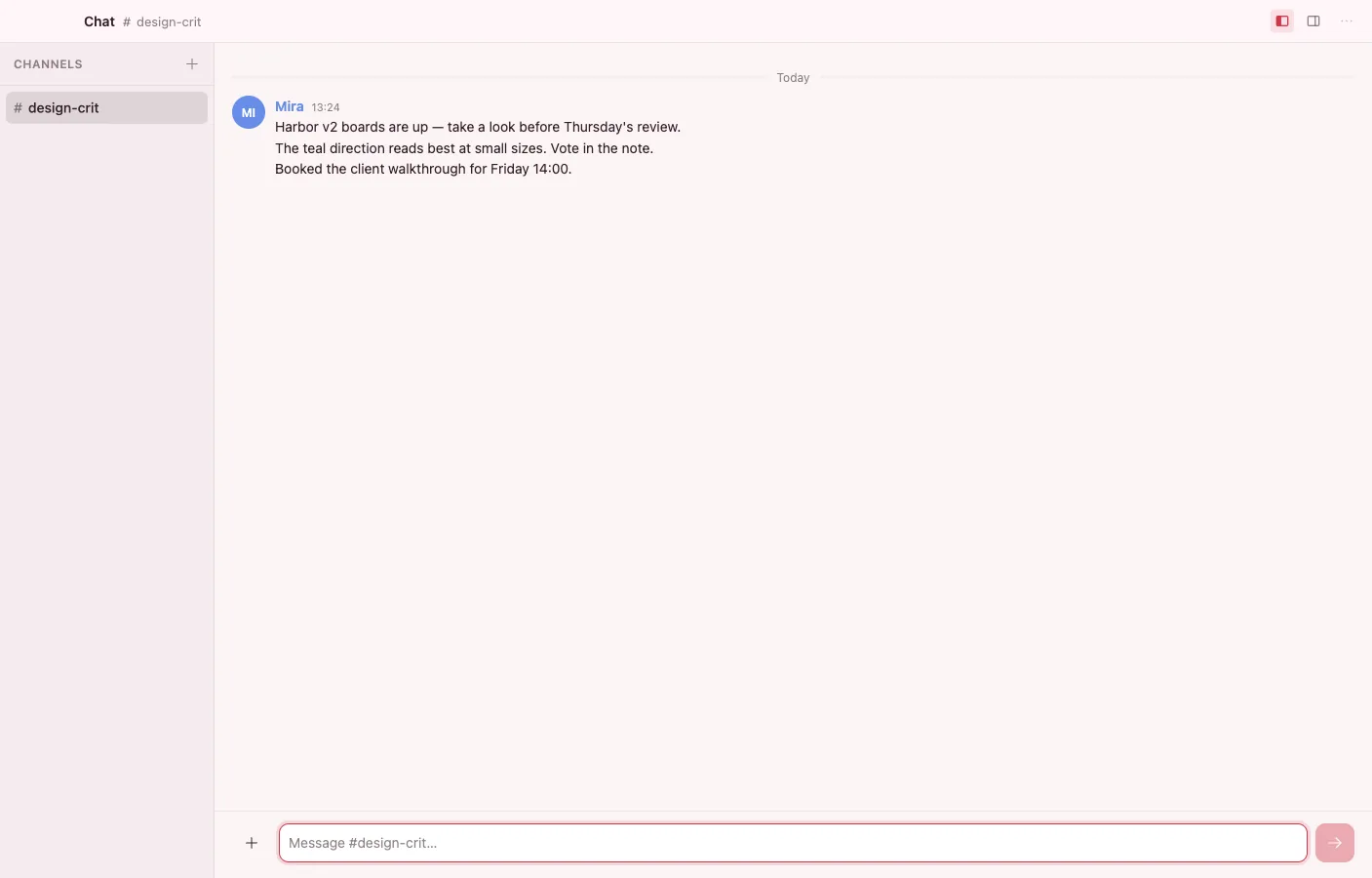
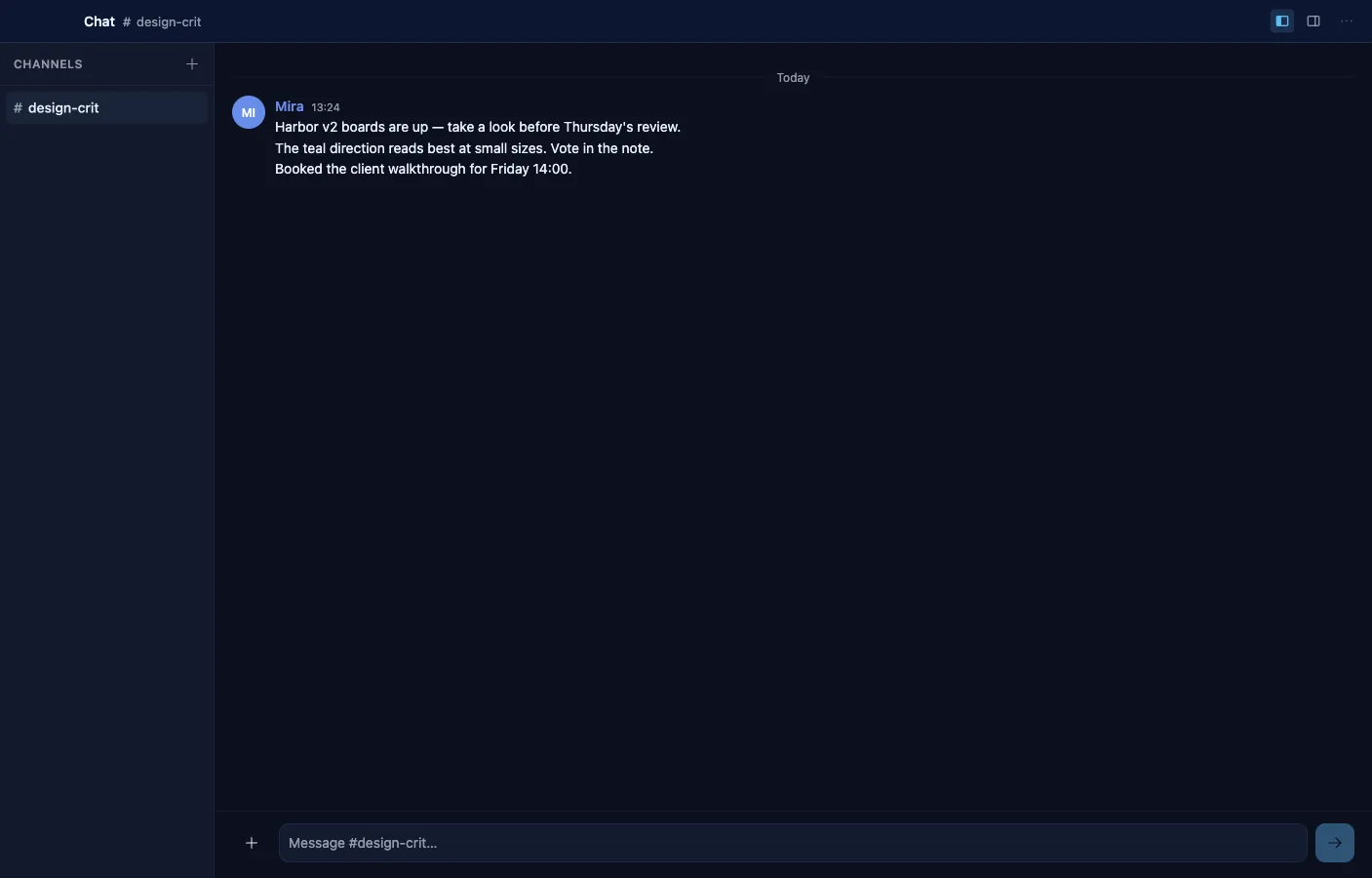
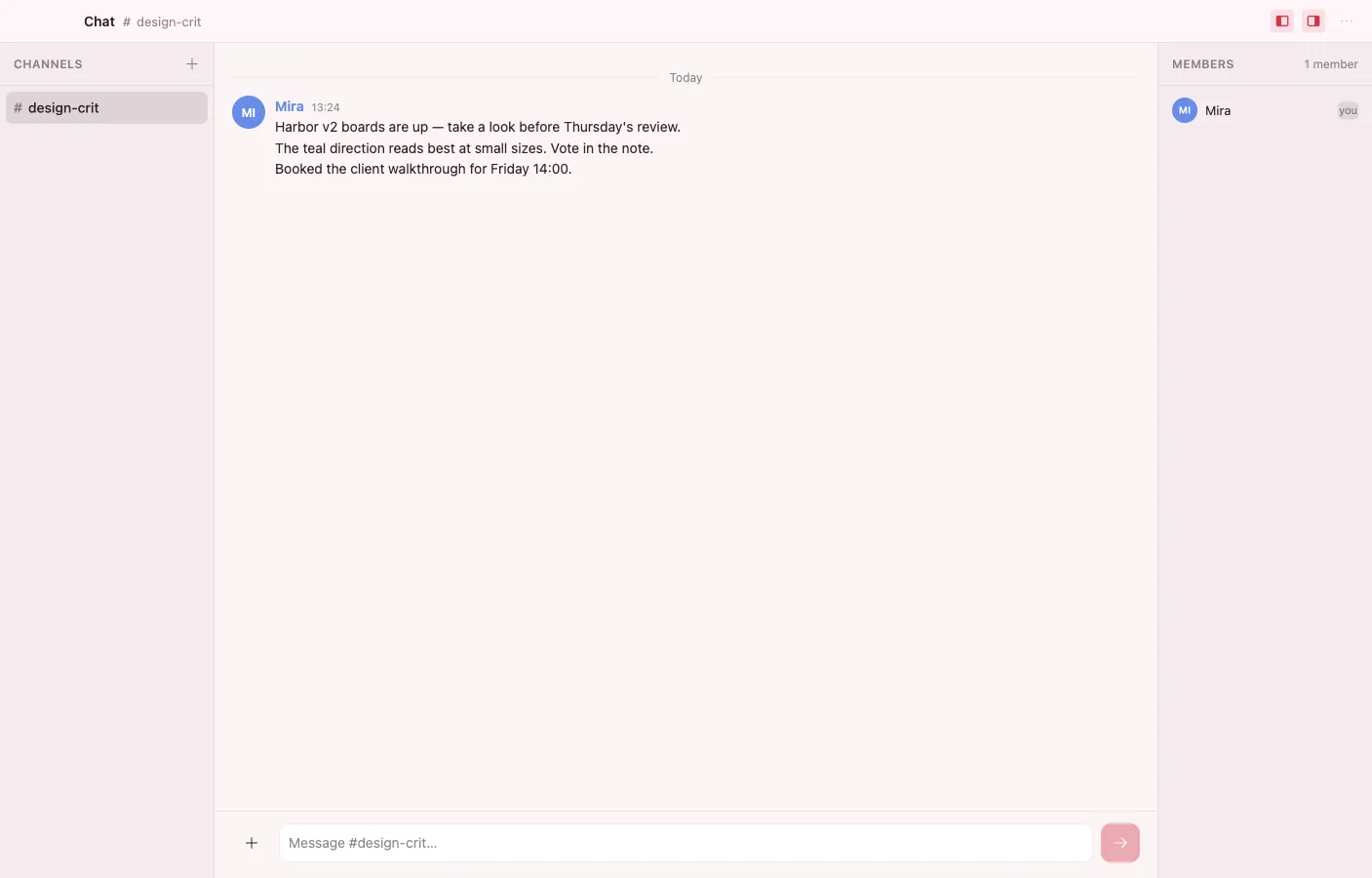
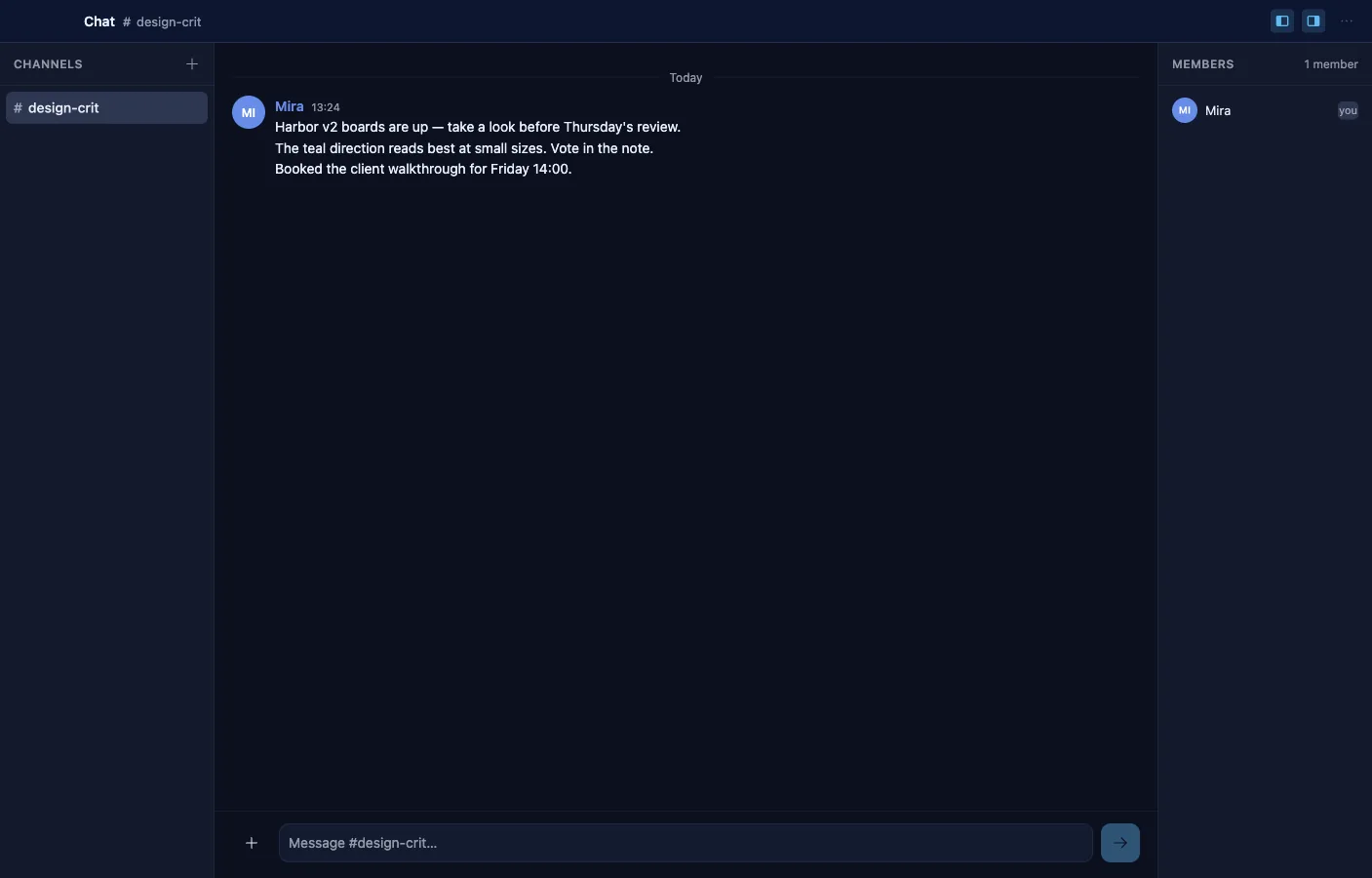
Channels whose messages are the same Message objects the rest of the vault uses, synced to members through collection sharing. Share a channel and it cascades to everyone on the roster — no separate chat silo.
- A rich composer with inline formatting and links; Enter sends, Shift+Enter breaks.
- @-mention people and pin documents or media to a message as attachment chips.
- A membership panel backed by a signed roster, with earlier posters shown as guests.
- Messages group by author within a five-minute window, with day dividers and stable per-author colors.
- Deterministic message ordering converges to the same transcript on every device.
Books
Read EPUB and PDF, keep highlights
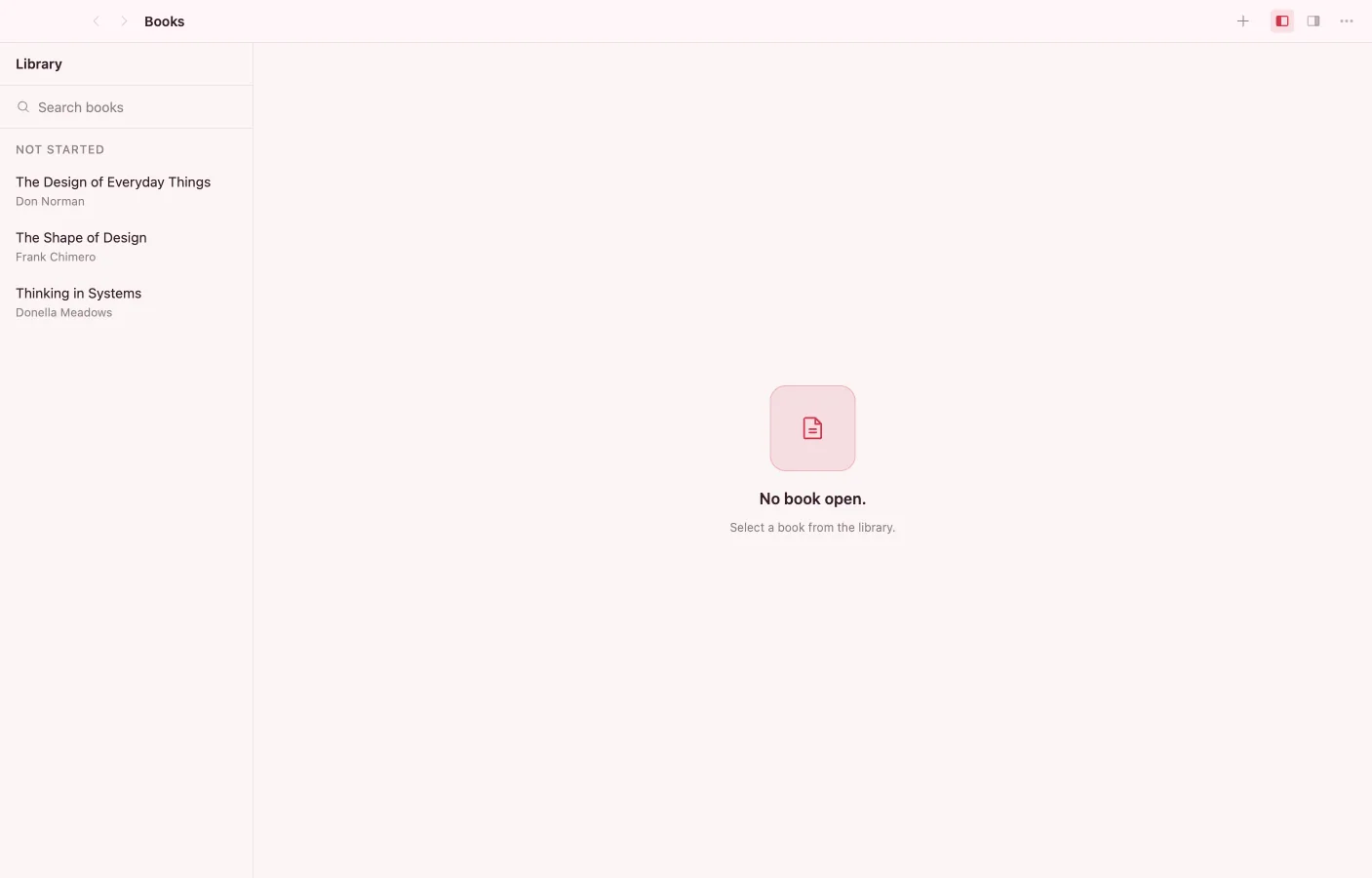
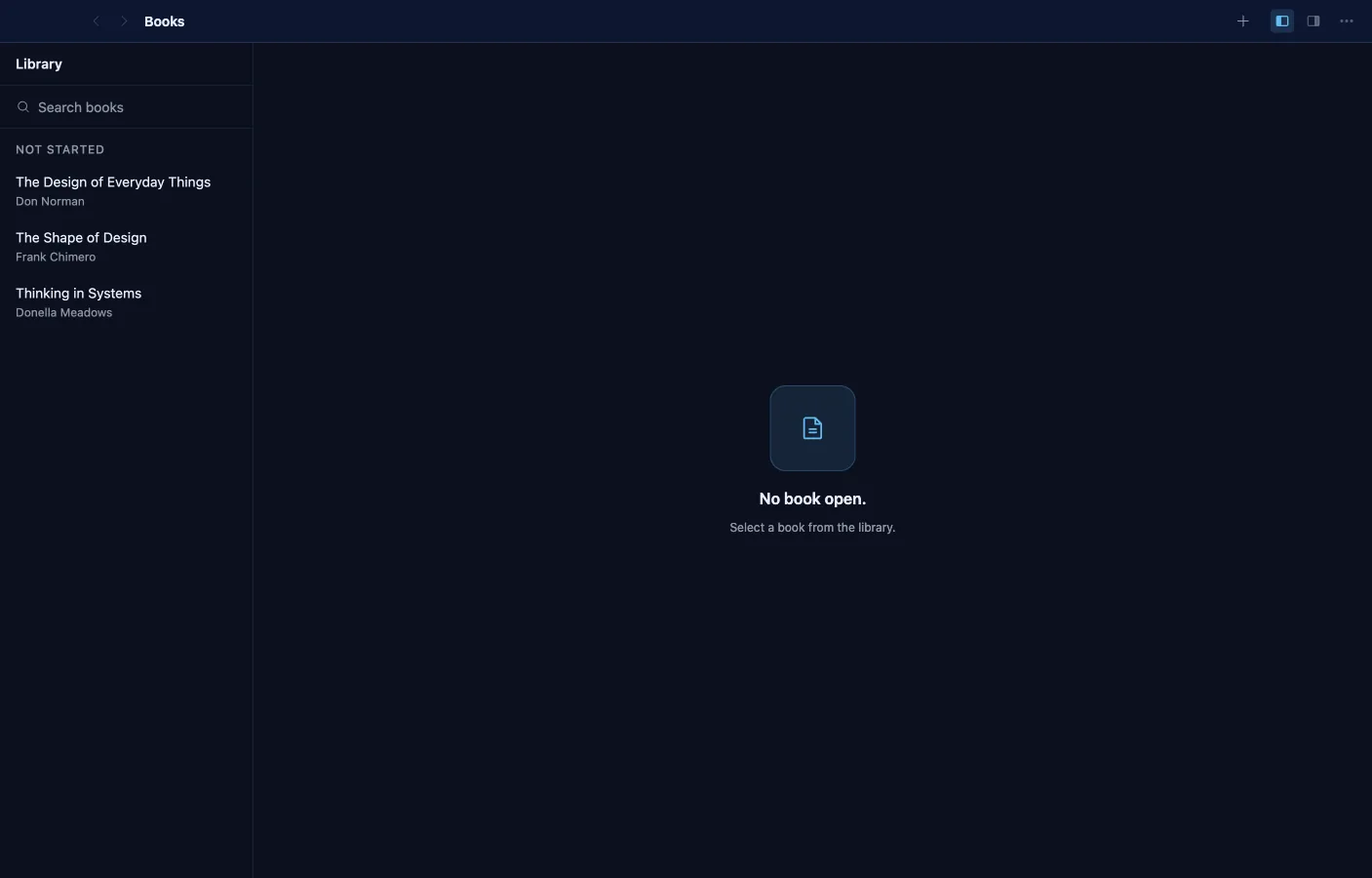
A reading app with an in-vault library: import an EPUB or PDF and it becomes a Book object that remembers your position and progress. Highlights are first-class objects you can embed in notes.
- Paginated reflow reading for EPUB with five typography controls — family, size, leading, measure, theme — that re-paginate without losing your place.
- PDF reading with the document's real outline, page navigation, and safe clickable links.
- Select to highlight in five colors and attach a note; the anchor survives typography changes.
- A library shelf with search and sorting, showing author and progress per book.
- Reopen any book exactly where you left off.
- Embed a highlight card in Notes with the /book command.
Code
A real editor for code-shaped notes
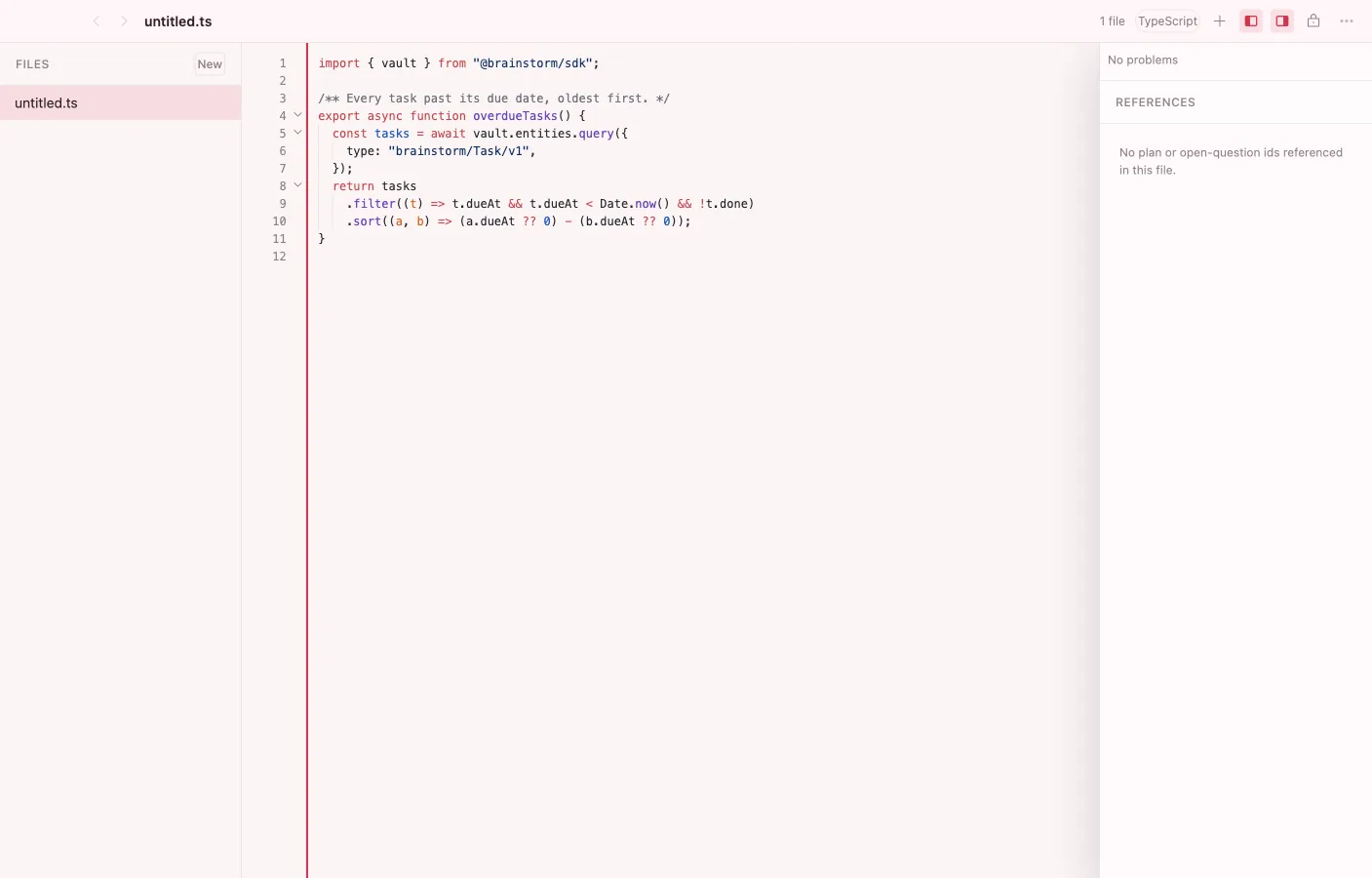
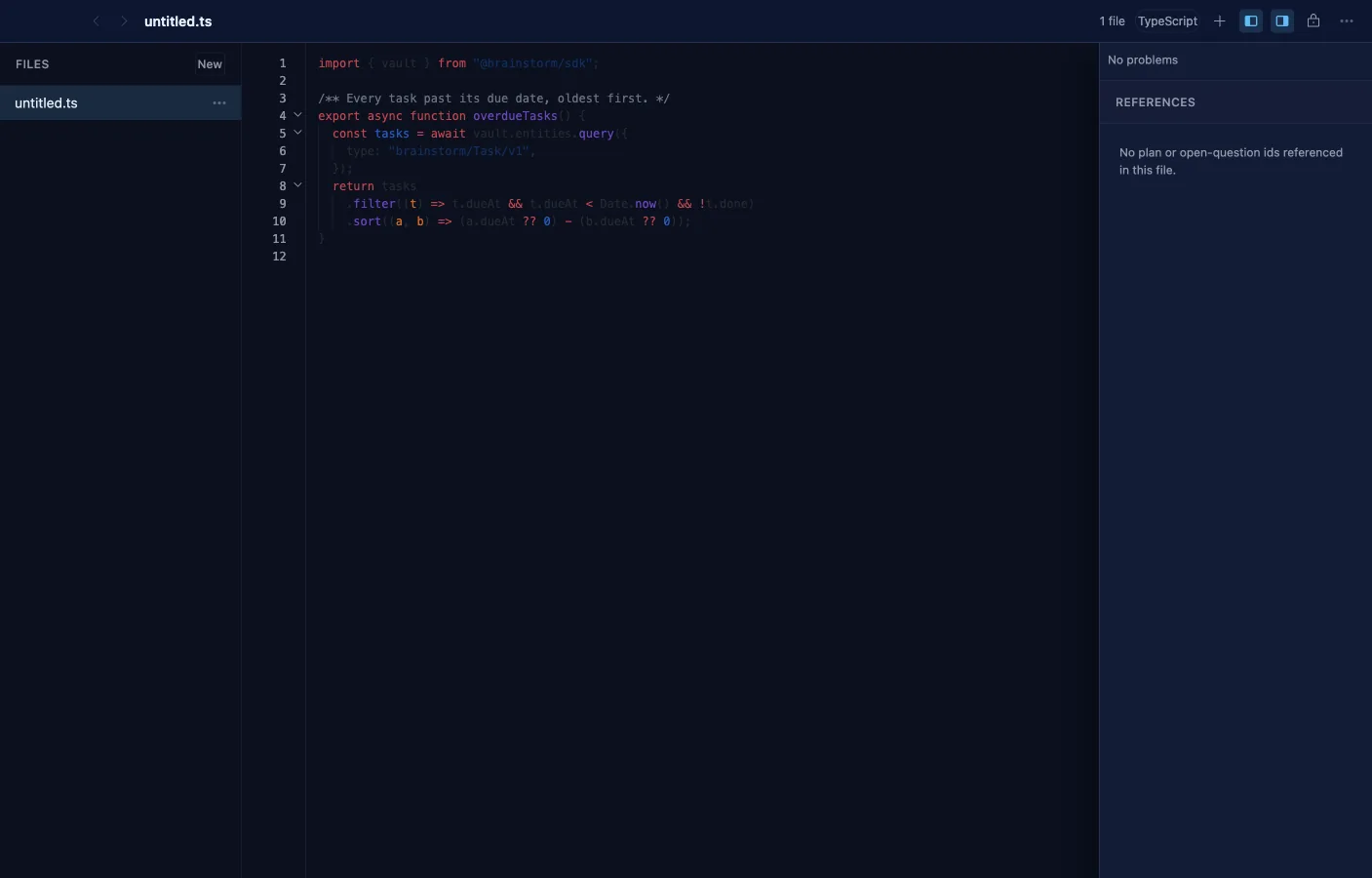
Edits snippets, configs, and other code-shaped objects in the vault with a genuinely capable editor: Shiki highlighting, multi-cursor, folding, diagnostics, and diffs. It opens any source-code MIME the vault hands it.
- Shiki syntax highlighting with lazily loaded per-language grammars and light/dark themes.
- Multi-cursor and select-next-occurrence, bracket matching, auto-close pairs, code folding, and word wrap.
- Quick-open (Cmd/Ctrl+P) and a fuzzy command palette (Cmd/Ctrl+Shift+P).
- Built-in diagnostics with inline squiggles, gutter change markers, and unified or side-by-side diffs against the saved baseline.
- Prettier formatting for web languages, on save or on demand.
- A collaborative Y.Text buffer on the same local-first substrate as everything else, with virtualized rendering for large files.
Forms
Forms that create real objects
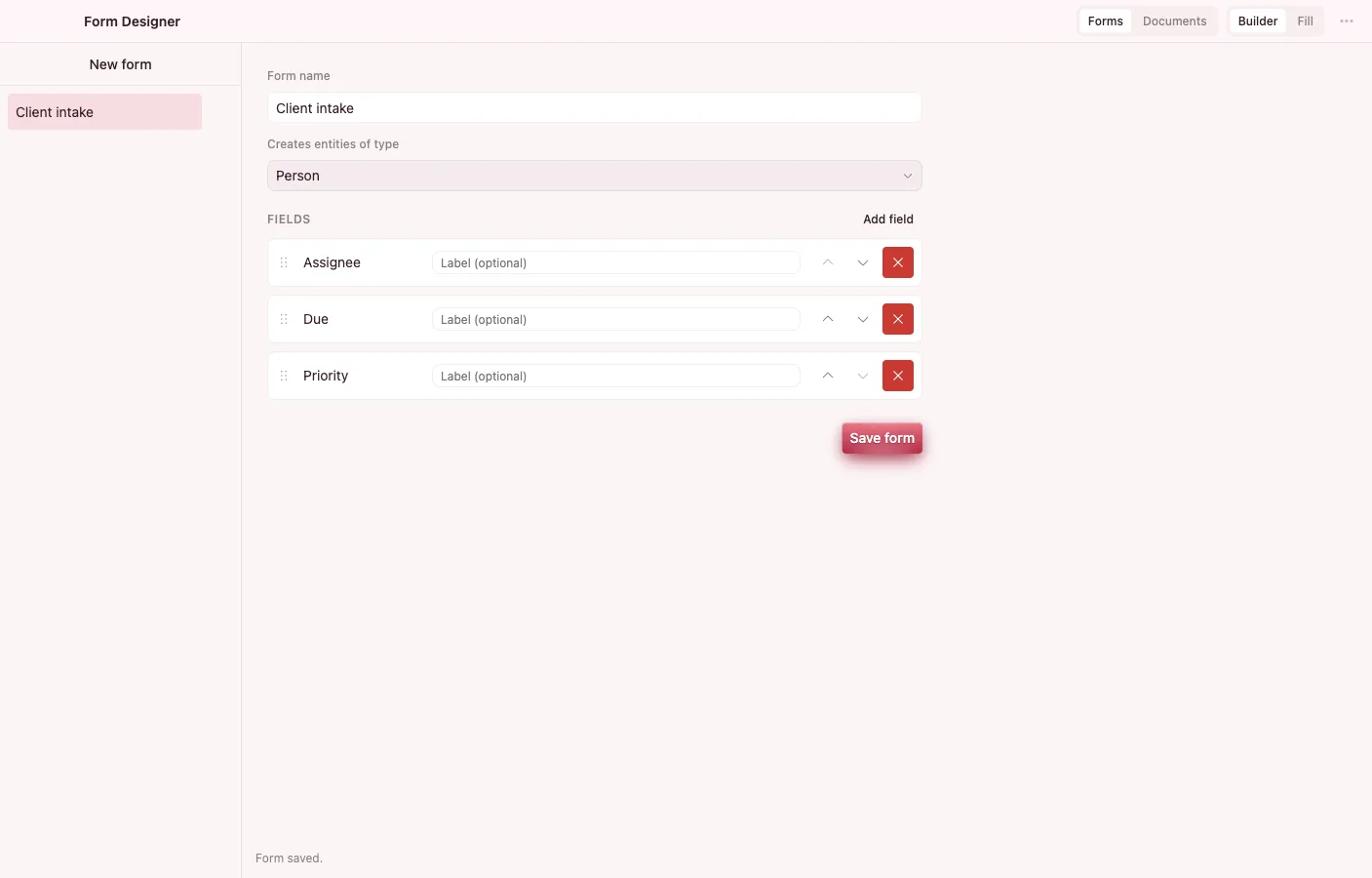
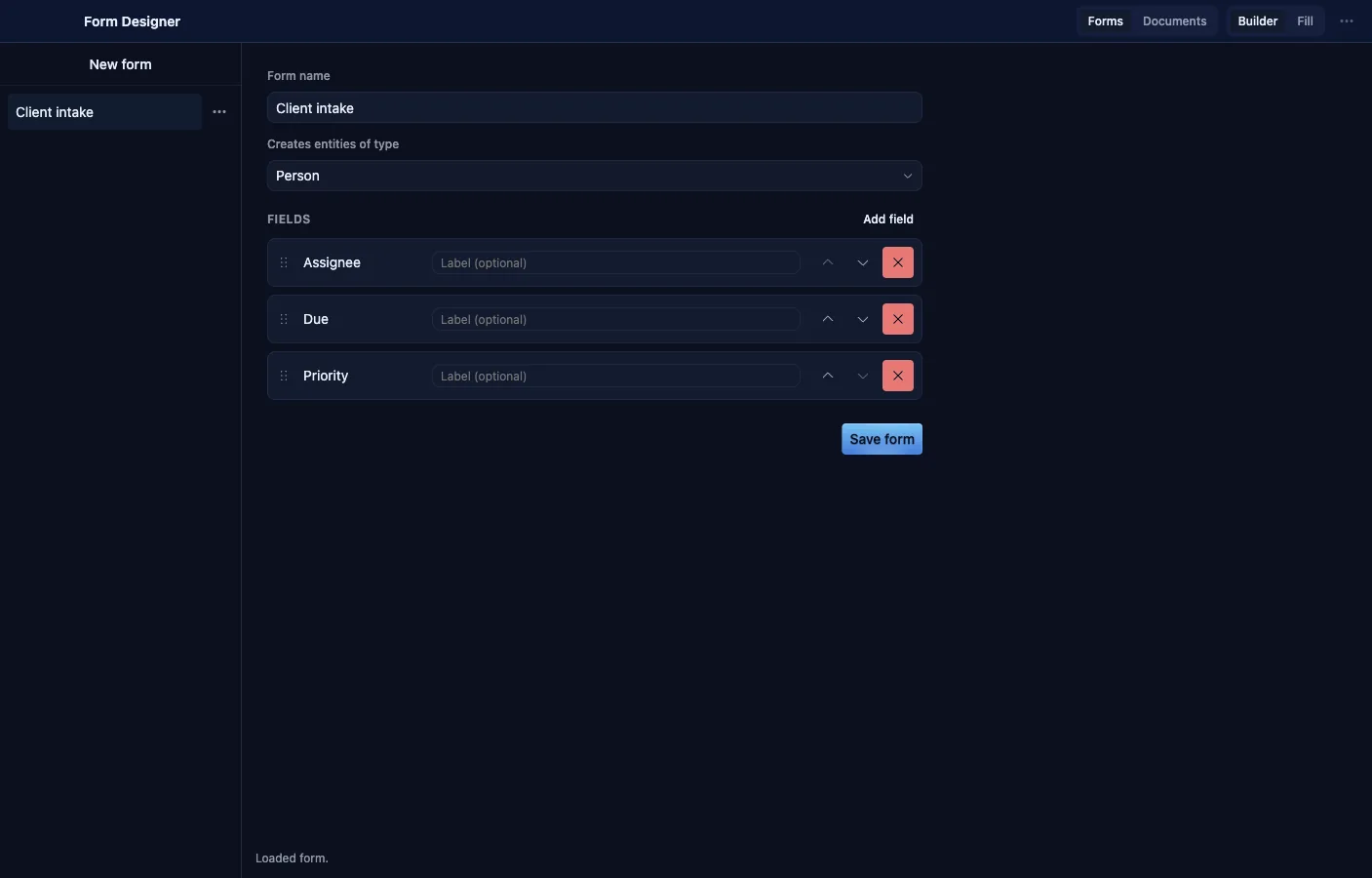
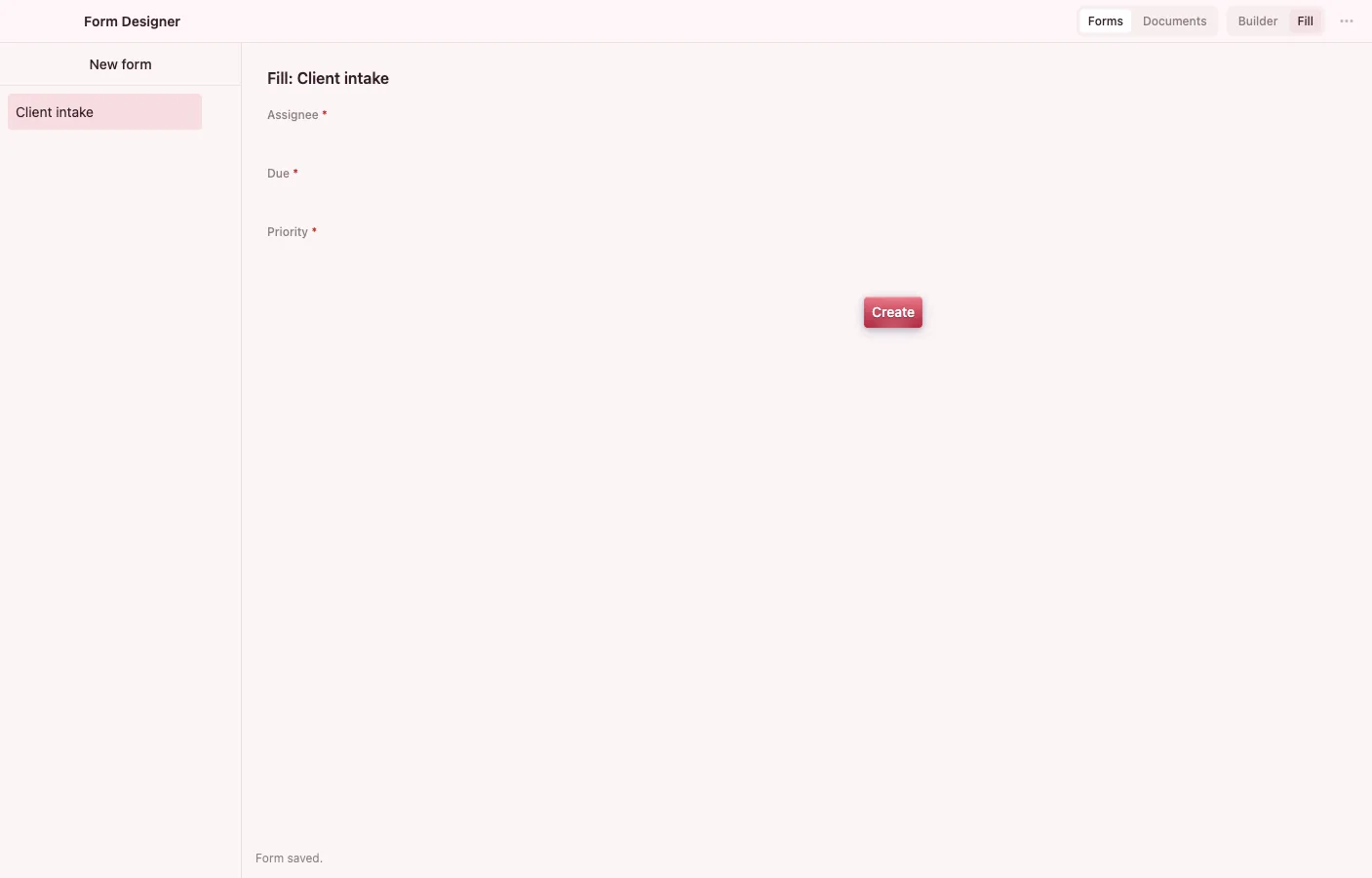
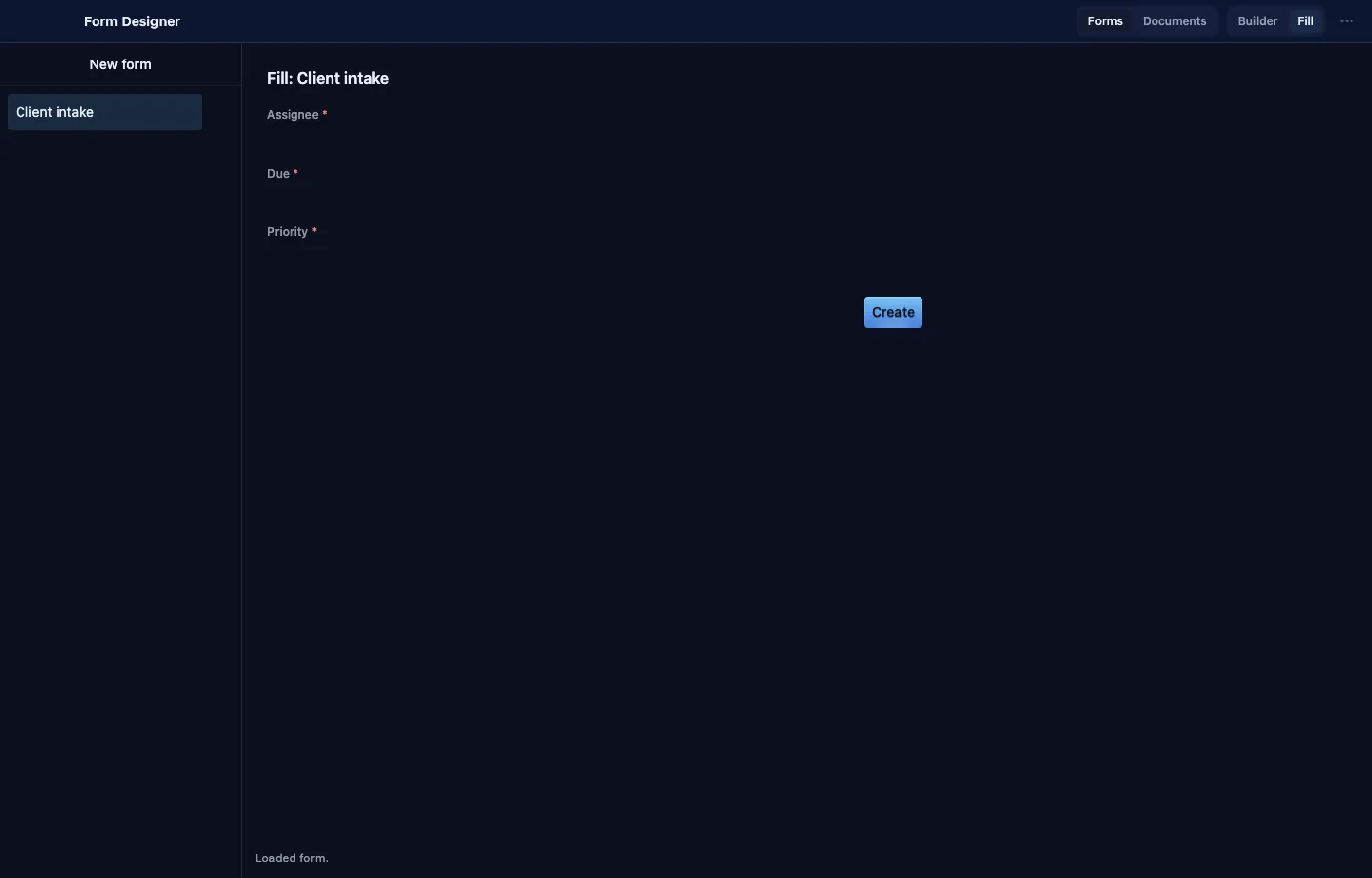
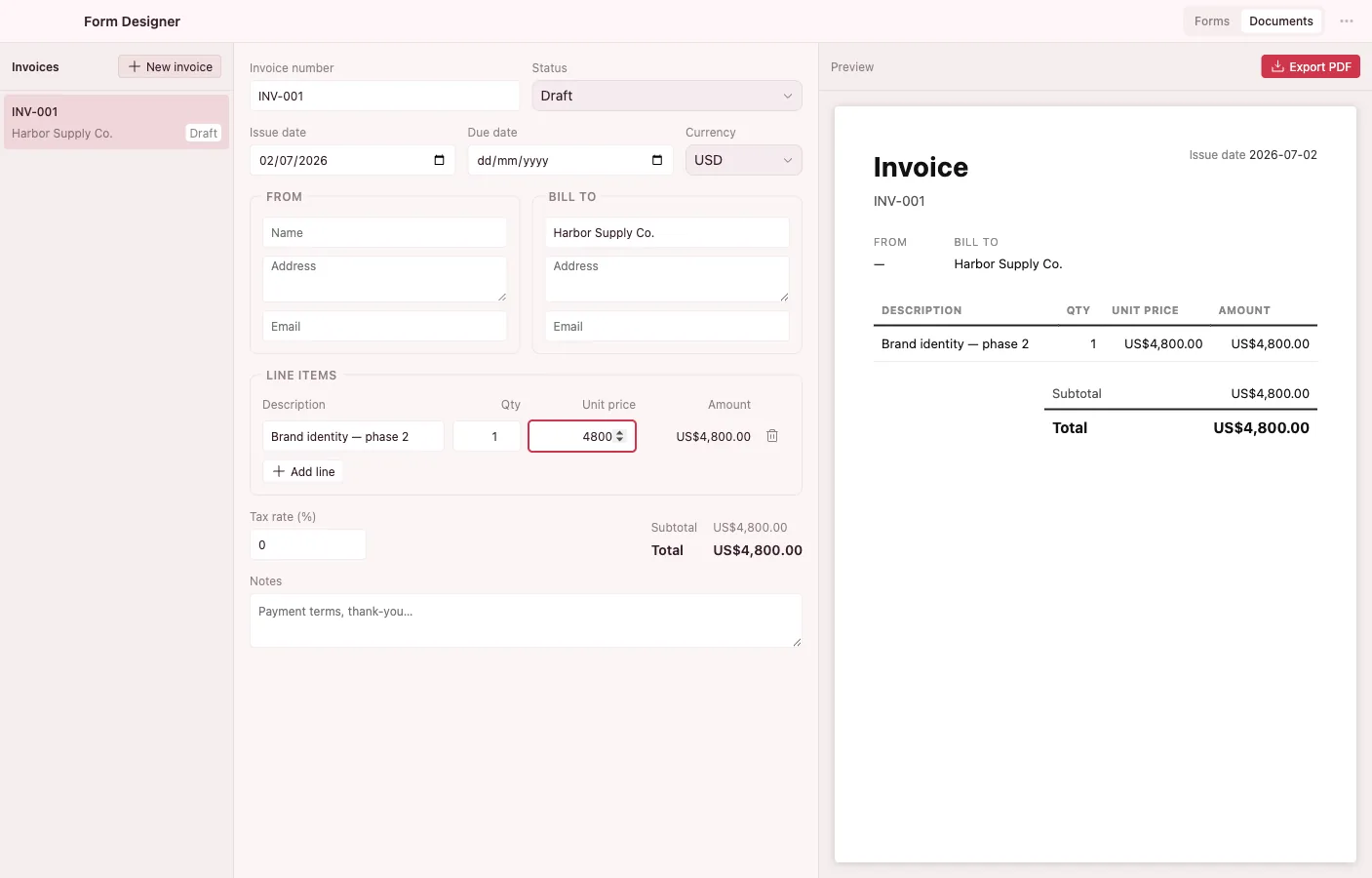
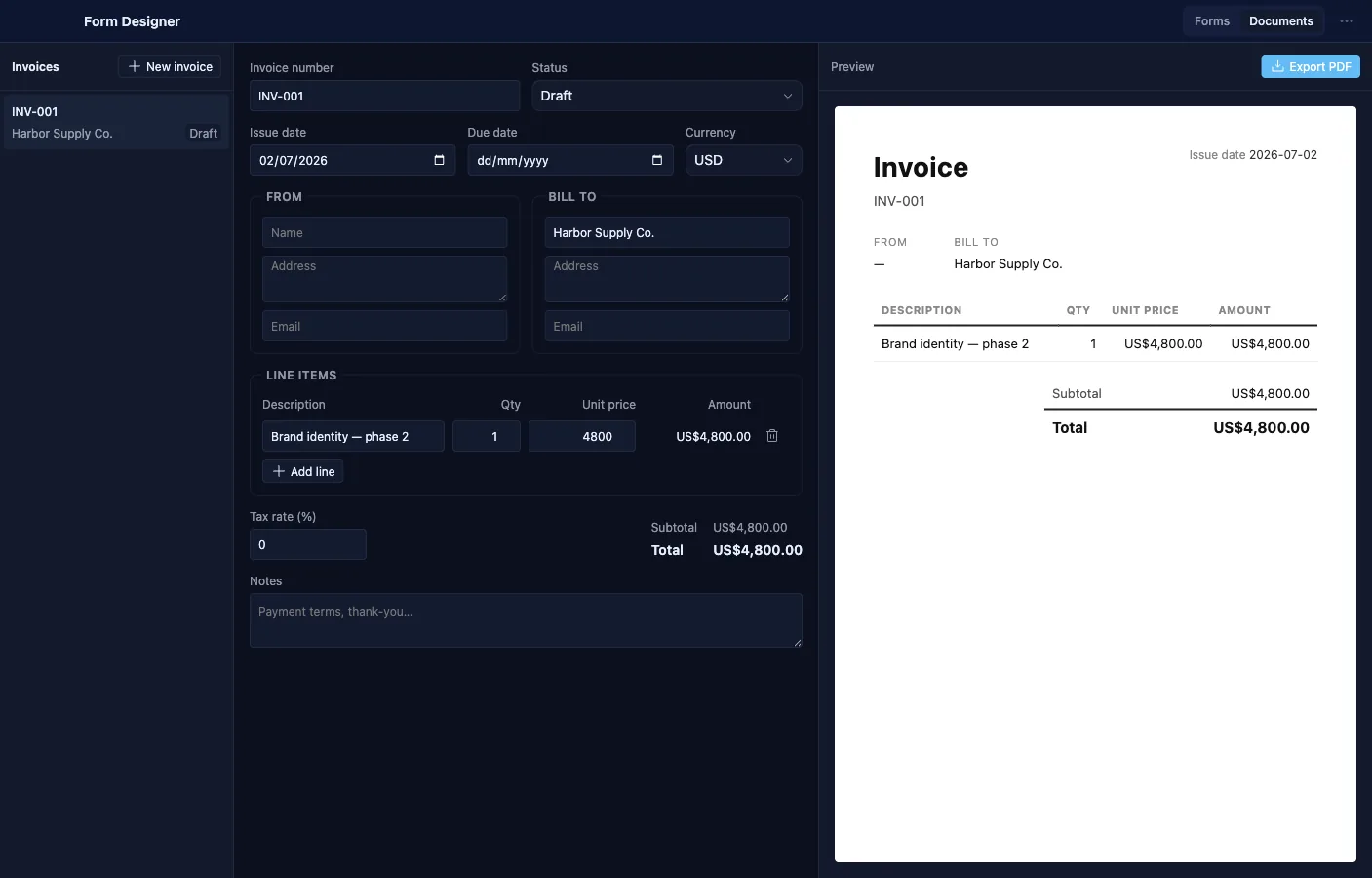
Build a property form over any entity type, save it as a reusable Layout object, and every fill creates a real object of that type — there is no submissions inbox to shovel data out of. It also renders invoices to PDF.
- Pick a target type and compose its fields from the live vault property catalog, with per-field label overrides.
- Conditional visibility per field, using the same predicate language as Database filters.
- Fill mode validates required fields and mints a new entity on create.
- Forms are reusable vault objects, scoped to the type they create.
- An Invoice document type with line items, tax, status, and totals, rendered to PDF.
Preview
Quick previews for almost any file
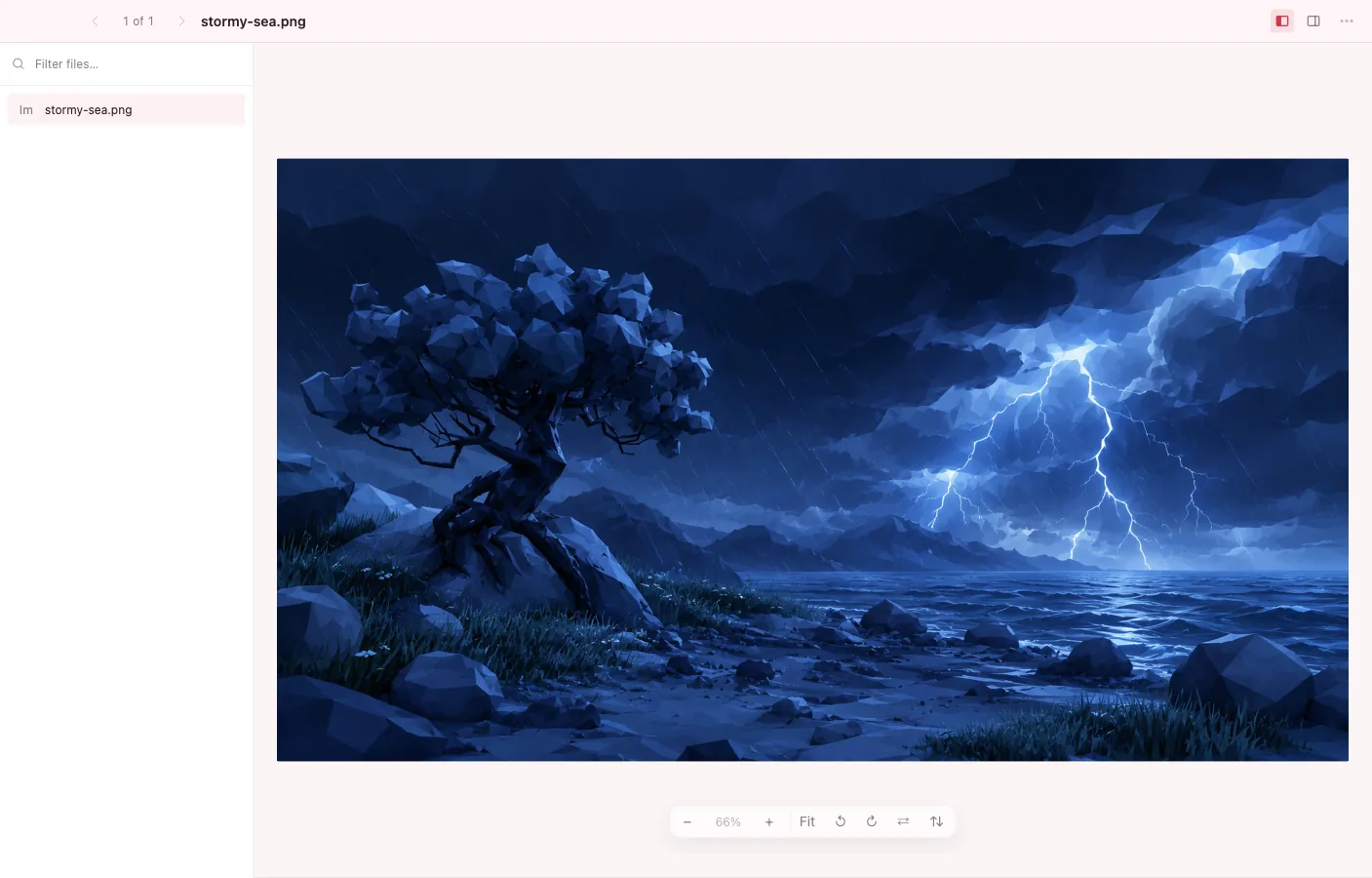
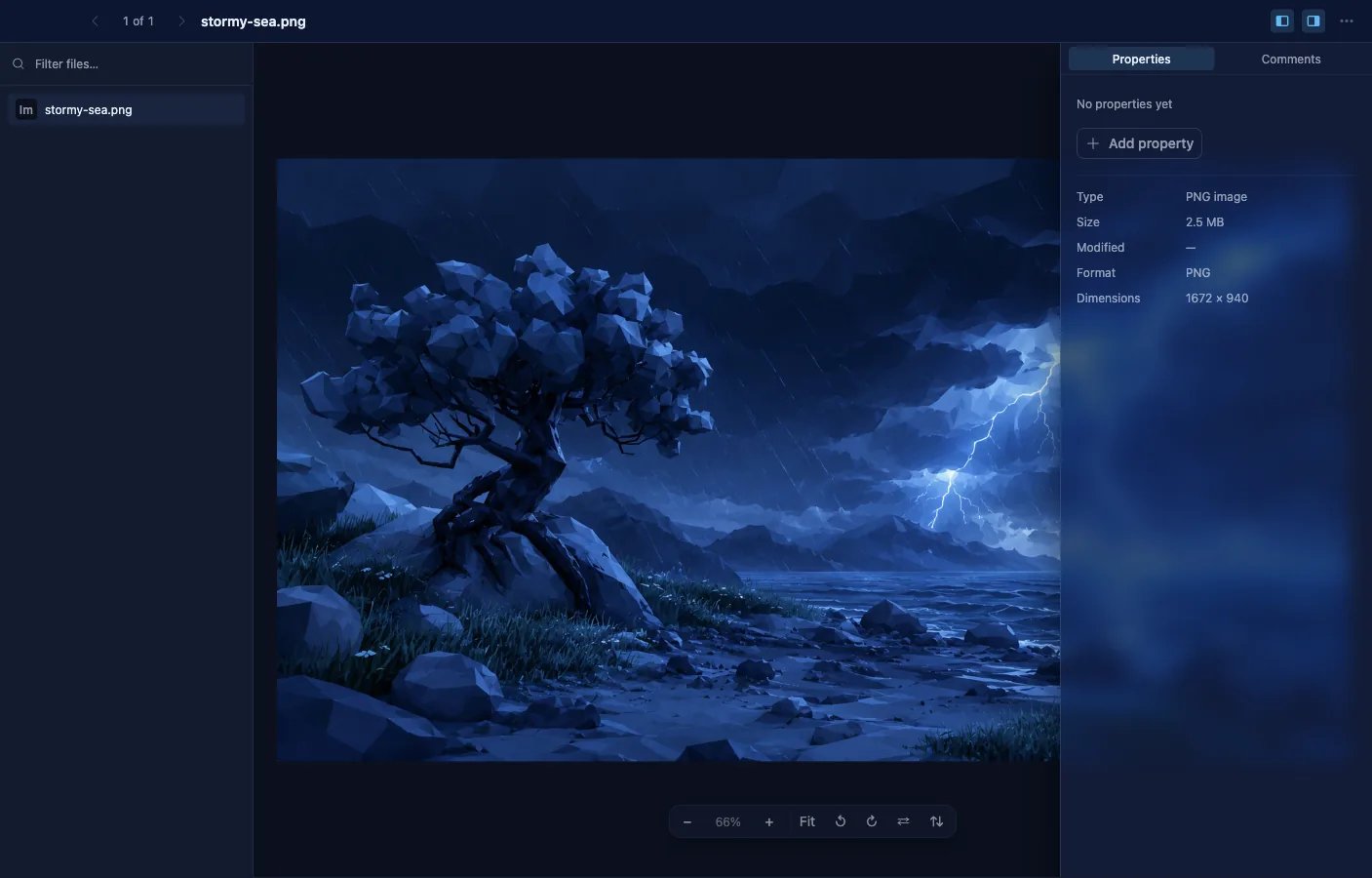
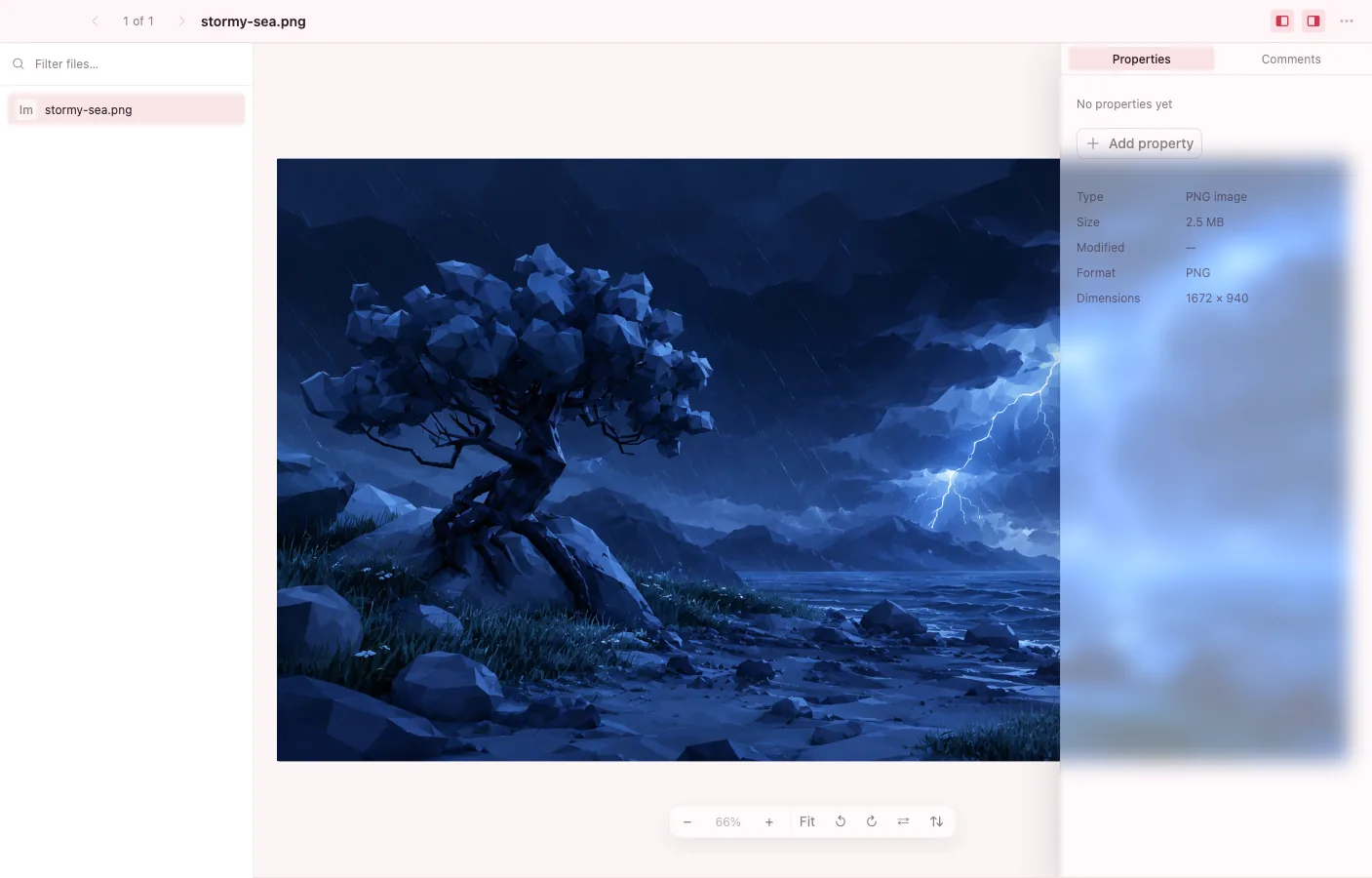
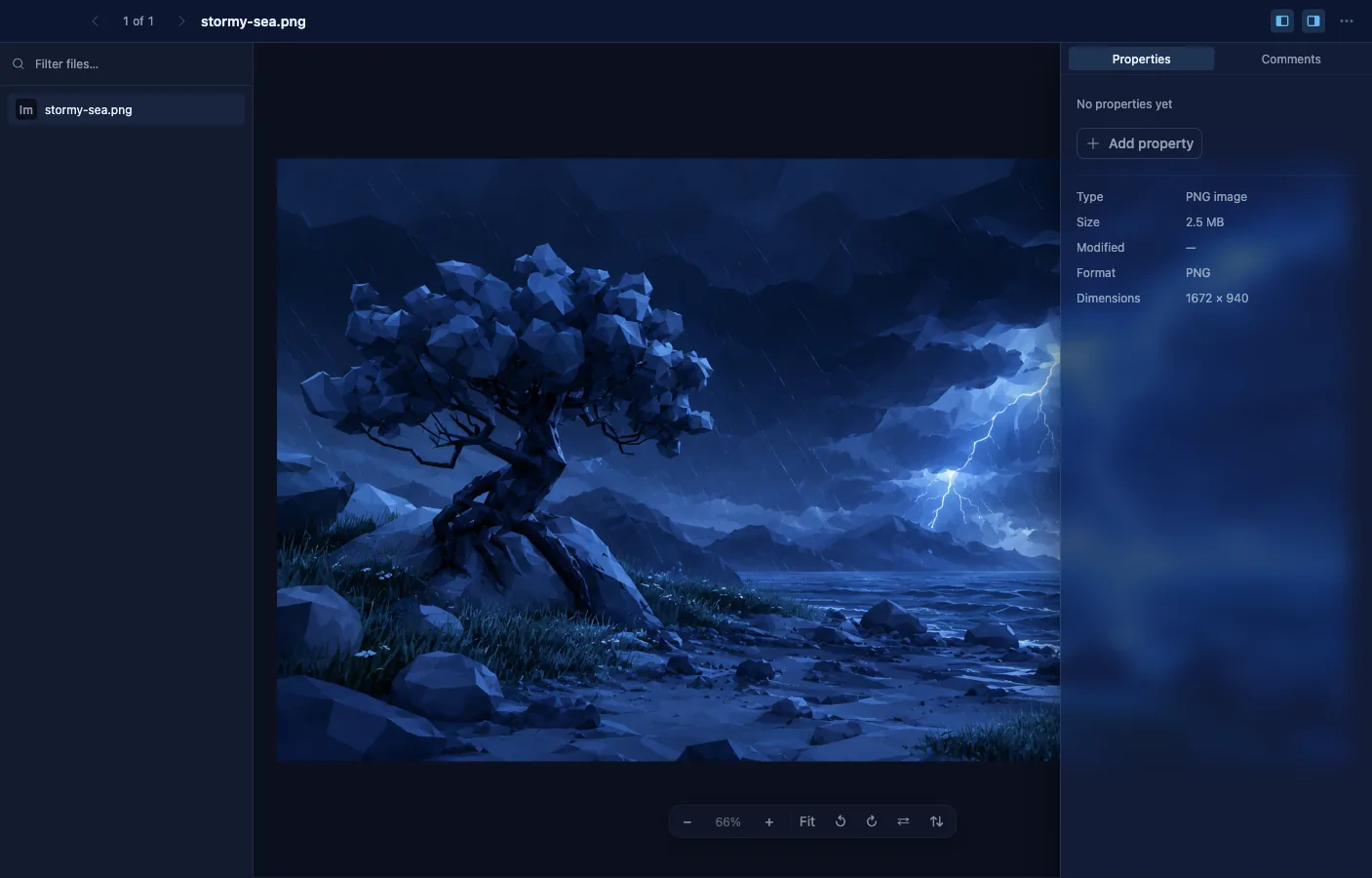
A fast previewer that dispatches each file to a per-format renderer: images, RAW and HEIC photos, PDF, video, audio, text, Markdown, code, Office documents, and 3D models. Every renderer loads lazily, so opening stays quick.
- Images pan and zoom without upscaling, with rotate and flip; HEIC decodes in place and RAW shows the camera's embedded JPEG.
- PDF with page navigation, zoom, and safe external links; audio with ID3 tags, bitrate, and sample rate in the inspector.
- DOCX, XLSX, and PPTX open as sanitized, read-only text and tables.
- glTF, GLB, and OBJ models spin under orbit controls.
- Arrow through neighboring files on a filmstrip, or browse the vault's files from the built-in sidebar.
- The inspector edits the file's real vault properties and comments — the same object everywhere.
Themes
Design the OS you work in
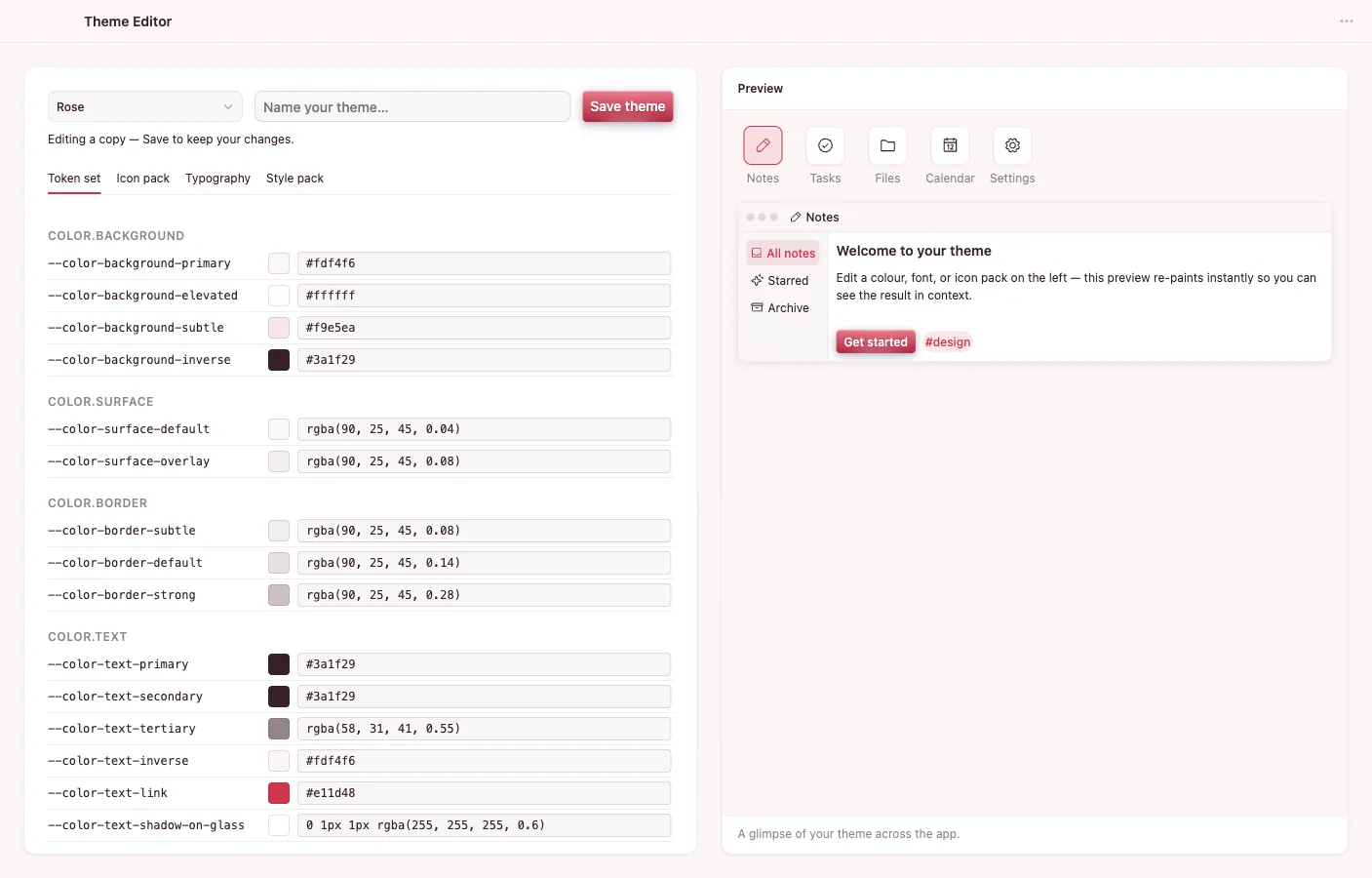
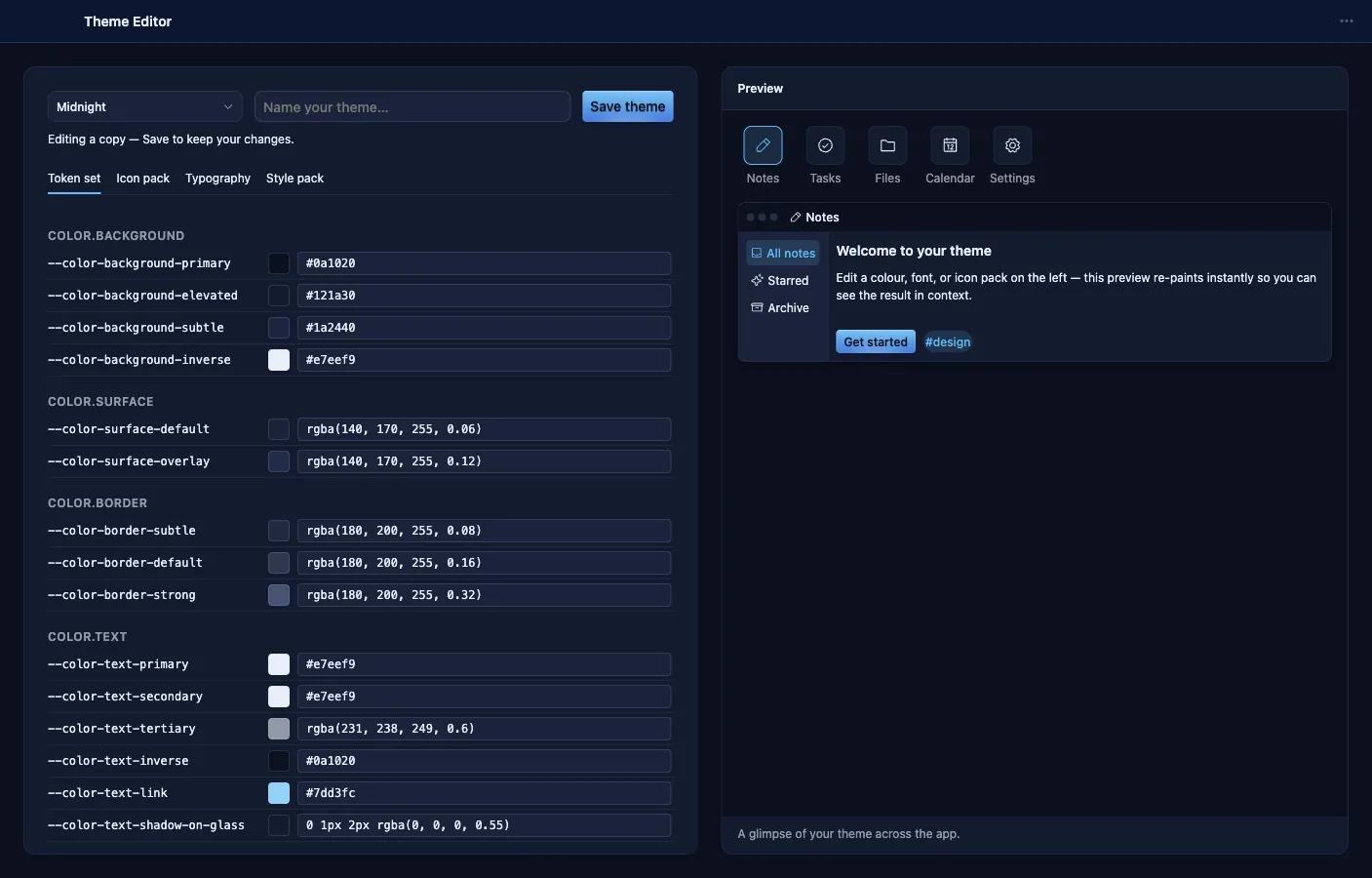
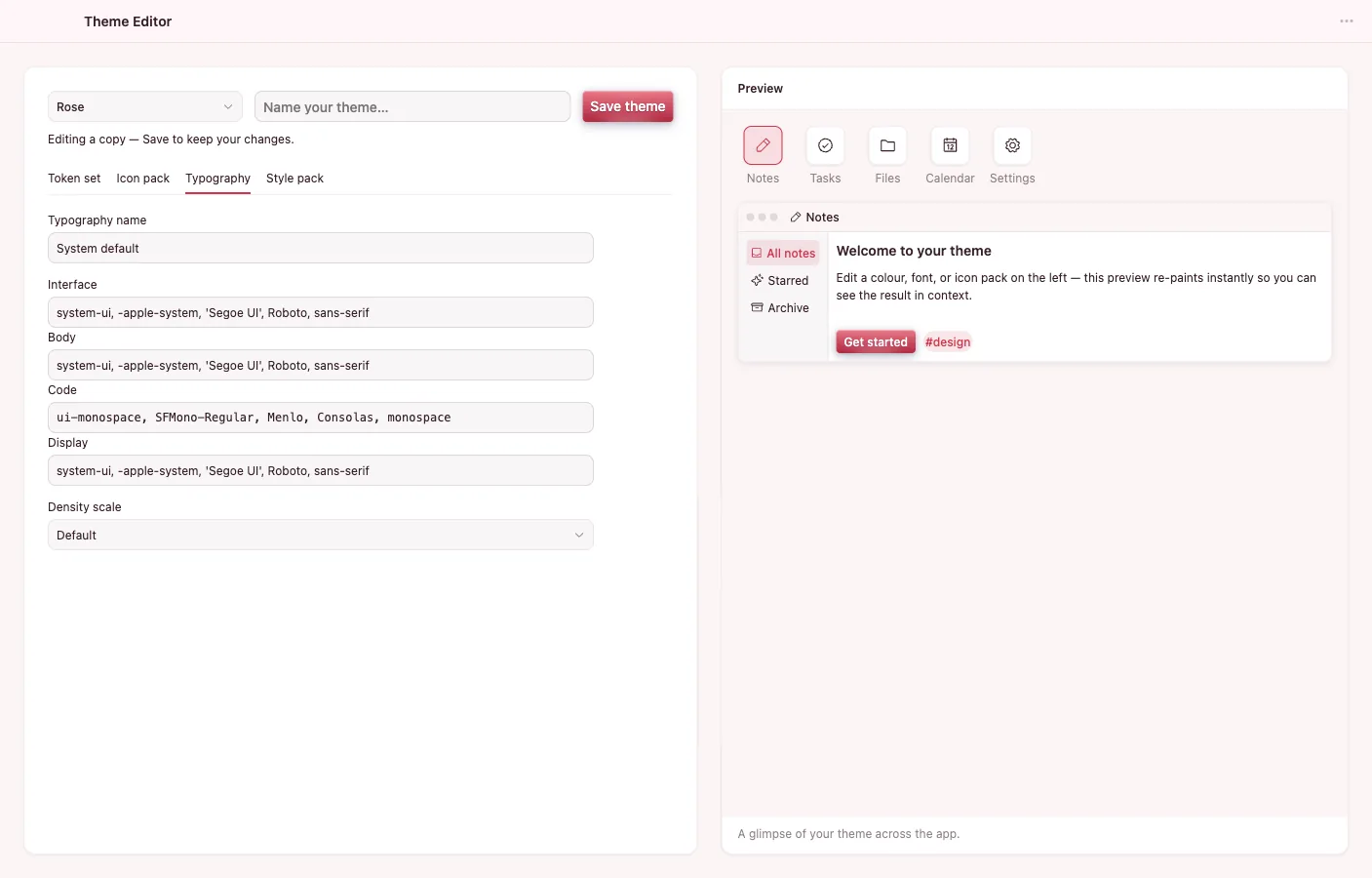
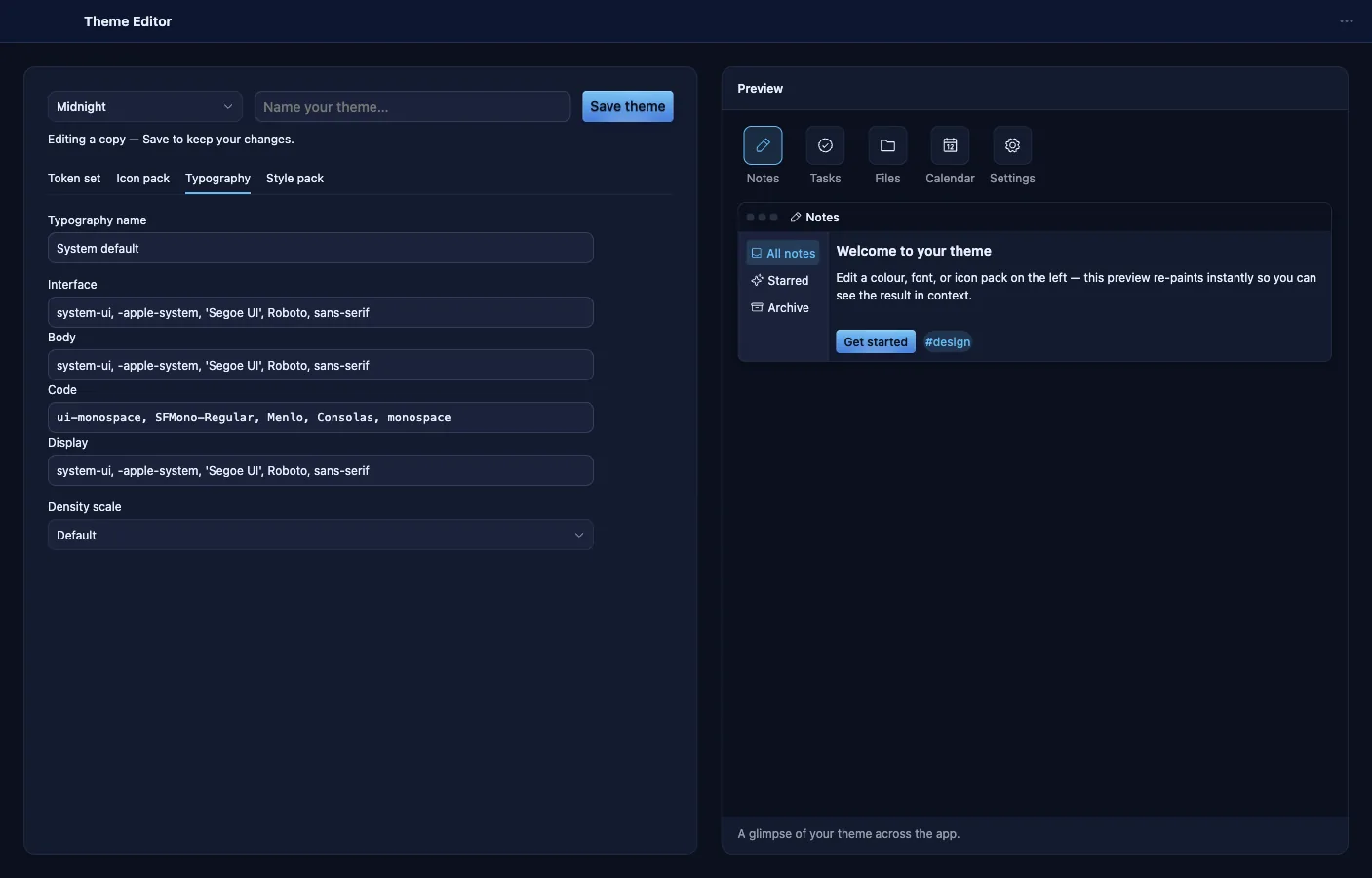
Compose a theme from four parts — a token set, an icon pack, typography, and an optional CSS style pack — and preview it live across the shell and every open app. Themes are vault objects like everything else.
- Edit the semantic token namespace with live swatches, a color picker, and per-token reset, against a light or dark base.
- Pick an icon pack and set font stacks per role — UI, body, code, display — plus a density scale.
- A raw-CSS style pack editor whose sanitizer rejects dangerous constructs and blocks save on errors.
- One button previews the composition across the dashboard and every app window, then auto-reverts.
- WCAG contrast lint flags unreadable token pairs.
- Hand the style pack's CSS to the Code app for a full editing surface.
All of them, in one download
Every app above ships with the public beta — free, local-first, for macOS, Windows, and Linux.